12 Best Small Business Automation Tools to Scale Your Business in 2025
As a small business owner or digital creator, your most valuable asset isn't your product; it's your time. Every hour spent on repetitive, manual tasks like sending welcome emails, granting course access after a purchase, or generating invoices is an hour you can't spend creating value, building relationships, or strategizing for growth. These seemingly small administrative chores accumulate, creating a significant drain on productivity and focus. The right small business automation tools solve this problem, acting as a tireless digital assistant that handles the busywork so you can concentrate on what truly matters.
But with thousands of options available, from hyper-specific apps to massive all-in-one platforms, finding the right fit can be overwhelming. This guide cuts through the noise. We've compiled a comprehensive list of the best automation resources, categorized to help you find precisely what you need for marketing, sales, internal workflows, billing, and community management. Many small businesses drown in manual tasks like managing customer subscriptions. Smart automation can help reclaim time by streamlining processes such as automating subscription pauses without requiring a full cancellation.
This resource is designed to be practical. For each tool, you will find a clear breakdown of its core features, ideal use cases, pros, cons, and pricing considerations. We will also include screenshots and direct links to help you evaluate each option efficiently. We will explore powerful standalone solutions for specific tasks, like Zapier, and compare them to the strategic advantages of an integrated all-in-one platform like Zanfia, which combines course creation, community management, and e-commerce under one roof. Our goal is to equip you with the insights needed to build an efficient, scalable tech stack that works for you, not against you.
1. Zanfia
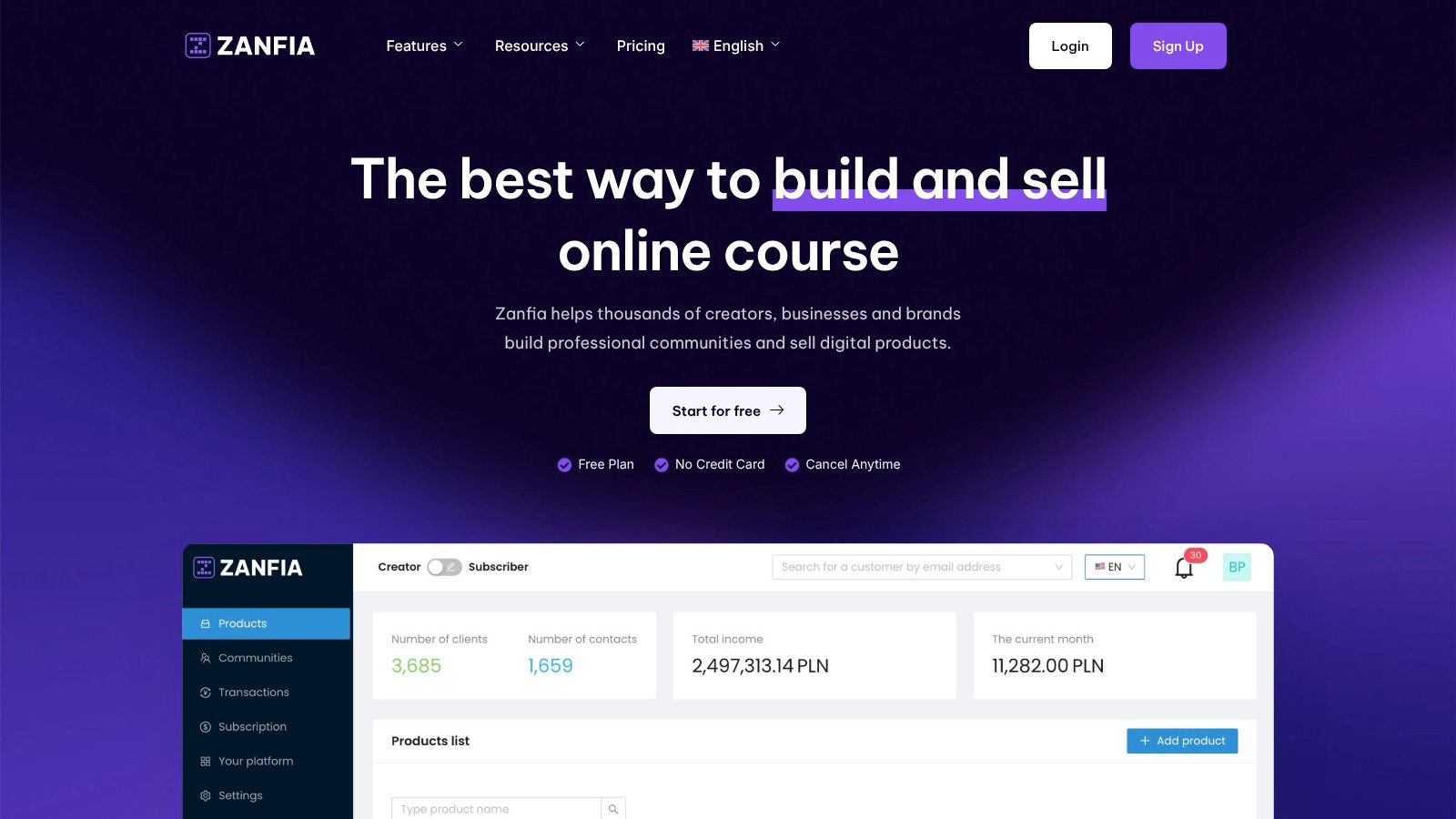
Zanfia is a comprehensive Polish all-in-one platform for digital creators, experts, and brands who want to scale their online business under their own domain. It eliminates the need for expensive foreign alternatives by offering an integrated ecosystem where you can launch communities, online courses, paid newsletters, and sell digital products—all managed through a single payment system. This unified approach makes it one of the most powerful small business automation tools for experts looking to scale without technical complexity.
At its core, Zanfia allows creators to build community-based products that foster deep engagement. Unlike platforms that push audiences to external tools like Discord, Zanfia keeps everything unified under the creator’s brand, dramatically boosting retention and lifetime value. It provides advanced community tools, including discussion channels and seamless integration of community spaces with course content.
Key Features & Use Cases
Zanfia’s powerful automations eliminate time-consuming manual tasks, saving creators 5–10+ hours a month so they can focus on content, not admin chores.
- Integrated Course & Community Management: Sell online courses with advanced features like native video hosting, which saves on costs from services like Vimeo while supporting integrations with YouTube, Wistia, and Bunny.net. You can automatically enroll students into specific community channels upon purchase, creating a unified learning space.
- Flexible Monetization with 0% Platform Fees: A revolutionary feature for the Polish market is Zanfia's 0% platform transaction fee. Creators keep 100% of their revenue, paying only standard fees from payment operators. The platform supports one-time purchases, subscriptions, installment plans, and bundles for maximum flexibility.
- Automated Invoicing & Access Control: Zanfia integrates seamlessly with Polish invoicing suites (inFakt, Fakturownia) to automatically generate and send invoices. Workflows handle instant course access after payment, trigger welcome emails, and manage subscription renewals or revocations.
- Seamless Polish & Global Integrations: Zanfia connects with popular payment gateways like Stripe, PayU, Przelewy24, and BLIK, ensuring high conversion rates. It also offers solid API access and webhooks for advanced users to build a personalized tech stack.
Who is Zanfia Best For?
Zanfia is an ideal partner for three core personas: "Business Architects" earning PLN 10k–100k+ a month who need an integrated solution to scale; "Craft Masters" earning PLN 100k+ a month who need elegant tech to match their premium brand; and "Potential Explorers" looking for the simplest way to launch their first digital product. The platform has strong social proof, with serial entrepreneur Artur Kurasiński calling it “the most convenient and simplest solution” on the Polish market.
Pros & Cons
- Pros:
- True all-in-one system for courses, community, and digital sales.
- 0% platform fees on transactions, a significant financial advantage.
- Powerful built-in automations saving 5-10+ hrs/mo.
- Complete white-labeling with custom domain support on all plans.
- Cons:
- As a professional SaaS platform, it relies on a monthly subscription model.
- Payment and invoicing integrations are deeply optimized for the Polish market, which may be a limitation for businesses outside this region.
Website: https://zanfia.com
2. Zapier
Zapier is the undisputed heavyweight champion of no-code integration, acting as a digital switchboard that connects thousands of disparate cloud applications. For small businesses, this platform is a game-changer, allowing you to create automated workflows, or "Zaps," that move information between apps without writing a single line of code. It empowers non-technical team members to build powerful connections that save hours on manual data entry and repetitive tasks.
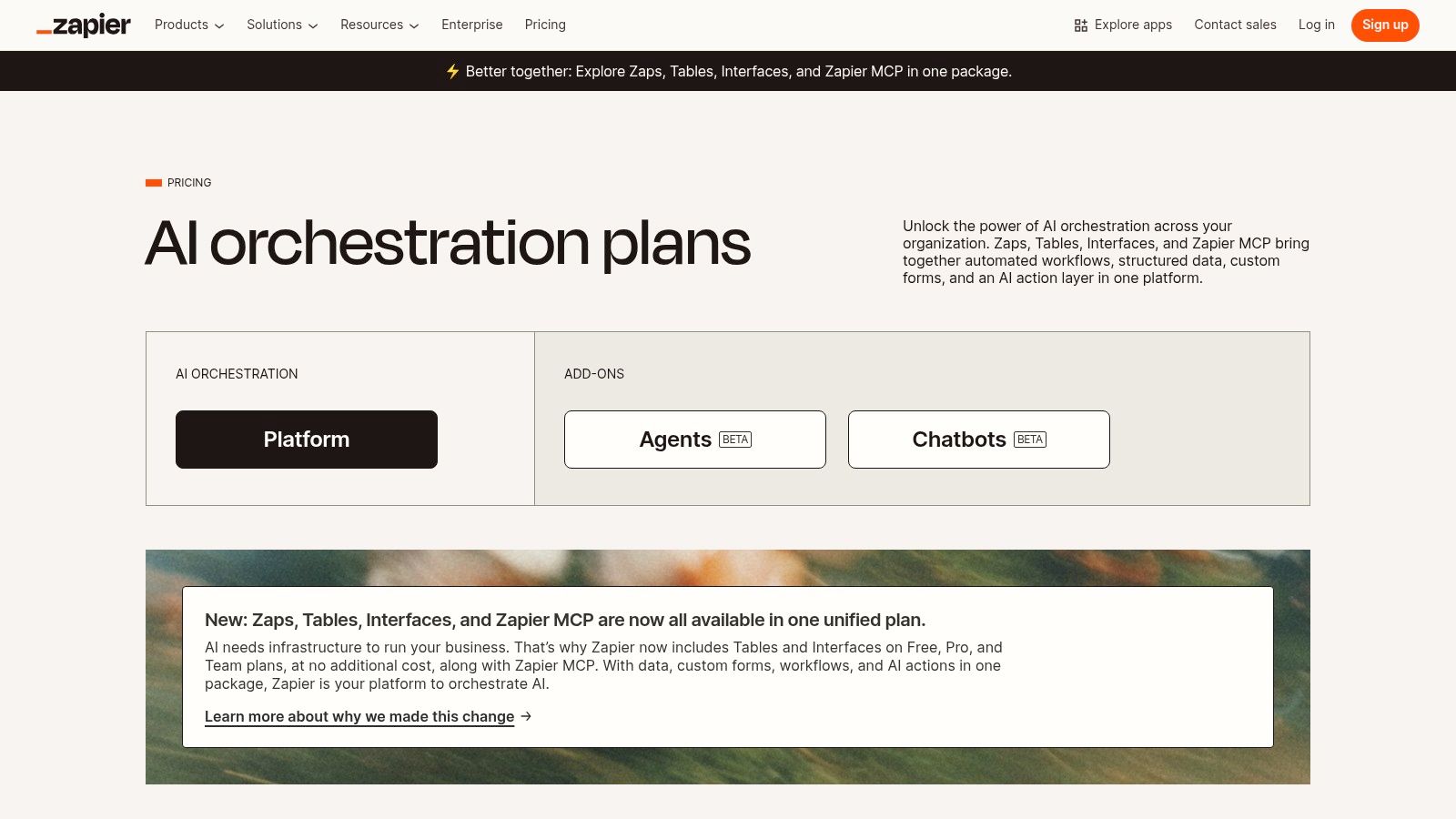
The platform's core strength lies in its vast library of over 8,000 app integrations and a user-friendly visual builder. This makes it one of the most versatile small business automation tools available. You can set up multi-step Zaps with conditional logic, turning complex processes into simple, automated sequences that run silently in the background.
Key Features & Use Cases
- Massive Integration Library: Connect virtually any tool in your tech stack, from your CRM and email marketing service to project management boards and e-commerce platforms.
- Visual Workflow Builder: A drag-and-drop interface lets you easily define triggers (e.g., "new email in Gmail") and subsequent actions (e.g., "create a task in Asana" and "add a row to Google Sheets").
- Practical Use Case: Automatically add new e-commerce customers to a specific email marketing sequence. For instance, when a customer purchases a specific product, a Zap can add them to a targeted follow-up sequence. To optimize these sequences, you can apply strategies for creating effective automated email campaigns.
Pricing and Plans
Zapier operates on a freemium model with pricing based on the number of "tasks" (actions your Zaps perform) you use per month.
- Free Plan: Includes 100 tasks/month for single-step Zaps.
- Starter: Starts at $19.99/month (billed annually) for 750 tasks and multi-step Zaps.
- Professional: Starts at $49/month (billed annually) for 2,000 tasks and advanced features like unlimited Zaps and custom logic.
Website: https://zapier.com/pricing
3. Make (formerly Integromat)
Make, previously known as Integromat, offers a visually powerful and modular approach to automation. It is often favored by users who need granular control over their workflows, data handling, and logical routing. For small businesses, Make provides a flexible and often more cost-effective alternative for building complex, multi-step automations that go beyond simple trigger-and-action sequences.
The platform's strength lies in its intuitive drag-and-drop interface, where automations (called "Scenarios") are built like flowcharts. This visual method makes it easier to understand and debug complex processes involving multiple paths, filters, and data transformations. As one of the more advanced small business automation tools, it empowers teams to connect over 2,000 apps and even use custom HTTP/API calls for ultimate flexibility.
Key Features & Use Cases
- Visual Scenario Builder: Drag and drop apps as modules and visually connect them. Easily add routers to create multiple workflow branches or filters to process data based on specific conditions.
- Fine-Grained Control: Offers precise control over data mapping and manipulation, allowing for complex transformations without needing to code. This is ideal for tasks that require detailed data handling.
- Practical Use Case: Automatically process new form submissions from a website. A Make Scenario can validate the entry data, route leads to different sales reps in a CRM based on country, and simultaneously add the contact to a segmented email list, all within a single, visually clear workflow.
Pricing and Plans
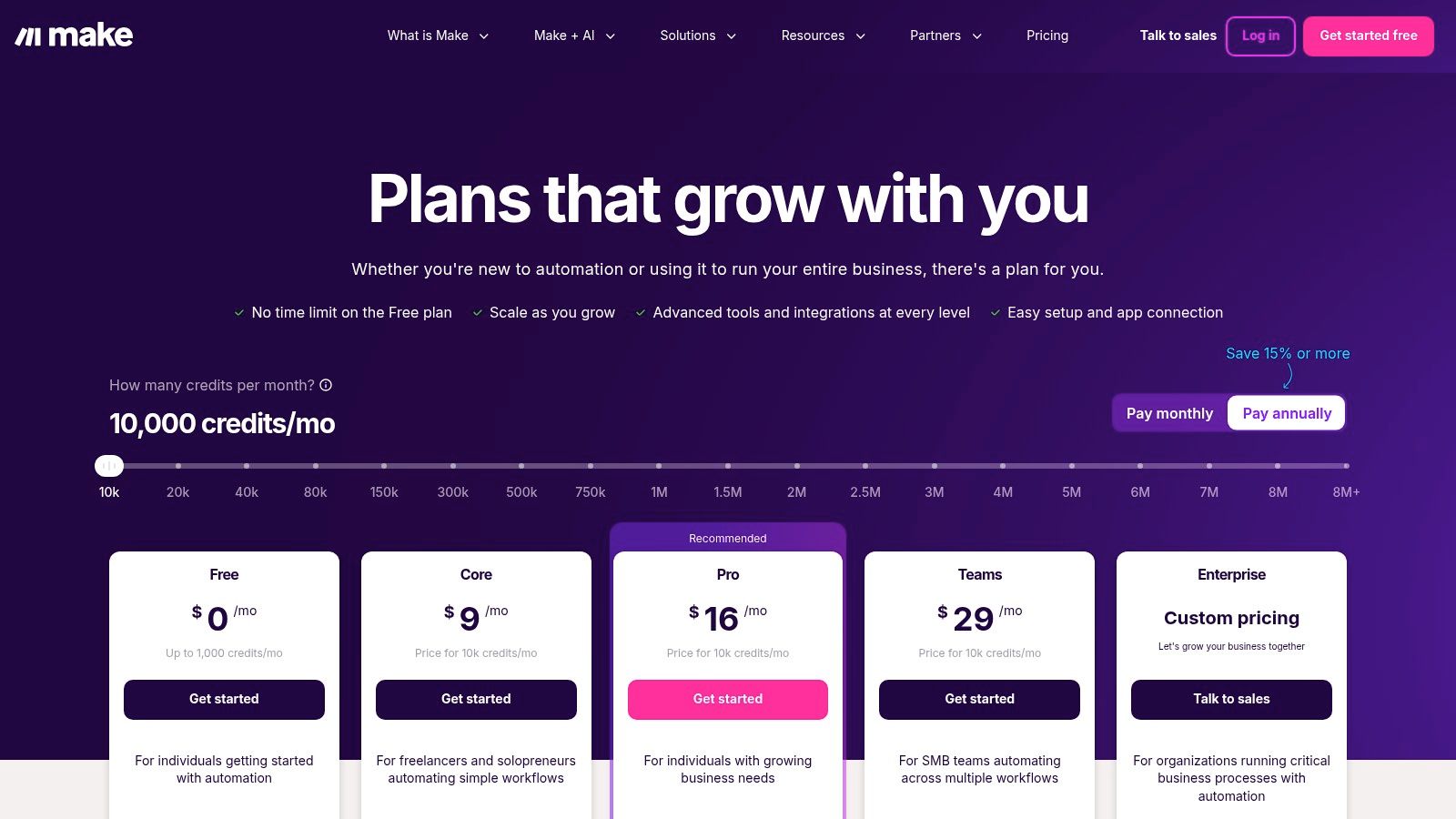
Make uses a credit-based model where pricing is based on the number of "operations" (steps an automation takes) consumed.
- Free Plan: Includes 1,000 operations/month.
- Core: Starts at $9/month (billed annually) for 10,000 operations.
- Pro: Starts at $16/month (billed annually) for 10,000 operations plus advanced features like priority scenario execution.
Website: https://www.make.com/en/pricing?utm_source=openai
4. Microsoft Power Automate
For businesses deeply integrated into the Microsoft ecosystem, Power Automate is a powerful, native solution for creating sophisticated workflows. It extends beyond simple app connections by offering both cloud-based flows and robust Robotic Process Automation (RPA) for desktop tasks. This allows small businesses to automate not just modern cloud apps but also legacy, on-premise systems without APIs, bridging a critical gap in many operational workflows.
The platform's key advantage is its seamless integration with Microsoft 365, Dynamics 365, SharePoint, and Teams. This makes it one of the most compelling small business automation tools for companies standardized on Microsoft products. It leverages a low-code environment, empowering teams to build and manage automations with strong governance and security controls inherited from the broader Power Platform. For those looking to streamline internal processes, understanding how to build systems for scaling your business can maximize the platform's impact.
Key Features & Use Cases
- Cloud & Desktop Flows (RPA): Automate tasks across web applications and legacy desktop software, recording and replaying user actions to handle tasks like data entry in older systems.
- Deep Microsoft 365 Integration: Create flows triggered by actions in Outlook, SharePoint, or Teams. For example, automatically save email attachments to a specific SharePoint folder.
- Process and Task Mining: Analyze existing business processes to identify bottlenecks and discover the best opportunities for automation, ensuring you target the most impactful workflows.
- Practical Use Case: Automate the approval process for documents. A flow can be triggered when a new document is uploaded to a SharePoint library, sending an approval request via Teams to a manager. Once approved, the file is automatically moved to a final folder.
Pricing and Plans
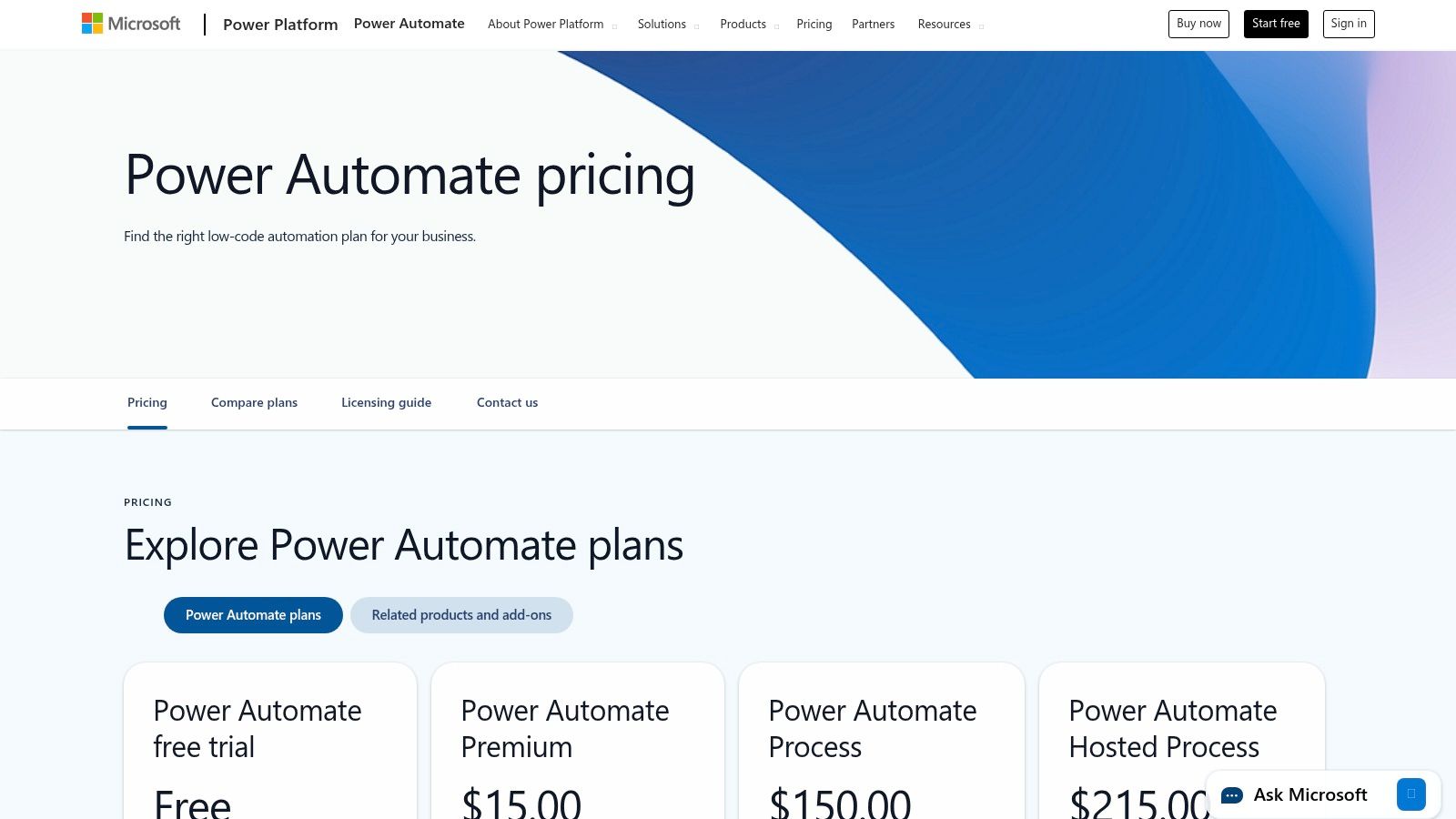
Power Automate's pricing can be complex, with options to license per user, per flow, or via add-ons.
- Power Automate Premium: Starts at $15 per user/month, including unlimited cloud flows and attended RPA.
- Power Automate Process: Starts at $150 per bot/month, enabling unattended RPA for more complex background automations.
- Pay-as-you-go Plan: Offers flexible pricing based on the number of flow runs.
Website: https://www.microsoft.com/en-us/power-platform/products/power-automate/pricing
5. n8n
For businesses that want deeper control over their automation infrastructure, n8n emerges as a powerful open-source alternative. It offers a "fair-code" license that allows teams to self-host the platform, giving them complete ownership over their data and workflows. This makes it an ideal choice for developer-heavy teams or companies with strict data privacy requirements who need more flexibility than typical SaaS-based small business automation tools.
The platform is designed with extensibility in mind, allowing users to create custom nodes and integrations. While it requires a more technical setup than pure no-code tools, its node-based visual editor remains intuitive for building complex, multi-step workflows. Its unique execution-based pricing model can also be highly cost-effective for businesses running high-volume, intricate automations.
Key Features & Use Cases
- Self-Hosting & Open-Source: Gain full control over your automation environment and data by deploying n8n on your own infrastructure. A managed cloud option is also available for convenience.
- Extensible & Customizable: Developers can build custom nodes using languages like Javascript or TypeScript, tailoring the platform to highly specific business needs that off-the-shelf tools can't meet.
- Practical Use Case: Automate internal IT and data-syncing tasks. For example, a workflow can be built to query a production database on a schedule, process the data, and then push a formatted summary report into both a Slack channel and a Google Sheet for different teams to review.
Pricing and Plans
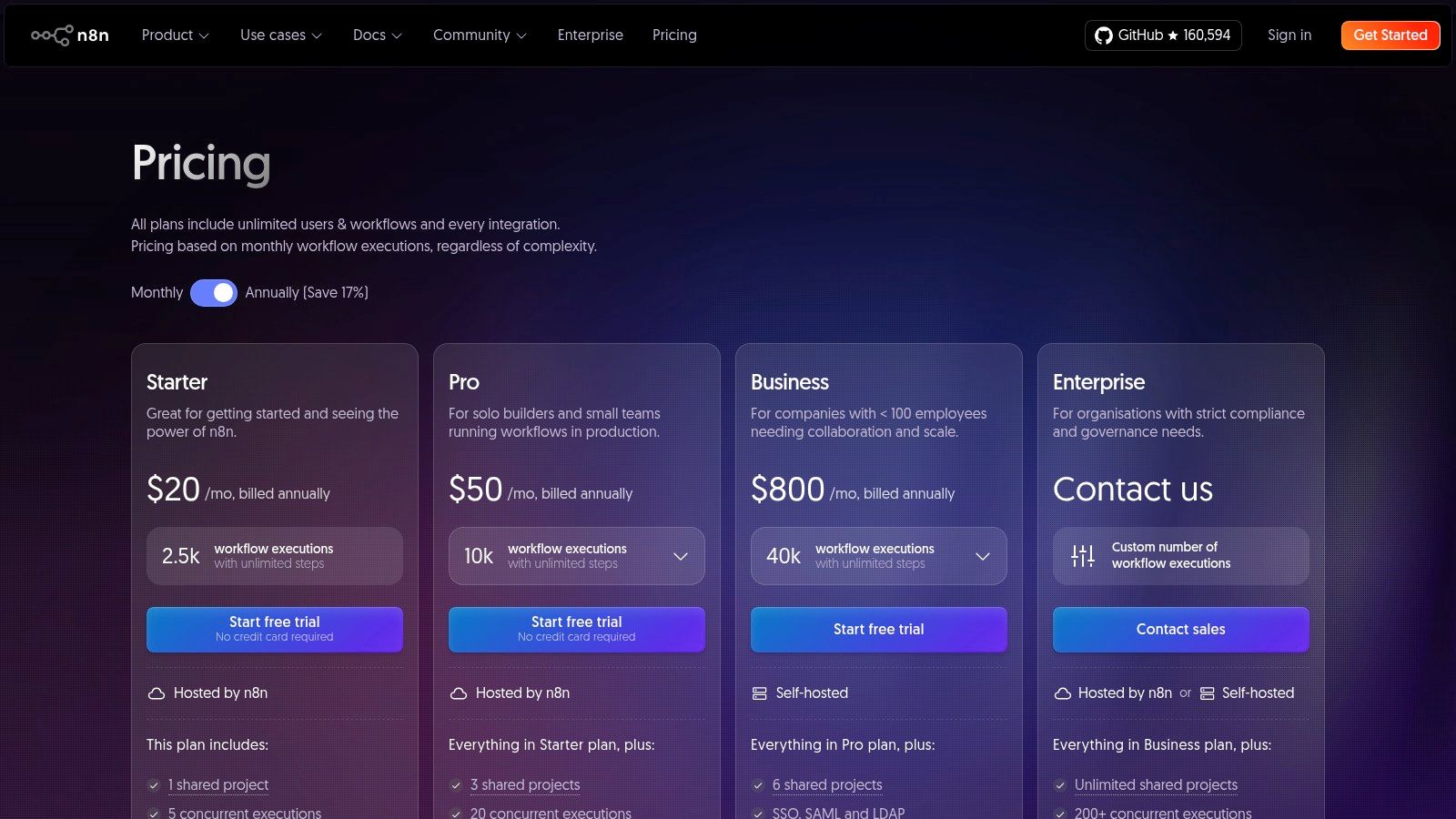
n8n offers a disruptive execution-based pricing model, where you pay for the number of workflow executions, not individual tasks or steps.
- Starter (Self-Hosted): Free for self-hosted deployment.
- Pro (Cloud): Starts at €20/month for 2,500 workflow executions and core features.
- Enterprise: Custom pricing for advanced features like dedicated support, SSO, and enhanced security for larger teams.
Website: https://n8n.io/pricing
6. HubSpot (Marketing Hub within the HubSpot Customer Platform)
HubSpot offers an all-in-one CRM platform where marketing, sales, and service automation converge into a single, unified system. For small businesses overwhelmed by managing separate tools, HubSpot’s Marketing Hub provides a centralized solution to automate entire campaigns, from lead capture and nurturing to customer segmentation and reporting. Its strength lies in providing a single source of truth for all customer interactions, making it a powerful engine for growth.
This integrated approach makes it one of the most comprehensive small business automation tools for teams that prioritize cohesion over a best-of-breed, multi-tool stack. The platform’s visual workflow builder allows you to design sophisticated, omnichannel customer journeys without needing deep technical expertise. For businesses already invested in the HubSpot ecosystem, exploring HubSpot integration options with other automation platforms can further enhance workflow efficiency.
Key Features & Use Cases
- Marketing Workflows: Automate email sequences, lead scoring, and internal notifications based on contact behavior, such as page views or form submissions.
- Built-in CRM & Reporting: All automation activities are tied directly to contact records in the CRM, providing a complete view of the customer journey and robust reporting dashboards.
- Practical Use Case: Automatically qualify leads by setting up a workflow that assigns a score based on engagement. Once a lead reaches a certain score, the system can notify a sales rep and add the contact to a targeted sales sequence, ensuring timely follow-up. Understanding what is email automation is key to designing these effective sequences.
Pricing and Plans
HubSpot's pricing is contact-based and scales with features. The Marketing Hub can be purchased standalone or as part of the Customer Platform bundle.
- Free Tools: Includes basic CRM, forms, and email marketing.
- Starter: Starts at $18/month (billed annually) with 1,000 marketing contacts and removes HubSpot branding.
- Professional: Starts at $800/month (billed annually) with 2,000 marketing contacts and unlocks full marketing automation capabilities.
Website: https://www.hubspot.com/products/pricing-cr115?utm_source=openai
7. Shopify App Store — Workflow Automation category
For e-commerce businesses running on Shopify, the platform's own App Store is an essential hub for finding powerful, native automation solutions. The Workflow Automation category specifically curates over 250 apps designed to streamline every aspect of online retail, from order processing and inventory management to customer tagging and triggered marketing communications. This makes it one of the most targeted collections of small business automation tools for merchants.
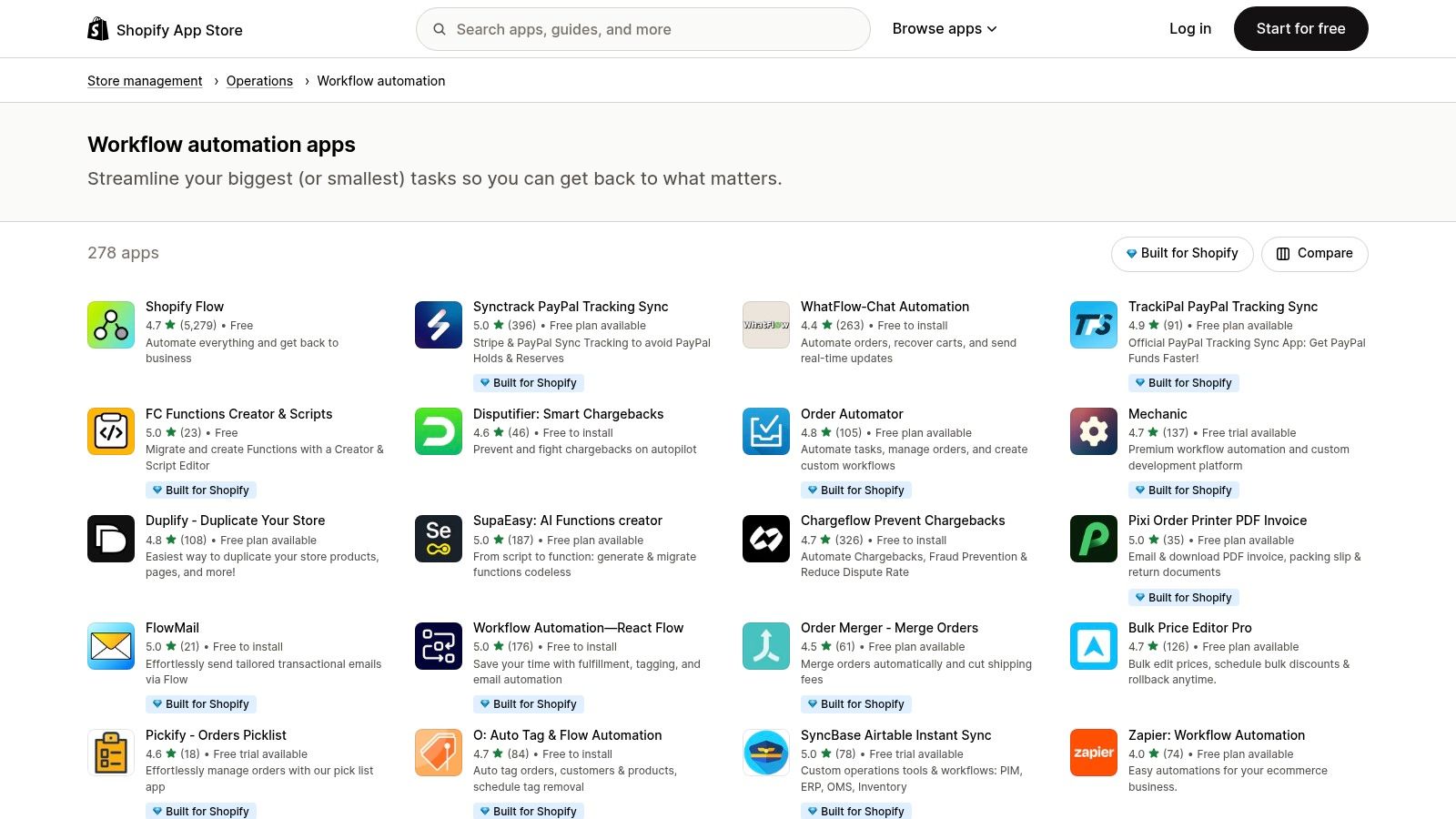
What makes this resource unique is the seamless integration these apps have with the Shopify admin and Shopify Flow, the platform's native automation builder. Apps with "Built for Shopify" badges meet high standards for performance and user experience, and installation is typically a one-click process. This ecosystem empowers store owners to build sophisticated, multi-app workflows without needing extensive technical skills.
Key Features & Use Cases
- Deep Shopify Integration: Apps connect directly to your store's data (orders, customers, products) for highly specific and reliable automations.
- Vetted and Reviewed Apps: User ratings and reviews provide social proof, helping you quickly identify high-quality and well-supported applications.
- Practical Use Case: Automatically tag customers based on their purchase history (e.g., "VIP" for high spenders or "First-Time Buyer"). These tags can then trigger personalized email flows, a key component of effective digital marketing strategies for small business.
Pros & Cons
- Pros: Flawless integration with Shopify data, a wide selection of free plans and trials, and community reviews that simplify the vetting process.
- Cons: Costs can accumulate if you rely on multiple paid apps, and some advanced features may require a Shopify Plus subscription.
Website: https://apps.shopify.com/categories/store-management-operations-workflow-automation
8. Salesforce AppExchange — Small & Medium Business Solutions
For small businesses already invested in the Salesforce ecosystem, the AppExchange is less a separate tool and more a critical extension of their existing CRM. It functions as a specialized marketplace where businesses can find thousands of vetted, third-party applications designed to plug directly into Salesforce, automating and enhancing specific processes without complex custom development. This allows teams to layer on powerful new capabilities, from e-signatures to automated billing, directly within their primary system of record.
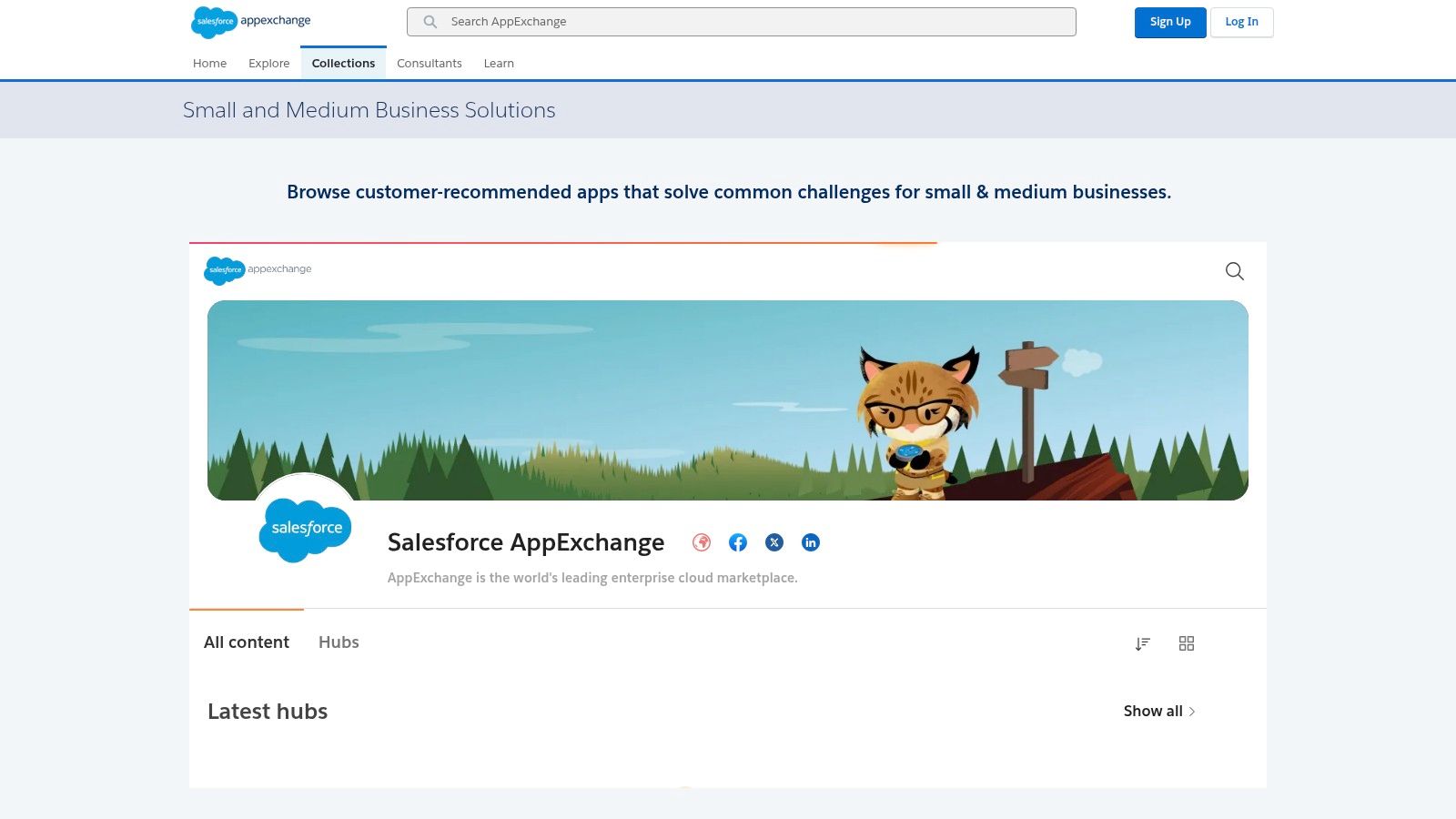
The platform's main advantage is its native integration and trust factor. Every app is reviewed by Salesforce, ensuring a certain standard of security and compatibility. This makes it one of the most reliable collections of small business automation tools for companies that use Salesforce as their central hub. Instead of building connections from scratch, you can install pre-built solutions that streamline sales, service, and marketing operations immediately.
Key Features & Use Cases
- Curated SMB Collection: A dedicated section features apps specifically for small and medium businesses, covering everything from sales operations and billing to customer service and marketing integrations.
- Native CRM Integration: Apps are designed to work seamlessly within the Salesforce Lightning interface, providing a unified user experience and ensuring data consistency across your workflows.
- Practical Use Case: A sales team can install an e-signature app like DocuSign or a power dialer directly from the AppExchange. This allows them to generate contracts, send them for signature, and automatically update the opportunity record in Salesforce, all from a single platform.
Pricing and Plans
Pricing is determined by each individual app vendor and varies widely. Most listings provide transparent "starting at" pricing, often on a per-user, per-month basis.
- Free Trials: Many applications offer free trials or freemium versions, allowing you to test functionality before committing.
- Paid Apps: Paid solutions can range from a few dollars per user per month to thousands, depending on the complexity and function of the tool.
Website: https://appexchange.salesforce.com/mktcollections/curated/smb-app-guide
9. Google Workspace Marketplace
For businesses built on Google's ecosystem, the Google Workspace Marketplace is an essential hub for enhancing productivity. It functions as an official app store, offering thousands of third-party add-ons that integrate directly into core applications like Gmail, Drive, Sheets, and Docs. This allows teams to automate tasks and add powerful new capabilities right where they already work, eliminating the need to constantly switch between different tools.
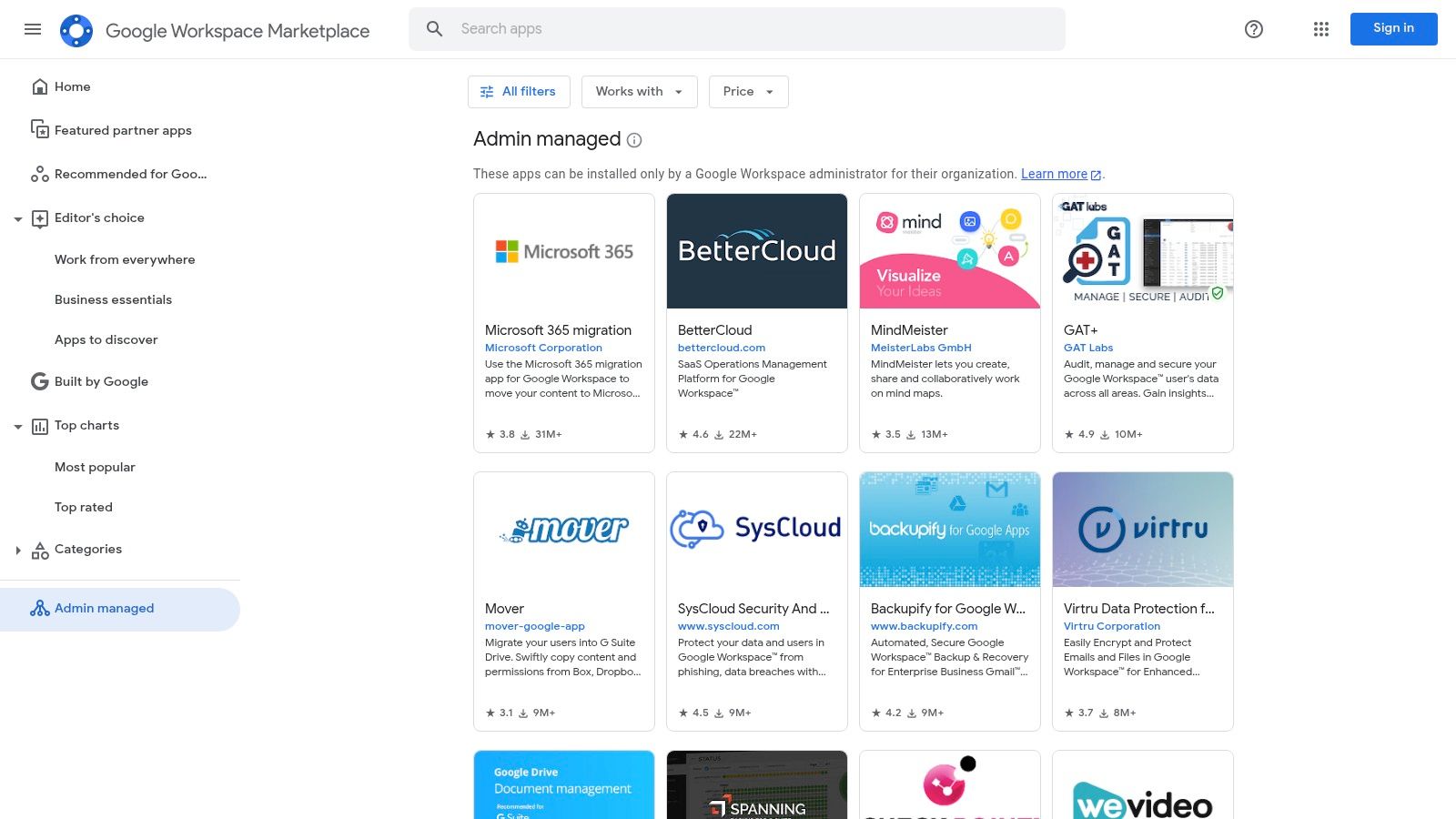
The key advantage is its seamless, native integration. These add-ons aren't just loosely connected; they embed their functionality directly within the Google interface. This makes it one of the most convenient collections of small business automation tools for teams that live in Workspace. Administrators can also manage and deploy apps across the entire organization, ensuring both security and consistency.
Key Features & Use Cases
- Deep Workspace Integration: Add-ons appear inside your favorite Google apps, allowing you to trigger automations without leaving your workflow.
- Security and Vetting: Apps are categorized with security badges, and an "Editor’s Choice" program highlights high-quality, reliable solutions suitable for business use.
- Practical Use Case: Install a CRM add-on for Gmail to automatically log email conversations with contacts, create tasks, and update deal pipelines directly from your inbox, saving hours of manual data entry.
Pricing and Plans
The Marketplace itself is free to browse and install apps from. However, the pricing for the add-ons varies widely by the third-party developer.
- Free Add-ons: Many powerful tools are available at no cost.
- Freemium Models: Offer basic features for free with paid upgrades for advanced functionality.
- Subscription-Based: Some add-ons require a separate paid subscription to the developer's service to function.
Website: https://workspace.google.com/marketplace/category/enterprise-apps?utm_source=openai
10. QuickBooks App Store (for QuickBooks Online)
For any business already rooted in the QuickBooks Online ecosystem, its App Store is an essential hub for financial automation. It acts as a curated marketplace where you can find hundreds of third-party applications designed to connect directly with your accounting software. This eliminates the soul-crushing task of manual data entry between your financial, operational, and sales platforms, ensuring data accuracy and saving significant administrative time.
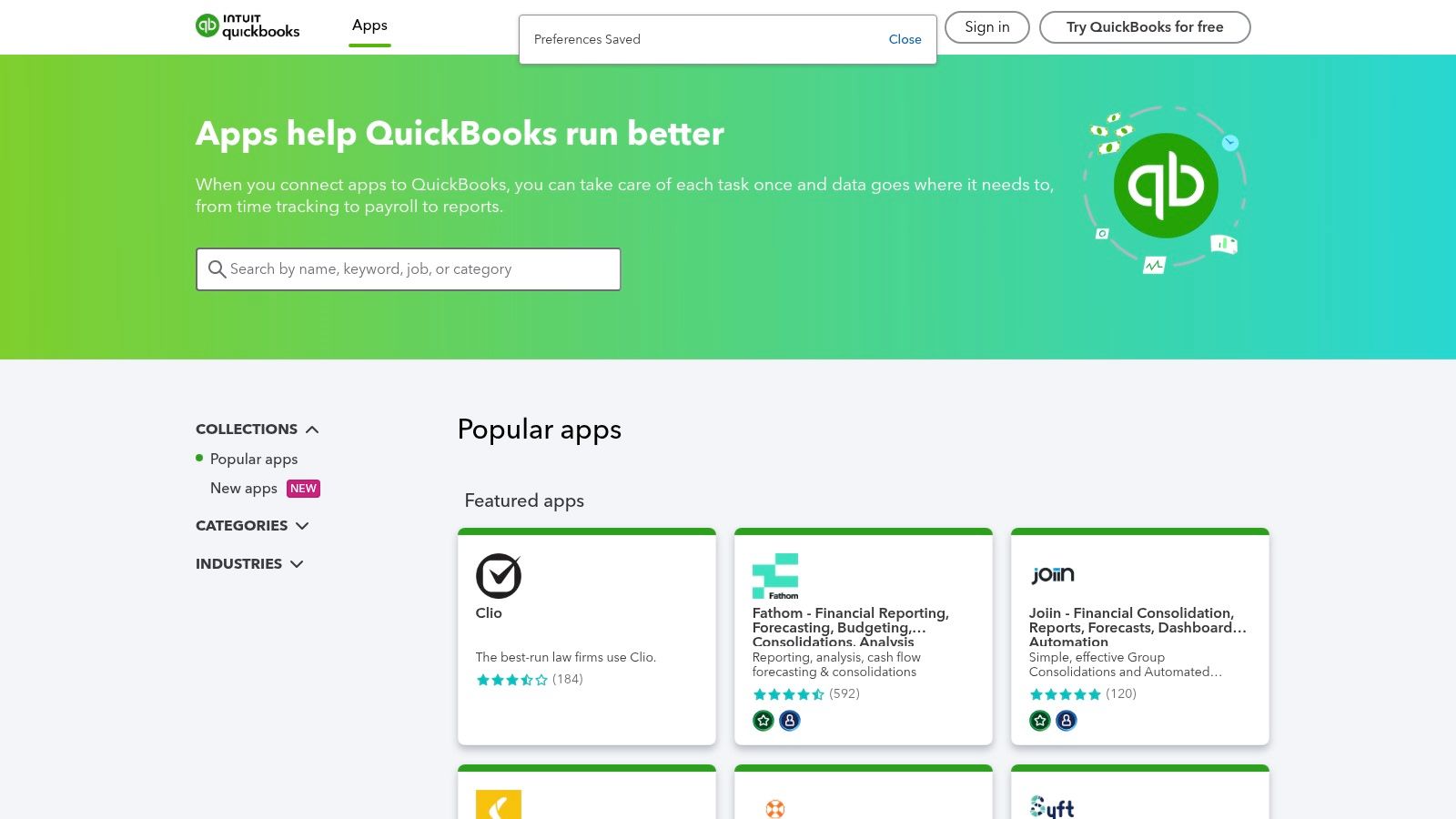
The platform’s core value lies in its vetted, certified integrations. Instead of gambling on a tool that might not sync correctly, you can choose from apps that Intuit has reviewed for security and functionality. This makes it one of the most reliable collections of small business automation tools for finance-related workflows, from accounts receivable collections to detailed project costing and inventory management.
Key Features & Use Cases
- Certified Integrations: Apps are vetted by Intuit, ensuring a baseline level of quality, security, and compatibility with your QuickBooks Online account.
- Broad Categories: The marketplace covers everything from CRM and e-commerce to time tracking, expense management, and advanced reporting, allowing you to build a connected tech stack.
- Practical Use Case: Automate accounts receivable collections. You can connect an app like Chaser or Syft to automatically send customized payment reminders to clients based on invoice due dates in QuickBooks, drastically reducing late payments.
Pricing and Plans
Pricing is determined by the individual third-party app developers, not QuickBooks itself.
- Varied Models: Most apps offer a SaaS subscription model, often with multiple tiers.
- Free Trials: Many applications provide a free trial period (typically 14 or 30 days) so you can test the integration before committing.
- Direct Billing: Some apps allow you to manage your subscription directly through your Intuit account for consolidated billing.
Website: https://quickbooks.intuit.com/app/apps/home/
11. AWS Marketplace — Business Automation (RPA/Intelligent Process Automation)
For small businesses with an existing IT infrastructure on Amazon Web Services, the AWS Marketplace is a powerful procurement hub for advanced automation. It provides a curated catalog of Robotic Process Automation (RPA) and Intelligent Process Automation (IPA) solutions that deploy directly within your own AWS environment. This gives IT-led SMBs enhanced governance, data control, and the convenience of consolidated billing through their existing AWS account.
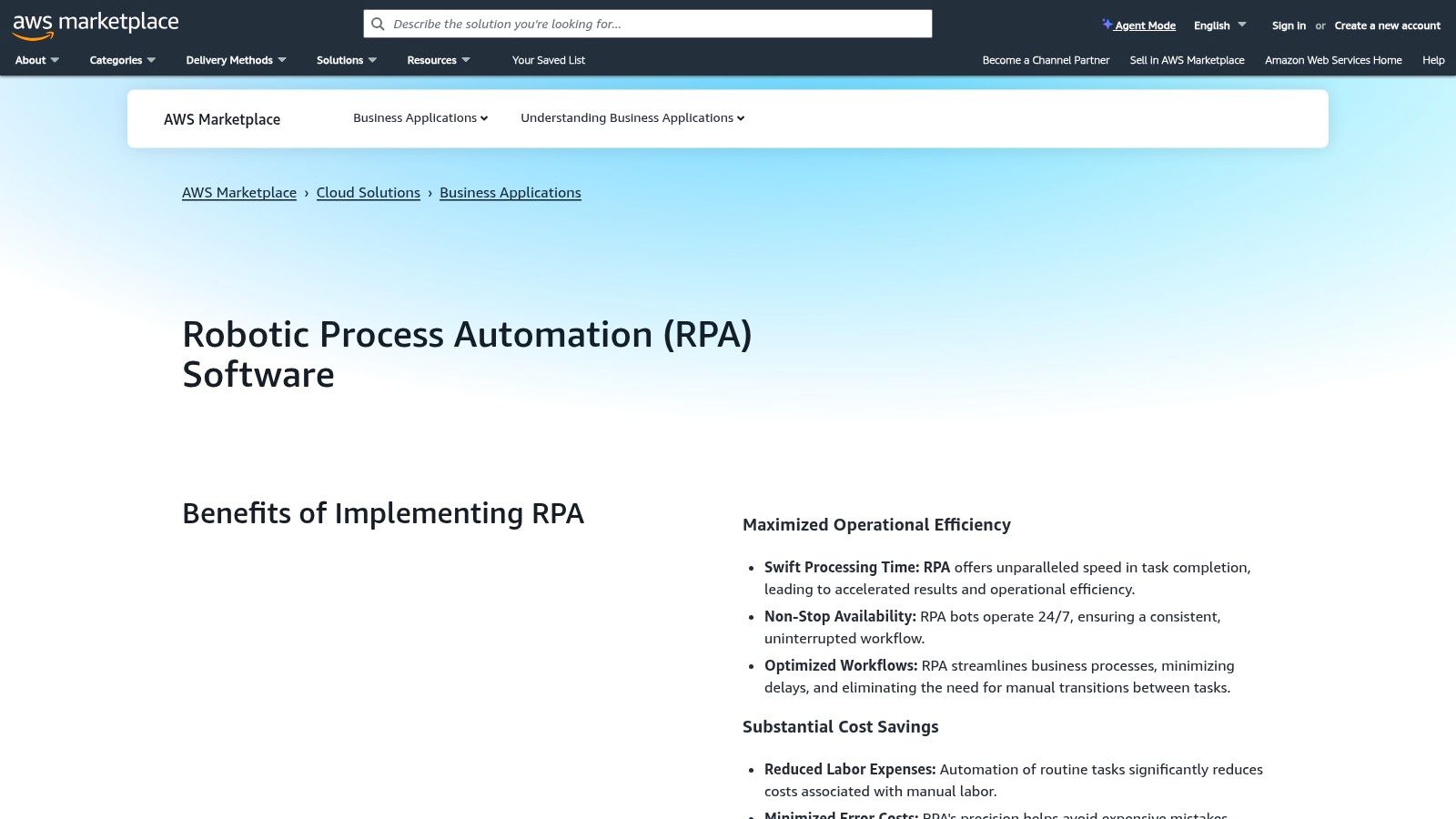
The platform streamlines the often-complex process of vetting and purchasing enterprise-grade software. Each listing includes vendor validation and security documentation, simplifying compliance and risk assessment. Instead of managing separate contracts and invoices, businesses can leverage their AWS spending commitments and receive one unified bill, making it one of the more unique sources for small business automation tools aimed at a technical audience.
Key Features & Use Cases
- Consolidated Billing: Simplifies procurement by adding software licenses directly to your monthly AWS bill, often allowing you to use existing AWS credits or spending commitments.
- Cloud-Native Deployment: Solutions deploy directly into your AWS account, ensuring you maintain full control over your data and can integrate the tools tightly with your existing cloud resources.
- Practical Use Case: A small e-commerce business using AWS can deploy an RPA bot from the marketplace to automate invoice processing. The bot can extract data from PDF invoices received in an S3 bucket and enter it into a cloud-based accounting system, all within their secure AWS environment.
Pricing and Plans
Pricing varies significantly by vendor and solution, but the marketplace supports several models.
- Pay-as-you-go: Some tools offer hourly or usage-based pricing.
- Subscription: Annual or multi-year subscriptions are common, often with private offers available for custom pricing.
- Bring Your Own License (BYOL): Allows you to use an existing license you purchased directly from a vendor on the AWS infrastructure.
12. G2 — Workflow Management (and related Automation) Category
While not a direct automation tool, G2's Workflow Management category is an essential research hub for any small business vetting new software. It acts as a comprehensive directory and review platform, allowing you to discover, compare, and shortlist potential small business automation tools based on verified user experiences. Instead of relying on marketing claims, you can leverage real-world feedback to find a solution that truly fits your operational needs and budget.
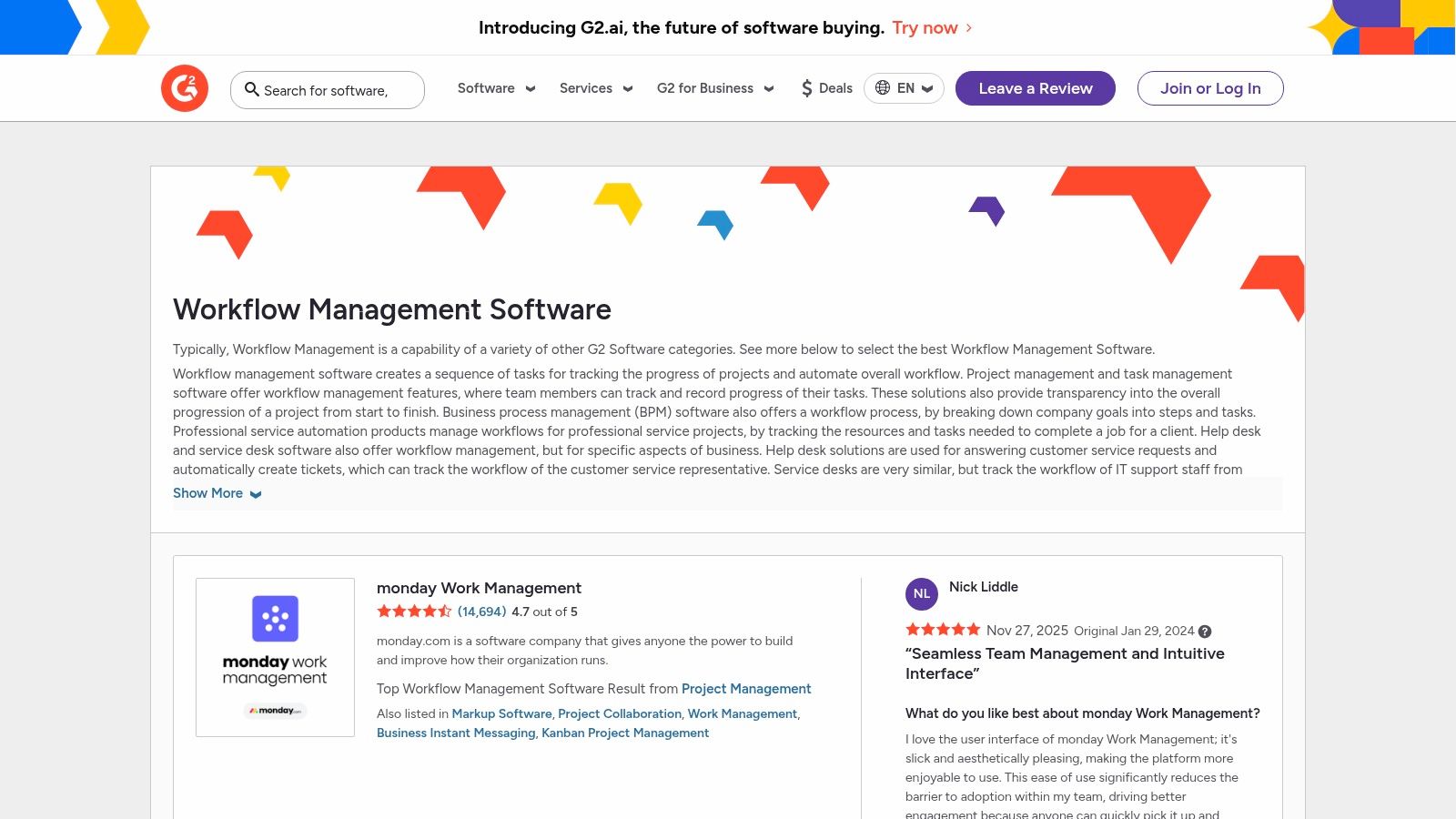
The platform empowers decision-makers to cut through the noise by using granular filters for company size, pricing models, and specific features. This methodical approach helps you validate user sentiment and identify both established leaders and promising new tools in the automation space. G2 provides the data and social proof needed to make a confident and informed purchasing decision, significantly speeding up the selection process.
Key Features & Use Cases
- Verified User Reviews: Access thousands of in-depth reviews and satisfaction scores from real users to understand the pros and cons of each platform.
- Side-by-Side Comparisons: Use comparison grids to evaluate up to four tools simultaneously on features, pricing, and user ratings, streamlining your evaluation.
- Practical Use Case: Before committing to a new CRM with automation capabilities, a small business owner can use G2 to filter for options highly rated by other SMBs, compare their top three choices on integration quality, and read reviews specifically mentioning ease of setup.
Pricing and Plans
G2 is a free resource for software buyers. The platform makes money through vendor advertising and by selling market intelligence reports.
- Free Access: Buyers can browse categories, read reviews, and compare products at no cost.
- Vendor Solutions: Software companies pay for premium profiles, advertising placements, and access to analytics.
Website: https://www.g2.com/software/workflow-management
Top 12 Small Business Automation Tools Comparison
| Product | Core features | UX & Reliability (★) | Value & Pricing (💰) | Target audience (👥) | Unique strengths (✨) |
|---|---|---|---|---|---|
| Zanfia 🏆 | Courses, paid newsletters, knowledge base, memberships, subscription management, analytics & automations | ★★★★☆ | 💰💰 (flexible tiers) | 👥 Creators → SMBs → Growing enterprises | 🏆✨ All‑in‑one monetization + built‑in analytics & workflows |
| Zapier | 8,000+ integrations, visual builder, templates, AI features | ★★★★★ | 💰💰💰 (task‑based can scale) | 👥 Non‑technical teams, marketers | ✨ Massive app library & fast prototyping |
| Make (Integromat) | Drag‑drop scenarios, routers, custom HTTP/API steps, minute scheduling | ★★★★☆ | 💰💰 (credit/efficient) | 👥 Dev‑leaning teams needing complex logic | ✨ Granular control, strong developer tooling |
| Microsoft Power Automate | Cloud flows, desktop RPA, Dataverse, process mining | ★★★★☆ | 💰💰💰 (complex licensing) | 👥 Microsoft‑centric orgs, enterprise IT | ✨ RPA + deep Microsoft ecosystem integration |
| n8n | Open‑source workflows, self‑host option, execution billing, extensible nodes | ★★★★☆ | 💰💰 (self‑host cost‑effective) | 👥 Developer teams, data‑ownership focused | ✨ Open‑source, self‑hosting & extensibility |
| HubSpot (Marketing Hub) | CRM + marketing automation, lead scoring, dashboards, app marketplace | ★★★★☆ | 💰💰💰 (contact‑based growth) | 👥 SMBs seeking unified CRM + marketing | ✨ All‑in‑one CRM ecosystem & partner network |
| Shopify App Store (Automation) | 250+ store automation apps (orders, tags, fulfillment) | ★★★☆☆ | 💰💰 (per‑app pricing) | 👥 Shopify merchants | ✨ Built‑for‑Shopify apps, easy in‑admin installs |
| Salesforce AppExchange | SMB automation add‑ons, trials, Lightning‑ready apps | ★★★★☆ | 💰💰💰 (enterprise pricing common) | 👥 Salesforce customers | ✨ Vetted marketplace with CRM‑native apps |
| Google Workspace Marketplace | Add‑ons for Gmail/Sheets/Drive/Calendar, admin installs | ★★★★☆ | 💰💰 (many free/freemium) | 👥 Google Workspace orgs | ✨ Tight Workspace integration & security badges |
| QuickBooks App Store | Accounting integrations: billing, payments, bank feeds, time tracking | ★★★★☆ | 💰💰 (app‑based tiers) | 👥 Small businesses using QuickBooks | ✨ Certified accounting integrations, region listings |
| AWS Marketplace (Automation) | RPA/IPA listings, private offers, deploys in AWS account | ★★★★☆ | 💰💰💰 (pay‑as‑you‑go & subs) | 👥 IT‑led SMBs & enterprises on AWS | ✨ Procurement‑friendly, consolidated AWS billing |
| G2 (Workflow Management) | Category grids, verified reviews, satisfaction scores, comparisons | ★★★★☆ | 💰 (free research) | 👥 Buyers researching automation platforms | ✨ Verified user reviews & side‑by‑side comparisons |
The Big Decision: All-in-One vs. Best-of-Breed Automation
Navigating the world of small business automation tools presents a fundamental strategic choice. After exploring a landscape filled with powerful connectors like Zapier and Make, comprehensive platforms like HubSpot, and specialized marketplace solutions, the path forward boils down to a single, critical question: do you build a custom "best-of-breed" technology stack, or do you adopt a unified "all-in-one" platform? The answer directly impacts your efficiency, scalability, and ultimately, your bottom line.
A best-of-breed approach, where you handpick the top tool for each specific function, offers undeniable flexibility. You can select your favorite email marketing service, a separate course platform, another tool for community management, and a different one for e-commerce. You then use integration platforms like Zapier or Make to act as the digital glue, connecting these disparate systems to create automated workflows. This method allows for deep customization and lets you use tools you already know and love.
However, this approach comes with significant, often underestimated, complexities. Managing multiple subscriptions quickly becomes a financial and administrative burden. Each integration point is a potential point of failure; a simple API update from one app can break your entire workflow, sending you scrambling to troubleshoot. Furthermore, your customer data becomes fragmented across various platforms, making it incredibly difficult to get a single, coherent view of a customer's journey. This complexity is not just a technical headache; it’s a hidden tax on your time and focus.
The Strategic Advantage of a Unified Platform
This is precisely where an all-in-one platform like Zanfia provides a compelling alternative, especially for Polish digital creators and experts. Instead of wrestling with a dozen different tools and their integration quirks, a unified system consolidates your entire digital business into a single, cohesive ecosystem. Your online courses, paid community, digital product sales, and key automations all live under one roof, managed through one login.
This consolidation offers several key advantages:
- Reduced Complexity: You no longer need to be an integration expert. Automations like granting course access upon payment or adding a new member to a specific community channel are built-in, reliable, and work seamlessly right out of the box. This can save you 5 to 10 hours of administrative work every single month.
- Lower Total Cost of Ownership: While individual best-of-breed tools might seem affordable, the costs add up. Multiple subscriptions, plus the cost of a robust integration plan on a platform like Zapier, can easily exceed the price of a single, all-in-one solution. With Zanfia's 0% platform fee model, you also eliminate the hidden commission costs that erode your profit margins on every sale.
- A Unified Customer Experience: For your customers, the experience is seamless. They have one login to access everything you offer, from courses to community discussions. For you, this means a unified data source, providing clear insights into customer behavior, engagement, and lifetime value without having to stitch together reports from multiple analytics dashboards.
For a "Business Architect" scaling past PLN 10k a month or a "Craft Master" delivering a premium brand experience, the choice is strategic. A tangled web of best-of-breed tools eventually becomes a bottleneck to growth. An all-in-one platform, built with a deep understanding of the local Polish market, provides the solid foundation needed to scale efficiently, protect your profits, and keep your focus where it belongs: on creating exceptional value for your audience. The goal isn't just to find small business automation tools; it's to build a resilient, profitable, and manageable digital business.
Ready to stop juggling tools and start building a streamlined, profitable online business? Discover how Zanfia brings your courses, community, and digital products together in one powerful, all-in-one platform with 0% transaction fees. Visit Zanfia today to see how you can simplify your tech and amplify your impact.