8 Powerful Onboarding Email Sequence Examples to Boost Engagement in 2025
Your new subscriber’s inbox is a battlefield for attention. A generic "welcome" email is no longer enough to stand out. To turn a fresh sign-up into an engaged customer, a loyal community member, or a successful student, you need a strategic onboarding email sequence. This automated series of messages is your first, and best, opportunity to make a powerful impression.
This isn't just about saying hello; it's about systematically delivering value, guiding new users to their "aha!" moment, and building a foundation of trust that leads to long-term loyalty and revenue. A well-designed sequence nurtures the relationship from the very first interaction, demonstrating your expertise and showing users exactly how to get the most out of what you offer. For a holistic understanding of how to ensure new users succeed, explore these customer onboarding best practices. A great email sequence is a core component of this broader strategy, setting the stage for everything that follows.
For creators using all-in-one platforms like Zanfia, automating these sequences is a game-changer. It allows you to create a professional, seamless experience that saves countless hours of manual work, whether you're welcoming new students to a course, integrating paid members into your community, or triggering a welcome email after a purchase. This guide breaks down 8 powerful onboarding email sequence examples and templates, complete with strategic analysis and actionable takeaways. You'll learn precisely how to welcome, educate, and convert every new contact, transforming initial interest into lasting engagement.
1. Welcome Series (Immediate Value)
A Welcome Series is the foundational onboarding email sequence every creator needs. It’s a 3-5 part automated campaign triggered the moment someone subscribes to your newsletter, joins a free challenge, or signs up for an account. Its primary goal isn't to sell immediately but to build a strong, positive first impression by delivering instant value, confirming the user's action, and setting expectations for future communication.
This initial interaction is your best opportunity to engage subscribers when their interest is at its peak. By delivering a "quick win" – a useful tip, a valuable resource, or a free guide – you train them to open your emails and establish a pattern of positive engagement from day one. This proactive approach significantly reduces the chances of them forgetting who you are and marking your future emails as spam. This strategy is a key part of what effective customer onboarding is all about, as it lays the groundwork for a long-term relationship.
Strategic Breakdown
- Goal: Build trust, deliver immediate value, and set the stage for a long-term relationship.
- Timing: The first email should be sent within 5 minutes of signup. Subsequent emails are typically spaced 1-2 days apart.
- Audience: New subscribers, new account signups, or free-trial users.
- Typical Sequence:
- Email 1 (Immediate): Confirmation & Welcome. Confirms their action and delivers the promised lead magnet or resource.
- Email 2 (Day 2): Quick Win. Shares a high-value, actionable tip or a link to your best content.
- Email 3 (Day 4): Introduce Yourself. Shares your story or mission to build a personal connection.
- Email 4 (Day 6): Set Expectations. Outlines what kind of content they can expect and how often. This is a great place to link to a preference center.
Actionable Takeaways
- Automate for Immediacy: Use a platform like Zanfia to trigger the first welcome email instantly upon signup. This immediate feedback reassures the user and capitalizes on their peak interest. Zanfia’s built-in automation can handle this, ensuring a seamless experience without manual work.
- Focus on a Single, High-Value "Win": Your second email should provide one incredibly useful piece of advice or a resource. Don't overwhelm them. Think of it as a free sample of the value you provide.
- Personalize Beyond the First Name: Use personalization tokens to reference the specific lead magnet they downloaded or the action they took (e.g., "Thanks for downloading the 'Beginner's Guide to SEO'").
- Craft Clear, Action-Oriented Subject Lines: Make it obvious what the email is about.
- Welcome to [Your Brand]! Here’s your free guide.
- A quick tip to get you started…
- So glad you're here, [First Name]!
2. Product Feature Drip Campaign
A Product Feature Drip Campaign is an educational onboarding sequence designed to introduce users to your product's capabilities gradually. Instead of overwhelming them with every feature at once, this 7-10 part series reveals functionality progressively over a few weeks. Each email focuses on a single feature, explaining its benefits, showing how to use it, and providing real-world use cases. The primary goal is to guide users toward activation and long-term adoption by showcasing value over time, turning initial curiosity into confident, daily use.
This sequence is crucial for SaaS platforms and complex digital products, where feature discovery directly impacts user retention. By breaking down the learning curve into manageable steps, you prevent user paralysis and demonstrate the product's full potential. For a platform like Zanfia, this could mean highlighting the native video hosting in one email, the integrated community tools in the next, and the automatic invoicing features after that. This methodical approach ensures users build proficiency and integrate your product into their workflow, making it indispensable. You can learn more about how to structure these campaigns from other email drip campaign examples.
Strategic Breakdown
- Goal: Drive product adoption, reduce churn, and showcase value by educating users on key features.
- Timing: The first email is often sent 24-48 hours after signup. Subsequent emails are spaced 2-3 days apart to avoid inbox fatigue.
- Audience: New free-trial users, new paid customers, or existing users who haven't engaged with specific features.
- Typical Sequence:
- Email 1 (Day 2): Introduce the Core Feature. Highlight the single most important feature that solves the user's main problem.
- Email 2 (Day 4): Showcase a "Quick Win" Feature. Focus on a simple but powerful feature that delivers immediate value.
- Email 3 (Day 7): Unveil an Advanced Capability. Introduce a more complex feature with a clear use case or mini-tutorial.
- Email 4-7 (Spaced): Continue Highlighting Features. Dedicate each email to a different feature, prioritizing by user impact.
- Email 8 (End of Trial/Sequence): The Big Picture. Summarize how all the features work together and prompt the user to upgrade or explore further.
Actionable Takeaways
- Prioritize by Impact: Don't introduce features randomly. Start with the ones that provide the most immediate value or solve the biggest pain point. For a creator using Zanfia, this might be the native video hosting that saves money, or the integrated community that boosts engagement.
- Use Visuals for Clarity: For complex features, an email with a short GIF or a link to a video tutorial is far more effective than text alone. Show, don't just tell. Platforms like Zanfia that include native video hosting make this seamless.
- Segment Your Audience: Tailor the drip campaign based on user behavior or role. If a user signs up indicating they are a course creator, send them emails about the course builder and community tools, not just e-book sales features.
- Write Benefit-Driven Subject Lines: Focus on the outcome, not just the feature's name.
- Save 5+ hours a week with our automations
- Did you know you could do this in [Your Product]?
- Unlock your community's full potential with this feature
3. Educational Onboarding Sequence
An Educational Onboarding Sequence shifts the focus from an immediate product pitch to delivering genuine, high-value educational content. Instead of highlighting features, this 5-8 email series positions your brand as a trusted industry expert. By teaching your audience how to solve a core problem related to your product, you build authority and demonstrate the need for your solution before you ever ask for a sale.
This strategy works because it aligns with the user's primary motivation: learning and improvement. When a new subscriber receives a mini-course on building a paid community or a guide to launching their first digital product, they feel empowered, not sold to. This approach nurtures leads by providing tangible value, making the eventual introduction of your product feel like a natural and helpful next step rather than an aggressive pitch. It's a cornerstone of effective content marketing and one of the best onboarding email sequence examples for building long-term loyalty.
Strategic Breakdown
- Goal: Establish authority, educate the user on a core problem, and organically introduce the product as the ultimate solution.
- Timing: Spaced over 2-3 weeks to create a "mini-course" feel. Emails are typically sent every 2-3 days.
- Audience: Subscribers who signed up for a lead magnet, webinar, or are in the early stages of exploring a topic your product addresses.
- Typical Sequence:
- Email 1 (Day 1): Welcome & The Big Picture. Welcome them and introduce the core problem you'll help them solve over the next few weeks.
- Email 2 (Day 3): Lesson 1 – Foundational Knowledge. Share a crucial first step or a common mistake to avoid.
- Email 3 (Day 6): Lesson 2 – Actionable Tactics. Provide a practical, easy-to-implement strategy or checklist.
- Email 4 (Day 9): Case Study/Success Story. Show how others have succeeded by applying these principles (subtly hinting at your product's role).
- Email 5 (Day 12): The Bridge to Your Product. Explicitly connect the lessons to your product, showing how it automates or simplifies the process.
- Email 6 (Day 14): Soft Pitch. Make the first offer for your product or course.
Actionable Takeaways
- Teach, Don't Just Tell: Focus 80% of the sequence on pure educational value. Frame your product not as the topic, but as the tool that helps execute the lessons more effectively. This is a powerful way to create and sell online courses where the free email series acts as a value-packed preview.
- Structure it Like a Mini-Course: Use subject lines like "Lesson 1 of 5" or "Part 2: The Framework" to create anticipation and encourage opens. This structured approach trains subscribers to look forward to your next email.
- Use a Single Call-to-Action (CTA): Each educational email should have one clear goal, whether it's to read a blog post, download a worksheet, or watch a video. Avoid muddying the message with multiple requests.
- Automate the Journey with Segments: In platforms like Zanfia, you can use automation to tag subscribers based on the links they click in your educational emails. This allows you to segment your audience and tailor the final product pitch to their specific interests, making it far more relevant and effective.
4. Behavioral Trigger-Based Onboarding
A Behavioral Trigger-Based Onboarding sequence moves beyond a fixed schedule, delivering hyper-relevant emails based on specific actions a user takes or doesn't take. Instead of sending emails on Day 1, Day 3, and Day 5, this dynamic approach responds to real-time user behavior, such as completing a profile step, using a key feature, or abandoning a shopping cart. This makes your communication feel less like a broadcast and more like a personal conversation.
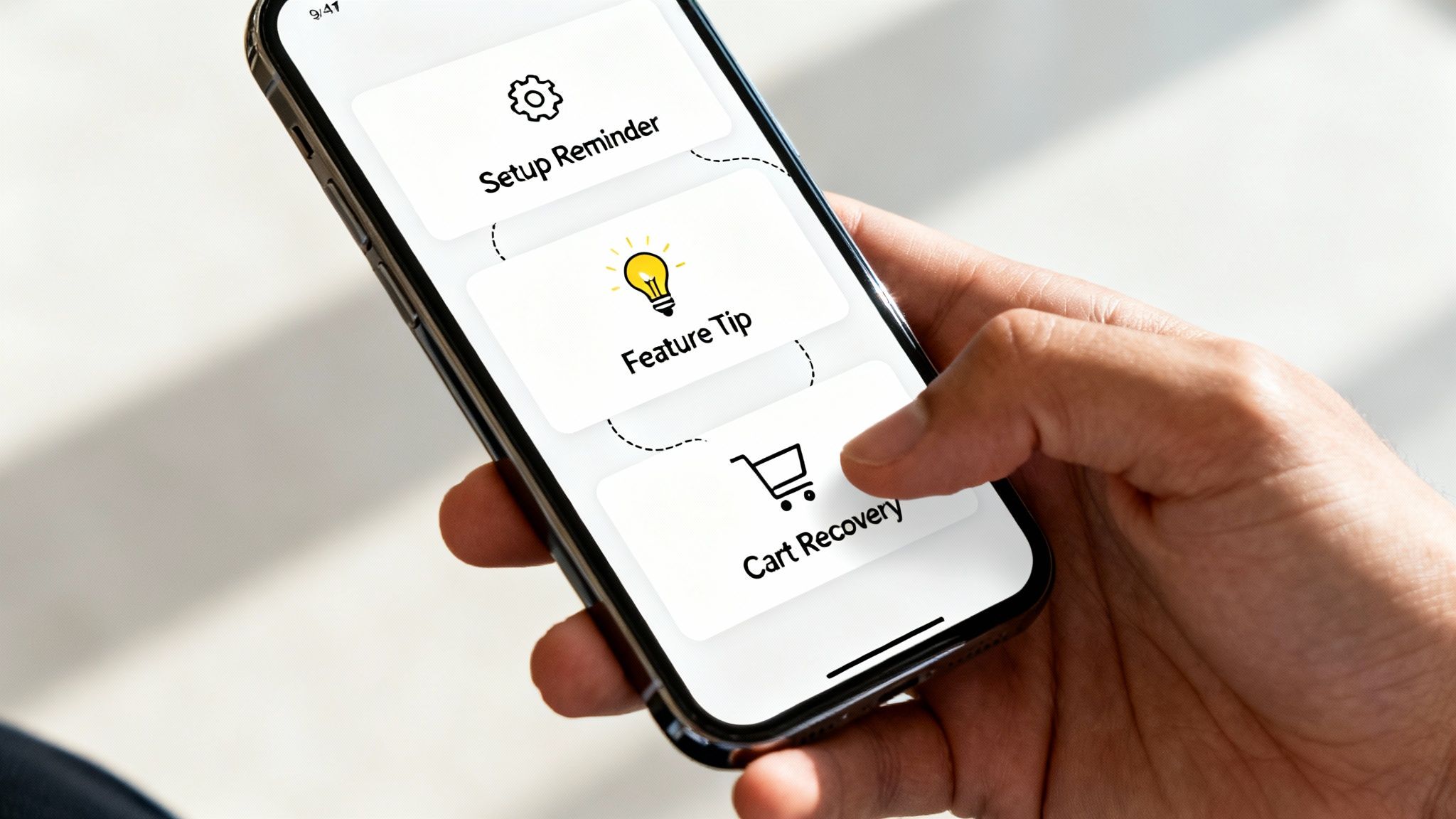
This method is incredibly powerful because it meets users exactly where they are in their journey. For example, a creator on a platform like Zanfia could trigger an email with helpful resources if a student hasn't logged in for a week, or a congratulatory message when they complete a key module. This level of personalization dramatically increases engagement and helps guide users toward achieving their goals with your product, making it one of the most effective onboarding email sequence examples for driving long-term retention.
Strategic Breakdown
- Goal: Guide users through key activation steps, increase feature adoption, and re-engage inactive users with timely, relevant content.
- Timing: Emails are sent immediately after a specific, predefined user action (or a period of inaction) occurs.
- Audience: New users of a platform, free-trial users, or customers who have demonstrated specific behaviors.
- Typical Triggers:
- Action-Based: User completes profile, watches first course lesson, adds item to cart, uses a specific feature for the first time.
- Inaction-Based: User hasn't logged in for 7 days, hasn't completed their course pre-work, abandoned checkout.
- Milestone-Based: User completes a course, reaches a community engagement goal, makes a second purchase.
Actionable Takeaways
- Map Key Activation Events: Identify the 2-3 critical actions a new user must take to experience your product's core value. Use a platform like Zanfia to build automations that trigger encouraging emails when these actions are completed or reminder emails if they are not. To discover more about this, you can learn more about what is email automation and how it powers these workflows.
- Use Both Positive and Negative Triggers: Don't just reward action; gently nudge inaction. If a new member in your community hasn't made their first post after three days, send a friendly email with a prompt or a link to an introductory thread.
- Keep the Message Hyper-Focused: Each behavior-triggered email should have one clear purpose. If the trigger is cart abandonment, the email should focus solely on completing the purchase. If it's a feature-adoption trigger, focus only on the benefits of that feature.
- Craft Context-Specific Subject Lines: Your subject lines must reflect the trigger to be effective.
- You're almost there! Complete your [Course Name] enrollment.
- Great job on completing Chapter 1, [First Name]!
- A special tip for using the [Feature Name] tool.
5. Customer Success Story & Social Proof Sequence
A Customer Success Story & Social Proof Sequence shifts the onboarding focus from what you say about your product to what other customers have achieved with it. This 5-7 part automated campaign uses testimonials, case studies, and peer validation to build powerful trust and credibility. Instead of just explaining features, it demonstrates tangible results and return on investment through the authentic voices of satisfied users.
This sequence is particularly effective after a new user has had some initial interaction with your product or brand but before they've fully committed. By showcasing relatable stories of success, you help prospects visualize their own potential achievements, which overcomes skepticism and reduces purchase anxiety. Sharing a quote like "Without Zanfia, developing a paid newsletter and community in Poland would be much harder—it’s the best tool in the market" from a respected CEO instantly adds a layer of credibility that you can't create on your own.
Strategic Breakdown
- Goal: Build confidence, demonstrate ROI, and reduce friction by showcasing real-world results and peer validation.
- Timing: Best used after the initial welcome series, typically starting 1-2 weeks after sign-up and spread over 2-3 weeks.
- Audience: Free-trial users, leads who have engaged with content but not purchased, and new subscribers in a longer consideration cycle.
- Typical Sequence:
- Email 1 (Week 2): The Relatable Problem. Introduce a customer who faced the same problem your new subscriber is trying to solve.
- Email 2 (3 days later): The "Aha!" Moment. Detail how the featured customer used your product to achieve a breakthrough.
- Email 3 (4 days later): Quantifiable Results. Share a case study with hard numbers and specific, measurable outcomes (e.g., "How [Customer X] increased revenue by 35%").
- Email 4 (Week 3): A Montage of Praise. Compile short, powerful quotes from multiple customers in a single, high-impact email.
- Email 5 (4 days later): Video Testimonial. Feature a compelling video story for higher engagement and emotional connection.
Actionable Takeaways
- Segment and Personalize Stories: Don't send a generic case study to everyone. If a subscriber is a course creator, send them a success story from another course creator. Use your platform’s tagging and segmentation to match testimonials to the user's industry, business size, or interests.
- Focus on Quantifiable Outcomes: Vague claims like "it helped our business" are weak. Use specific, data-backed results. For instance, a creator on Zanfia could highlight a story like, "See how [Creator Name] saved 10+ hours a month on admin tasks with our built-in automations."
- Use Multiple Formats: Mix up your delivery. Use text-based case studies, pull quotes in bold, and embed video testimonials. Video is especially powerful for conveying authenticity and emotion, making the success story more believable and impactful.
- Craft Benefit-Driven Subject Lines: Your subject lines should highlight the result, not just the story.
- How [Customer Name] doubled their course sales
- [First Name], this could be you…
- Proof that it works: [Customer's Impressive Stat]
6. Gamification & Milestone-Based Sequence
A Gamification & Milestone-Based Sequence transforms user onboarding from a passive checklist into an engaging, interactive journey. This strategy uses game-like elements such as points, badges, and progress tracking to motivate users to explore features, complete key actions, and build habits. By celebrating small wins and creating a sense of accomplishment, this sequence taps into our innate desire for progress and reward, making the onboarding process feel fun rather than like a chore.
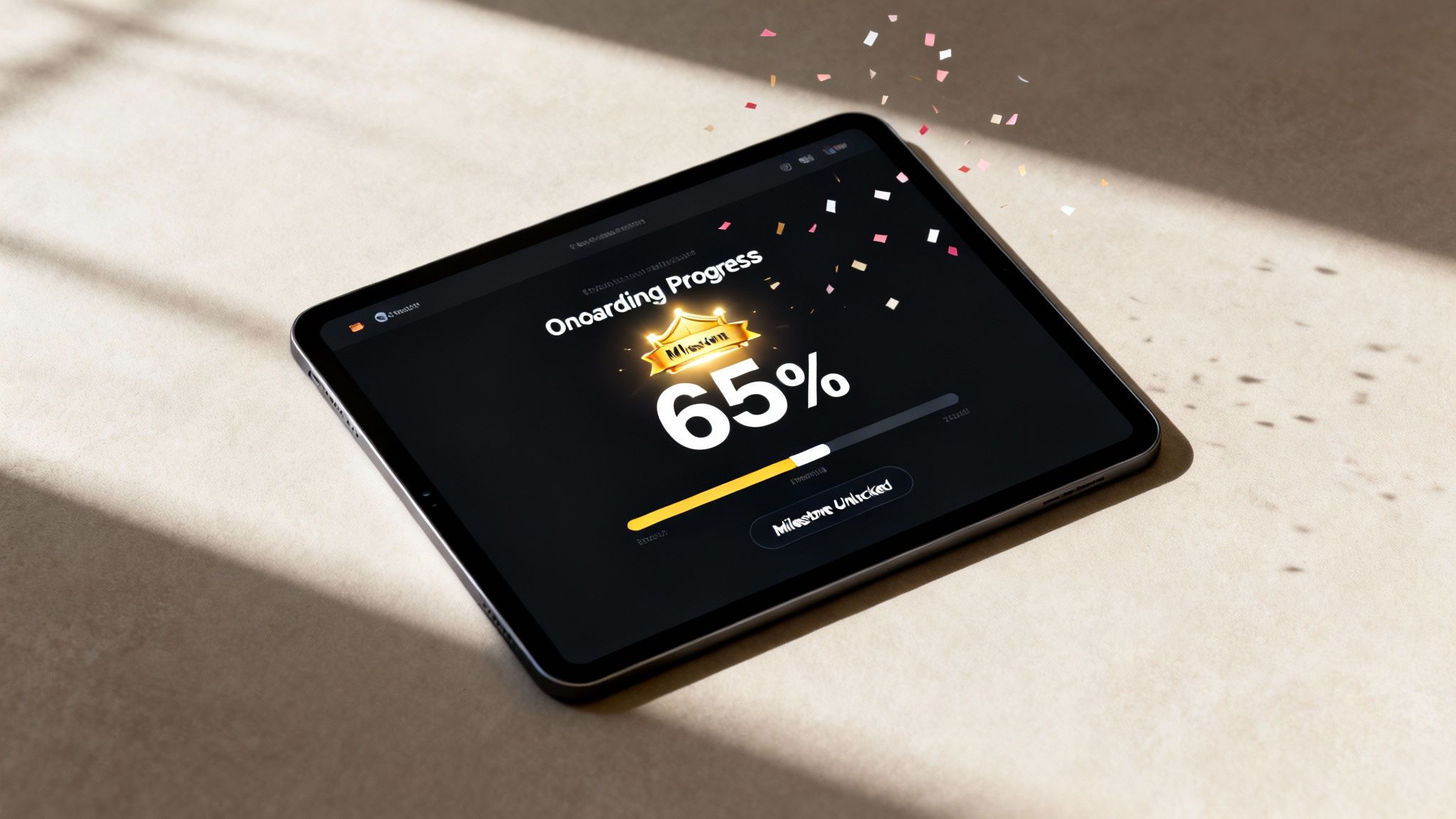
This approach is particularly powerful for platforms, courses, or communities where user engagement is critical for long-term retention. Companies like Duolingo and LinkedIn have mastered this by sending emails that celebrate streaks, profile completion milestones, or new achievements. For creators, this means guiding a new member to post their first comment in a community or encouraging a student to complete their first course module, turning initial actions into lasting engagement.
Strategic Breakdown
- Goal: Drive user activation, encourage feature adoption, and build positive habits through motivation and reward.
- Timing: Emails are triggered by specific user actions (or inaction) related to key milestones. For example, an email is sent immediately after a user completes a task or if they haven't made progress toward the next goal in 3-5 days.
- Audience: New users of a software platform, members of a community, or students in an online course.
- Typical Sequence:
- Email 1 (Action-Triggered): Milestone Achieved! Celebrates the completion of a key first step (e.g., "You finished your first lesson!").
- Email 2 (2 Days Later): Your Next Quest. Introduces the next logical milestone and explains its benefit (e.g., "Ready to unlock your next badge? Introduce yourself!").
- Email 3 (Progress-Based): You're Halfway There! A mid-point encouragement email, often using a visual progress bar to show how far they've come.
- Email 4 (Completion): Achievement Unlocked! Congratulates the user on completing the entire onboarding process or a major goal, potentially offering a reward.
Actionable Takeaways
- Define and Automate Milestones: Identify 3-5 crucial actions a new user must take to see your product's value. Use a platform like Zanfia to set up automated emails that trigger when these actions are completed. For a course, this could be finishing Module 1; for a community, it could be making their first post.
- Make Progress Visual: Incorporate visual elements like progress bars, checklists, or custom graphics of badges in your emails. This makes progress tangible and motivates users to reach 100%. This is one of the most effective onboarding email sequence examples for SaaS and educational products.
- Celebrate Small Wins Enthusiastically: Don't wait for the final goal. Send celebratory emails for even minor achievements. This frequent positive reinforcement builds momentum and makes users feel successful early on.
- Write Motivating Subject Lines: Frame your subject lines as exciting challenges or rewards.
- Congrats, [First Name]! You’ve unlocked your first badge!
- You're 50% of the way to becoming a pro.
- Your next challenge awaits…
7. Personalized Path Based on User Role/Industry
A Personalized Path sequence is an advanced onboarding strategy that segments new users at the beginning of their journey and delivers a custom-tailored email series. Instead of a one-size-fits-all approach, this method branches into different sequences based on user-provided data like their role (e.g., admin vs. team member), industry (e.g., healthcare vs. retail), or primary goal. This ensures every message, feature highlight, and piece of content is hyper-relevant to the user's specific context.
This level of personalization demonstrates a deep understanding of your audience's diverse needs from day one. For a platform like Zanfia, this could mean sending different sequences to its three core personas: "Potential Explorers" would receive content focused on launching their first product, while seasoned "Business Architects" would get tips on scaling and maximizing margins. This targeted approach makes users feel understood, accelerates their time-to-value, and dramatically increases product adoption and long-term retention.
Strategic Breakdown
- Goal: Increase relevance, accelerate user adoption, and boost engagement by providing content specific to a user's role, industry, or use case.
- Timing: Triggered immediately after signup, based on data collected during the registration process. Subsequent emails are sent every 1-3 days.
- Audience: SaaS users, B2B customers, or any platform serving multiple distinct user segments.
- Typical Sequence (Example for a "Manager" role):
- Email 1 (Immediate): Welcome for Managers. Confirms signup and highlights top 3 features for team leaders.
- Email 2 (Day 2): Quick Win for Your Team. Provides a guide on inviting team members and setting up project channels.
- Email 3 (Day 4): Case Study: [Industry] Success. Shares a success story from a manager in a similar industry to build social proof.
- Email 4 (Day 7): Advanced Tip: Reporting & Analytics. Introduces features for monitoring team productivity and progress.
Actionable Takeaways
- Collect Segmentation Data Early: Add a simple, optional question to your signup form (e.g., "What best describes your role?"). This single data point is the key to unlocking powerful personalization.
- Use Conditional Logic in Your Automations: Platforms like Zanfia allow you to create automated workflows that use "if/then" logic. You can set up a rule like, "If
user_roleis 'Manager', send the Manager Onboarding Sequence." This makes implementing one of the most effective onboarding email sequence examples straightforward. - Tailor Language and CTAs: Speak your user's language. Use terminology, acronyms, and KPIs relevant to their specific role or industry. A call-to-action for a developer might be "Explore the API Docs," while for a marketer, it could be "Set Up Your First Campaign."
- Craft Role-Specific Subject Lines: Make the relevance clear from the inbox.
- For Admins: A guide to setting up your team in [Your Platform]
- A tip for [Industry] professionals using [Your Platform]
- [First Name], here's how managers get the most from [Your Brand]
8. Support & FAQ-Driven Onboarding Sequence
A Support & FAQ-Driven Onboarding Sequence is a proactive strategy designed to get ahead of common user problems. Instead of waiting for users to get stuck and contact support, this sequence anticipates their questions, friction points, and potential confusion, delivering solutions directly to their inbox. It combines FAQ content, troubleshooting guides, quick-start documentation, and video tutorials into a helpful, non-salesy series that builds confidence and reduces user frustration.
This approach is invaluable for products with a learning curve, such as software, complex courses, or platforms built for local markets with specific tax or compliance needs. By addressing the most common obstacles upfront—like how to integrate Polish payment gateways or automatically generate invoices with Fakturownia—you empower users to succeed independently. This significantly lowers support ticket volume and improves long-term retention. A well-executed FAQ sequence demonstrates that you understand your users' journey and are committed to their success.
Strategic Breakdown
- Goal: Proactively solve common user problems, reduce support tickets, build user confidence, and accelerate the "time to value."
- Timing: Triggered immediately after signup or purchase, with emails sent every 1-3 days during the initial setup or learning phase.
- Audience: New customers of a SaaS product, students of a technical course, or users setting up a complex tool.
- Typical Sequence:
- Email 1 (Day 1): The "First Steps" Checklist. Guides users through the 2-3 most critical initial actions.
- Email 2 (Day 3): Common Mistake to Avoid. Highlights a frequent pitfall and shows users how to prevent it.
- Email 3 (Day 5): "Did You Know?" Feature Spotlight. Introduces a powerful but often overlooked feature.
- Email 4 (Day 7): Your Top 3 FAQs Answered. Directly addresses the most common questions your support team receives.
Actionable Takeaways
- Analyze Your Support Tickets: Your support inbox is a goldmine. Identify the top 5-10 questions new users ask and build your email sequence around answering them before they're asked. This is a core component of building an effective knowledge base. For more insights on this topic, explore these knowledge management best practices on zanfia.com.
- Use Multiple Formats: Cater to different learning styles. Embed short video tutorials for complex tasks, link to detailed knowledge base articles for deep dives, and use clear, numbered steps within the email body for quick instructions.
- Create a "Common Mistakes" Email: One of the most powerful emails in this sequence is one that proactively warns users about a common mistake. Frame it positively (e.g., "A pro-tip to save you time…") to guide them toward the correct path.
- Craft Hyper-Specific Subject Lines: Avoid generic subjects. Make the value immediately clear so users can easily reference the email later.
- Stuck on [Feature X]? Here’s a 2-min video guide.
- 3 common questions we get from new creators
- Before you start: Avoid this one common setup mistake!
8 Onboarding Email Sequence Comparison
| Onboarding Type | Complexity 🔄 (Implementation) | Resources 💡 (Required) | Expected outcomes 📊 (Results) | Ideal use cases ⚡ (When to use) | Key advantages ⭐ |
|---|---|---|---|---|---|
| Welcome Series (Immediate Value) | Low — simple timed 3–5 email flow | Low — basic copy, templates, minimal design | Quick engagement, reduced early churn | New signups; prevent immediate unsubscribes | Rapid time-to-value; sets expectations |
| Product Feature Drip Campaign | Medium — scheduled sequence, tracking | Medium — tutorials, videos, walkthroughs | Higher feature adoption; lower support load | Feature-rich products needing gradual onboarding | Educates users; reduces cognitive overload |
| Educational Onboarding Sequence | Medium — content strategy focused | High — expert content, case studies, downloads | Strong brand authority; higher-quality leads | Thought leadership, long sales cycles, content-first brands | Builds trust; sustained engagement |
| Behavioral Trigger-Based Onboarding | High — triggers, analytics, integrations | High — tracking, automation, personalization assets | Highest relevance and conversion uplift | Personalization-ready products; e‑commerce, mature SaaS | Contextual messaging; better ROI |
| Customer Success & Social Proof Sequence | Medium — curate testimonials and case studies | Medium — interviews, metric collection, video | Increased trust and conversions; less buyer's remorse | High-consideration B2B purchases, enterprise sales | Peer validation; objection handling |
| Gamification & Milestone-Based Sequence | Medium–High — progress tracking, rewards logic | Medium — UX elements, badges, backend tracking | Increased engagement and completion rates | Learning apps, consumer products, behavior change flows | Motivates action; memorable onboarding |
| Personalized Path Based on Role/Industry | High — branching logic and variants | High — many tailored content paths, maintenance | Strong segment engagement; higher conversion by role | Enterprise SaaS with diverse user roles/industries | Hyper-relevance; improved product-market fit |
| Support & FAQ-Driven Onboarding | Medium — knowledge mapping and links | Medium — KB articles, troubleshooting guides, videos | Fewer support tickets; lower early churn; higher NPS | Products with common friction (APIs, developer tools) | Prevents friction; customer-centric assistance |
Automate Your Onboarding and Reclaim Your Time with Zanfia
We've journeyed through a comprehensive collection of onboarding email sequence examples, from the essential Welcome Series to sophisticated Behavioral Trigger-Based flows. Each example demonstrates a core principle: effective onboarding is not a one-size-fits-all solution. It is a strategic, empathetic conversation that guides new users, subscribers, and customers toward achieving their desired outcomes with your product or content.
The most successful sequences are built on a foundation of understanding your audience. Whether you're welcoming a new subscriber with immediate value, educating a trial user on key features, or celebrating a student's milestones, the goal remains the same. You must build trust, demonstrate value, and reduce friction at every step.
From Theory to Automated Reality
Understanding these strategies is the first step, but implementation is where the real value is unlocked. For content creators, entrepreneurs, and digital educators, the true challenge lies in executing these sequences without getting bogged down in technical complexities or administrative overload. Juggling separate tools for your online courses, community, payments, and email marketing can quickly consume the very time you're trying to save. This is where a unified platform becomes a game-changer.
The power of the onboarding email sequence examples we’ve explored is magnified when they are automated within an integrated ecosystem. Imagine a new customer purchases your course and is instantly:
- Enrolled in the program.
- Added to a private, course-specific community channel.
- Tagged appropriately in your system.
- Sent the first email of a perfectly timed welcome sequence.
This seamless experience, which once required complex integrations and multiple subscriptions, is now achievable through a single, powerful platform.
The Zanfia Advantage: Integration, Automation, and Zero Percent Fees
For Polish creators, this is precisely the problem Zanfia was built to solve. It is a comprehensive all-in-one platform that centralizes your entire digital business, from course hosting with native video to building an engaged community, all under your own white-label domain. Zanfia’s powerful automation engine allows you to implement the very sequences discussed in this article directly within the platform. You can trigger emails based on purchases, community joins, or course progress, ensuring every customer receives a timely and relevant onboarding experience.
This level of automation saves creators an average of 5-10 hours per month, freeing them to focus on creating high-value content. For those looking to apply automation beyond email, exploring tools like Postplanify's automation features can similarly streamline other marketing efforts, like social media scheduling.
Moreover, Zanfia addresses a critical pain point for growing businesses: platform fees. With a revolutionary 0% platform transaction fee model, you keep 100% of your revenue. This is especially impactful for "Business Architects" scaling from PLN 10k to 100k+ a month, who are tired of seeing their hard-earned margins eroded by commission-based platforms. By combining world-class features with a creator-centric business model, Zanfia empowers you to not only deliver an exceptional customer journey but also to build a more profitable and sustainable online business.
Ready to stop juggling tools and start building a seamless customer experience? See how Zanfia can automate your onboarding, unify your digital products, and help you keep 100% of your revenue. Explore the all-in-one platform built for Polish creators at Zanfia and reclaim your time today.