Best platforms to sell digital products: A concise buyer’s guide to top options

Selling digital products, from e-books and courses to communities and newsletters, requires more than just a payment button. It demands a platform that aligns with your business goals, brand identity, and most importantly, your bottom line. Stacking multiple tools often leads to integration headaches, rising costs, and a disjointed experience for your customers. A true all-in-one solution, however, can save you precious time, protect your profit margins, and let you focus on what you do best: creating value.
This guide cuts through the noise to analyze the 12 best platforms to sell digital products, helping you find the perfect digital headquarters for your creator business. We'll move beyond marketing claims to provide a detailed breakdown of each option, evaluating key features, pricing models, and specific use cases. Making a decision involves weighing many factors, and a detailed ecommerce platform comparison can provide a broader perspective on the market.
Here, you will find a direct comparison of top contenders like Zanfia, Shopify, Kajabi, and Gumroad. We'll explore everything from transaction fees and course creation tools to community management and automation capabilities. Each review includes screenshots and direct links, giving you the information needed to select a platform that not only processes sales but also helps you scale your brand, engage your audience, and build a sustainable online business with confidence.
Table of Contents
1. Zanfia
Zanfia is a comprehensive Polish all-in-one platform for digital creators, experts, and brands who want to scale their online business under their own domain. It masterfully combines professional communities, online courses, paid newsletters, knowledge libraries, and e-commerce into a single, cohesive ecosystem. This integrated approach allows you to sell, host, and grow your digital offerings while keeping full control of your brand and customer data, eliminating the need for expensive, piecemeal foreign alternatives.
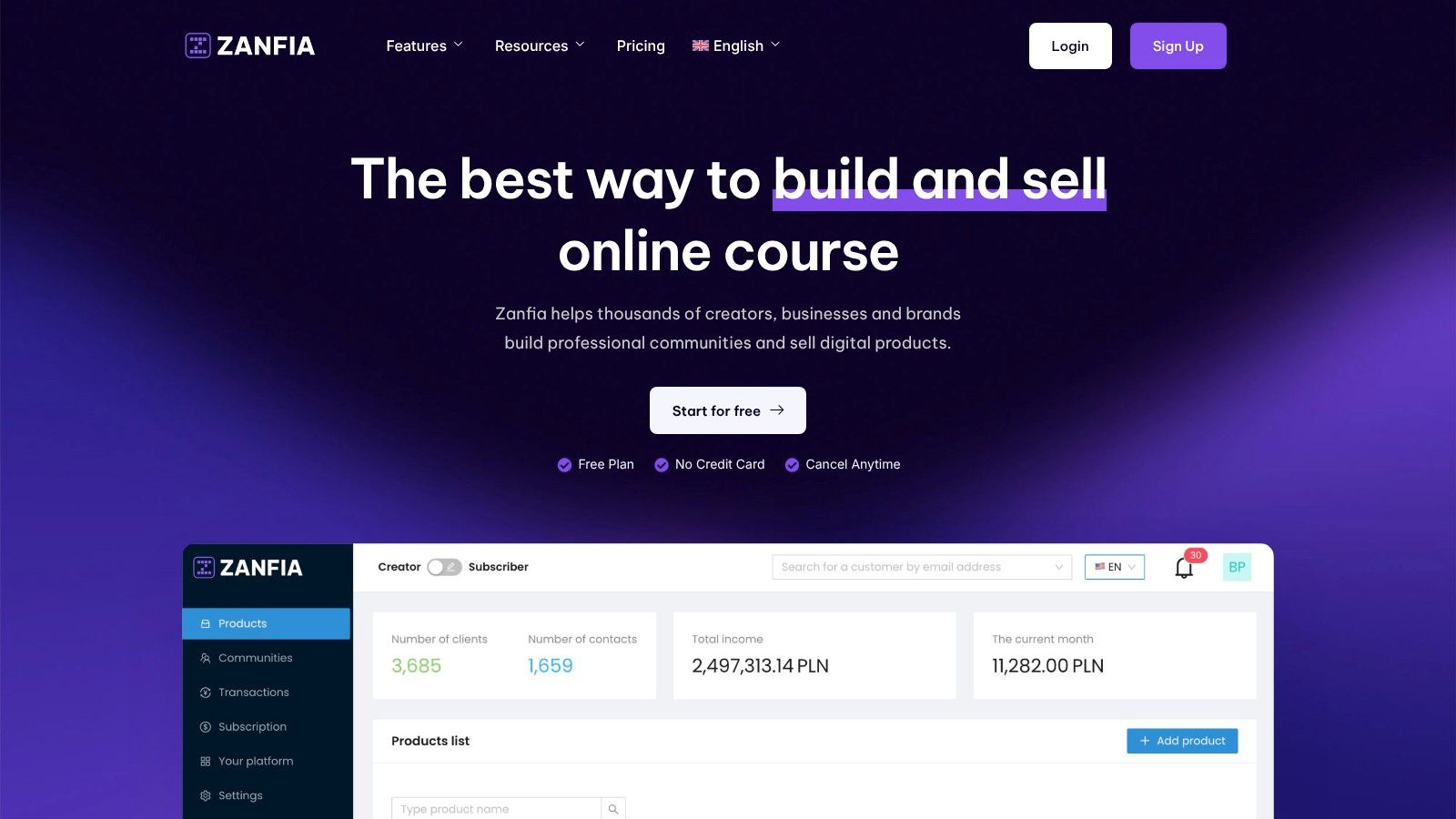
What truly sets Zanfia apart is its revolutionary 0% platform commission model. Unlike competitors that take a percentage of every sale, Zanfia operates on a transparent SaaS subscription, meaning creators keep 100% of their hard-earned revenue. This is a game-changer for creators earning PLN 10k–100k+ a month who are tired of commissions eating into their margins. As respected Polish entrepreneur Artur Kurasiński states, Zanfia is “the most convenient and simplest solution for paid newsletters, courses and community on the Polish market”.
Key Features & Use Cases
- Integrated Community & Courses: Build community-based products that foster deep engagement. Unlike platforms that push users to external tools like Discord, Zanfia unifies discussion channels, announcements, and course content under your brand, boosting member retention.
- Flexible Monetization: Sell one-time purchases, subscriptions, installment plans, or product bundles. The modern checkout integrates with Stripe, PayU, Przelewy24, and BLIK, with support for Apple Pay and Google Pay.
- Powerful Automations: Save 5–10+ hours a month by automating workflows like granting course access, adding buyers to community channels, and triggering welcome emails. Automatic invoicing via inFakt and Fakturownia simplifies compliance.
- Advanced Course Platform: Zanfia offers native video hosting, eliminating the need for costly external services, while also supporting integrations with YouTube, Vimeo, and Wistia. The smart video player automatically saves student progress.
Pricing
Zanfia's pricing is based on a clean SaaS subscription model. While specific plan details are on their website, the core promise is a flat zero-percent (0%) platform fee on all customer sales. The only fees you pay are those charged directly by payment operators like Stripe or PayU. This transparent, partnership approach makes it one of the best platforms to sell digital products for creators focused on maximizing profitability.
Pros & Cons
- Pros:
- True all-in-one ecosystem (community, courses, newsletters, e-commerce).
- 0% commission on all your sales—you keep 100% of your revenue.
- Built in Poland with deep local market insight (payments, invoicing, VAT).
- Full white-label branding with custom domain support on every plan.
- Cons:
- As a platform built for the Polish market, international creators should verify support for their specific payment gateways and compliance needs.
- Leveraging the full power of its API and webhooks for advanced custom integrations requires some technical knowledge.
Website: https://zanfia.com
2. Shopify
Shopify is a household name in ecommerce, but its power isn't limited to physical goods. For creators looking to sell digital products, it stands as a robust, scalable solution. By using Shopify’s free, first-party Digital Downloads app, you can easily attach files like ebooks, music, art, or software to your product listings. This setup leverages Shopify’s world-class checkout system, payment processing, and extensive app ecosystem to build a powerful digital storefront.
What makes Shopify one of the best platforms to sell digital products is its sheer versatility. You can sell digital files alongside physical merchandise, or run a purely digital business. The platform's powerful checkout is optimized for conversion and includes essential features like abandoned cart recovery right out of the box. This provides a professional and trustworthy buying experience for your customers from day one.
Key Features & Use Cases
Shopify's core strength lies in its ecosystem. While the native Digital Downloads app handles the basics-attaching files and automating delivery-the Shopify App Store unlocks advanced functionality. You can find apps for generating license keys for software, selling subscriptions, or offering more complex product bundles.
- Best For: Creators who plan to scale, sell a mix of digital and physical products, or require deep customization through third-party apps.
- Native Digital Delivery: The free Digital Downloads app lets you set download limits and sends secure links to customers automatically after purchase.
- App Ecosystem: Integrate apps for advanced features like PDF stamping, streaming video, or managing software licenses.
- Multi-Channel Sales: Sell your digital goods not just on your website, but across social media and other marketplaces.
Pricing and Transaction Fees
Shopify operates on a monthly subscription model with plans starting from around $29/month for the "Basic" tier. While the Digital Downloads app itself is free, standard transaction fees apply to all sales. If you use Shopify Payments, you'll pay a card processing fee (e.g., 2.9% + 30¢ for online transactions on the Basic plan). Using a third-party payment gateway incurs an additional fee from Shopify.
Pros and Cons
-
Pros:
- Highly scalable platform that grows with your business.
- Industry-leading checkout process that maximizes conversions.
- Extensive app store for virtually any feature you can imagine.
-
Cons:
- Advanced digital features often require paid third-party apps, increasing monthly costs.
- The native Digital Downloads app has mixed reviews and may be too basic for some users.
- Transaction fees are standard, unlike platforms like Zanfia which offer a 0% platform fee model.
3. WooCommerce (WordPress) + WooPayments
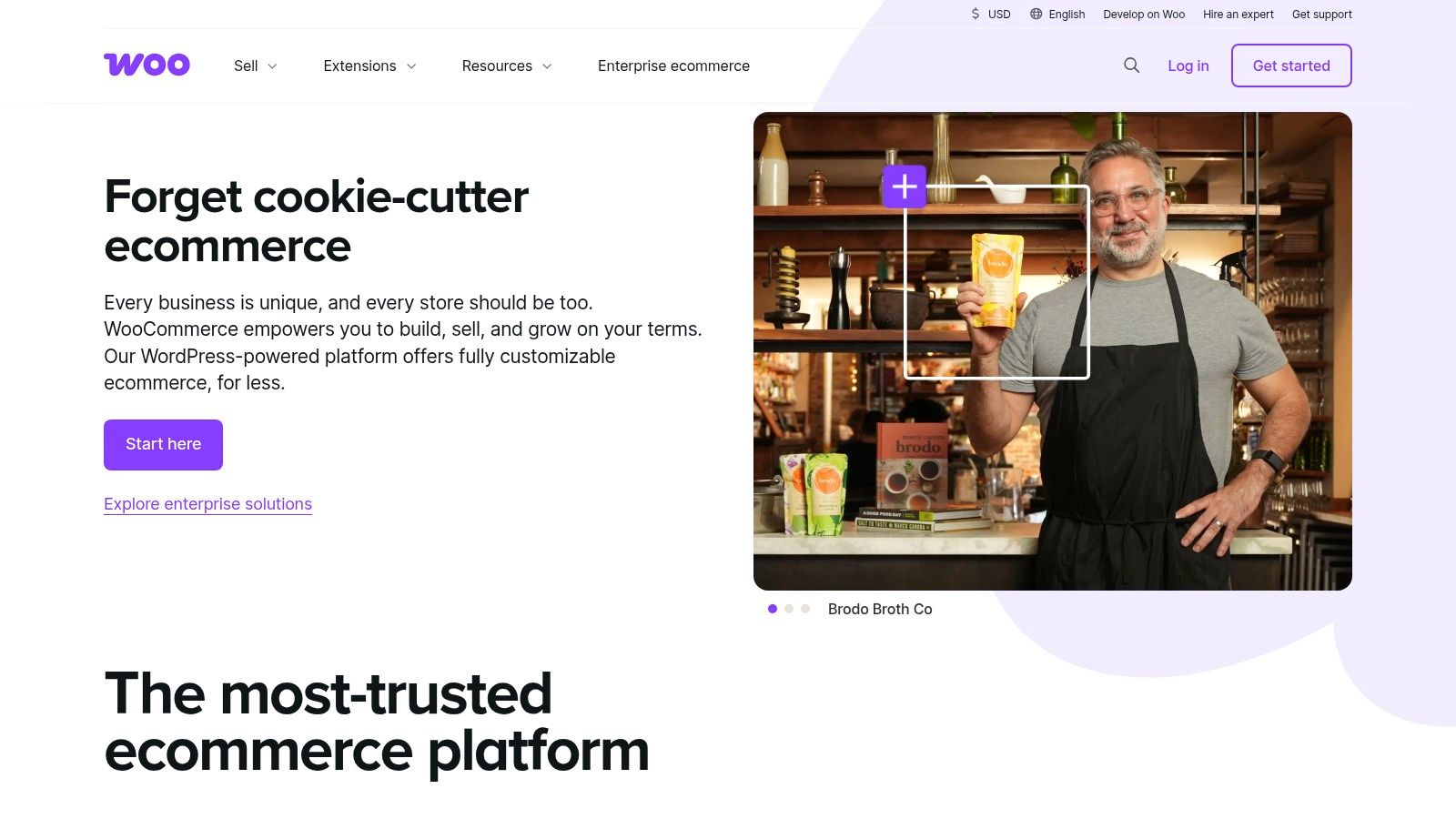
For creators who demand complete control and flexibility, the combination of WordPress and the WooCommerce plugin is an unparalleled open-source solution. This powerful duo transforms a standard WordPress site into a fully-functional digital storefront, giving you the freedom to sell anything from ebooks and software licenses to complex membership subscriptions. Because you own the entire tech stack, you have final say over every aspect of the design, functionality, and customer data.
The key advantage of WooCommerce is its limitless customizability. Unlike hosted platforms, you are not confined to a specific set of features or a pre-defined theme. Instead, you can build a bespoke ecommerce experience that perfectly matches your brand and business model. For those new to this ecosystem, securing reliable managed WordPress hosting is crucial, as it handles the technical overhead of performance, security, and updates, letting you focus on selling.
Key Features & Use Cases
WooCommerce's strength lies in its vast ecosystem of extensions and its core flexibility for digital goods. You can configure products as "Virtual" and "Downloadable" right out of the box, with options for download limits and access expiration. For more advanced needs, the marketplace offers thousands of plugins for license key generation, learning management systems (LMS), and sophisticated subscription models.
- Best For: Tech-savvy entrepreneurs and businesses who want full ownership and the ability to create a highly customized digital store.
- Full Data Ownership: You control 100% of your store's data, from customer information to sales analytics, with no platform oversight.
- Massive Extension Library: Integrate with thousands of third-party plugins to add any functionality imaginable, such as course creation, PDF stamping, or advanced membership tiers.
- Integrated Payments: WooPayments provides a seamless checkout experience by handling cards, digital wallets like Apple Pay, and local payment methods directly within your dashboard.
Pricing and Transaction Fees
The WooCommerce plugin itself is free and open-source. Your primary costs will be for web hosting, your domain name, and any premium themes or extensions you choose to purchase. While WooCommerce charges no platform fee per sale, standard payment processing fees apply. For example, using WooPayments incurs a fee of 2.9% + 30¢ per transaction for U.S. cards.
Pros and Cons
-
Pros:
- Complete control and endless customization possibilities.
- No platform transaction fees from WooCommerce, unlike many hosted solutions.
- Mature ecosystem with a huge community and countless extensions.
-
Cons:
- Requires you to manage your own hosting, security, and maintenance.
- Can have a steeper learning curve compared to all-in-one platforms.
- Costs for premium plugins and hosting can add up over time.
4. Gumroad
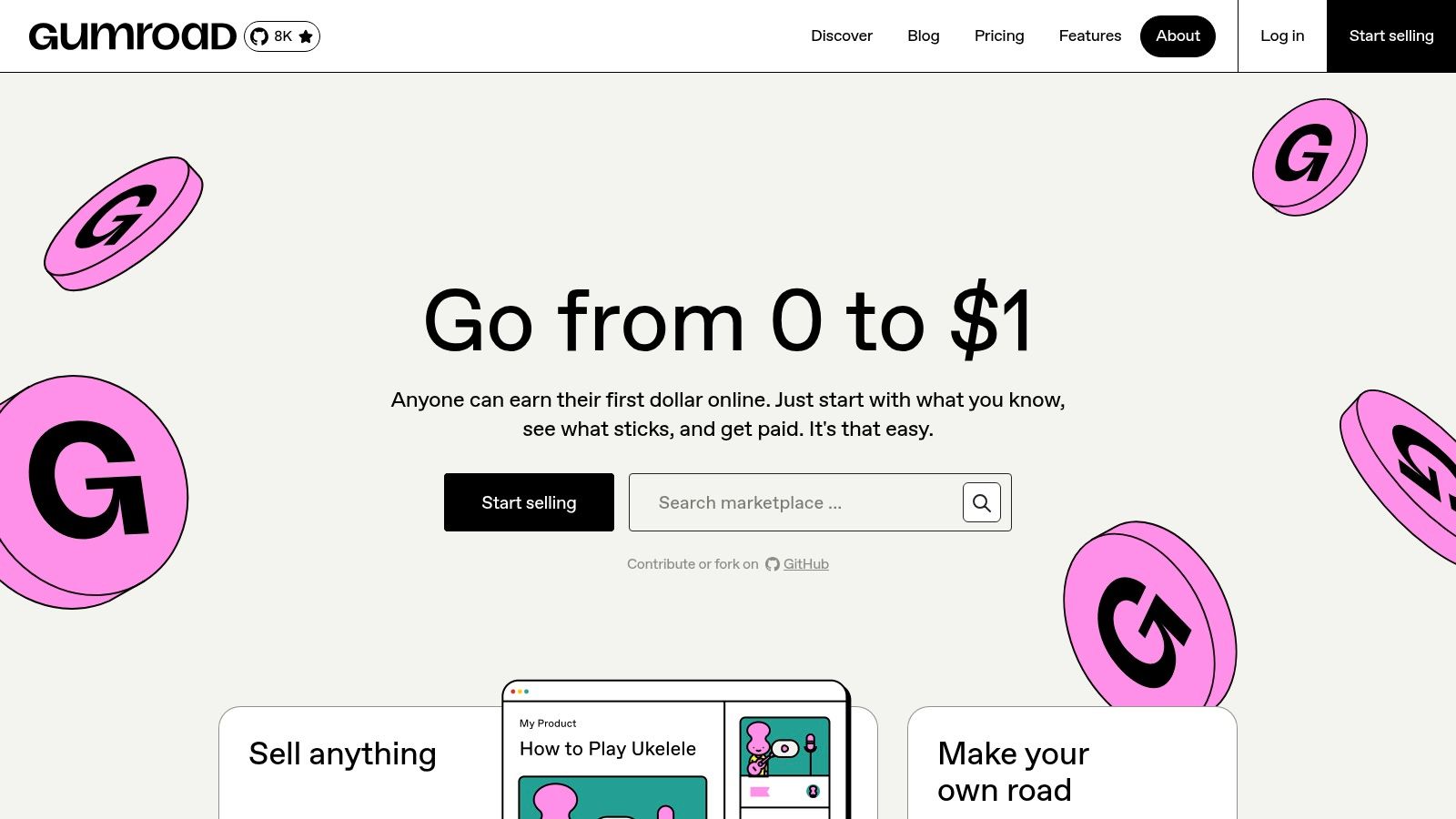
Gumroad has carved out a niche as the go-to platform for creators seeking simplicity and speed. It's a creator-first marketplace designed to get your digital products-from ebooks and music to software-on sale in minutes. A key differentiator is that Gumroad acts as a Merchant of Record (MoR). This means it handles complex global sales tax and VAT compliance on your behalf, a massive relief for independent creators selling to an international audience.
This MoR model is a primary reason Gumroad ranks among the best platforms to sell digital products. It abstracts away the administrative headache of tax remittance, allowing you to focus purely on creation and marketing. The platform provides a simple, clean storefront and a straightforward workflow for uploading products and connecting a payment account. It's built for direct-to-consumer sales with minimal setup.
Key Features & Use Cases
Gumroad excels at providing the essential tools without overwhelming users. You can sell one-off downloads, memberships, or even physical goods. Its workflow is perfect for creators who want to quickly monetize a product, like an ebook, without a steep learning curve. The platform also offers an optional "Discover" marketplace to help new customers find your work.
- Best For: Independent artists, writers, musicians, and developers who need a quick, no-fuss solution to start selling globally.
- Merchant of Record: Gumroad automatically calculates, collects, and remits sales tax and VAT worldwide, simplifying your accounting.
- Flexible Product Types: Supports downloads, courses, memberships, product variants, and bundles all through one simple interface.
- Built-in Email Marketing: Send updates and newsletters directly to your customers and followers from within the platform.
Pricing and Transaction Fees
Gumroad's pricing is straightforward: it takes a flat 10% cut of every sale, with no monthly subscription fees. This fee covers all features, including the MoR service and unlimited bandwidth. Standard payment processing fees (e.g., from Stripe or PayPal) are applied on top of this. This pay-as-you-go model makes it an accessible entry point for new creators.
Pros and Cons
-
Pros:
- Extremely easy to set up and start selling in minutes.
- Merchant of Record model handles global sales tax complexity for you.
- No monthly fees, making it a low-risk option.
-
Cons:
- The 10% platform fee is high compared to other platforms.
- Customization options for your storefront are very limited.
- Lacks the advanced features and scalability of platforms like Shopify or all-in-one solutions like Zanfia.
5. Lemon Squeezy
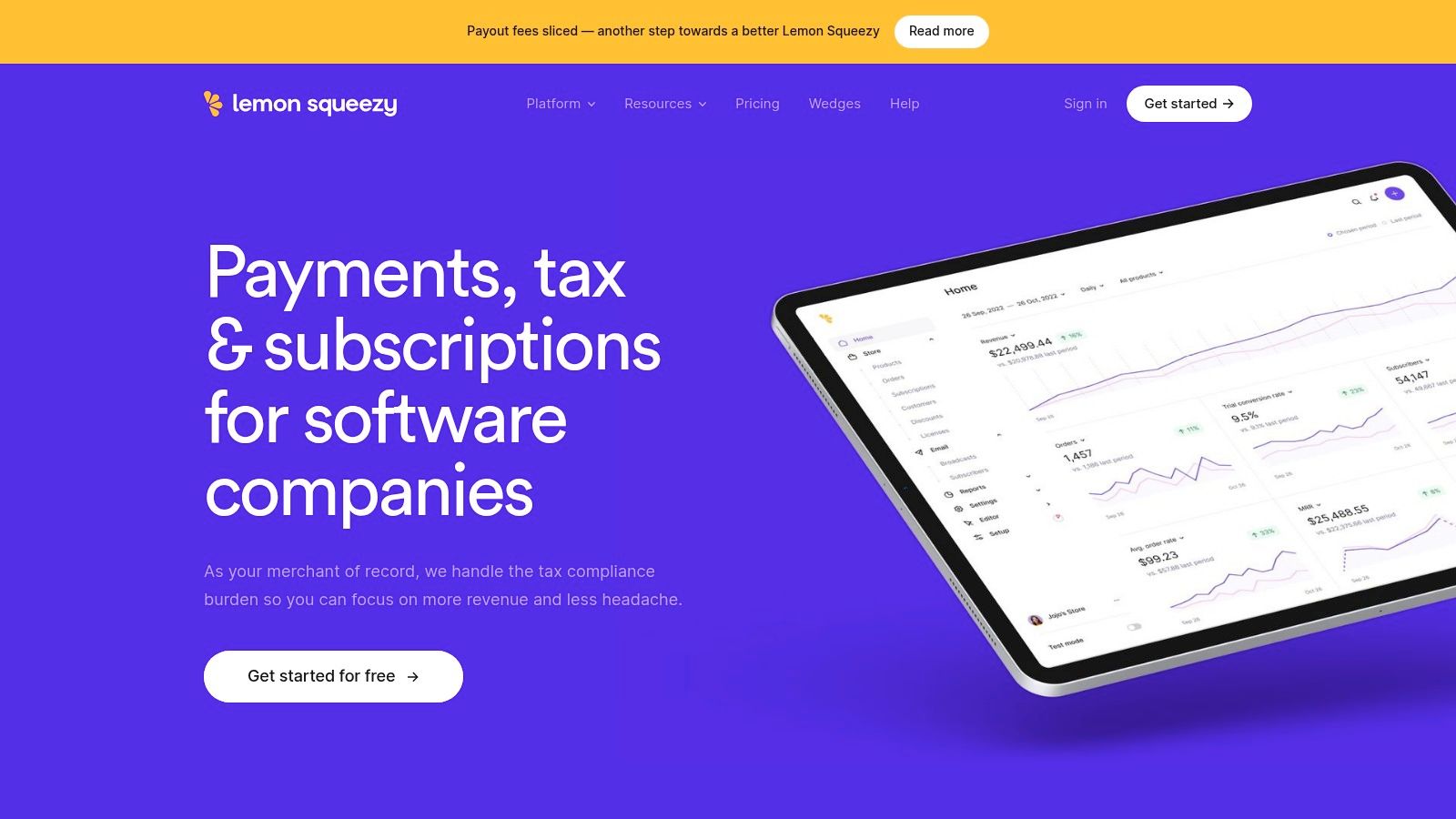
Lemon Squeezy positions itself not just as a platform, but as a Merchant of Record (MoR) designed to remove the complexities of selling digital products globally. For creators and software companies, this means Lemon Squeezy handles all the tricky parts of a transaction-like global sales tax, VAT compliance, and fraud prevention-so you can focus entirely on your products. It’s an elegant solution for anyone who dreads managing international tax laws and invoicing.
What truly makes Lemon Squeezy one of the best platforms to sell digital products is its all-in-one, simplified approach. It combines a clean checkout experience with built-in tools for subscriptions, software license key generation, and even basic email marketing. This integrated system acts as your payment processor, tax department, and delivery agent, wrapped in a developer-friendly package with a simple, transaction-based fee structure.
Key Features & Use Cases
Lemon Squeezy's core strength is its Merchant of Record model, which significantly reduces the administrative burden for sellers. It’s particularly powerful for software developers and international creators who need robust tools for recurring revenue and license management without the headache of global compliance.
- Best For: Software developers, SaaS businesses, and creators selling internationally who want a hands-off solution for tax compliance and payment processing.
- Merchant of Record: Automatically handles the calculation, collection, and remittance of sales tax, VAT, and GST worldwide.
- Software Licensing: Native support for generating, managing, and verifying software license keys.
- Integrated Tools: Includes built-in support for subscriptions, lead magnets, and email marketing for up to 500 subscribers for free. You can learn more about subscription pricing strategies to maximize this feature.
Pricing and Transaction Fees
Lemon Squeezy has a straightforward, pay-as-you-go pricing model with no monthly fees for its core ecommerce features. The standard rate is 5% + $0.50 per transaction. This fee is all-inclusive, covering payment processing and all the Merchant of Record services. For users with high volume, custom pricing plans are available upon request.
Pros and Cons
-
Pros:
- Merchant of Record model simplifies global sales and tax compliance.
- Simple, transparent pricing with no monthly subscription fees.
- Excellent built-in tools for selling software and subscriptions.
-
Cons:
- The 5% transaction fee can become more expensive than a flat-fee SaaS model at higher sales volumes.
- Storefront customization options are more limited compared to full-fledged website builders.
- While it has an email tool, it lacks the advanced community and course features found in all-in-one platforms like Zanfia.
6. Payhip
Payhip is an all-in-one ecommerce platform that makes it incredibly easy for creators to sell digital downloads, online courses, memberships, and even physical products. It provides a simple, hosted storefront and checkout system, removing much of the technical headache associated with building an online store from scratch. For creators just starting, Payhip offers a compelling entry point into the world of digital sales.
What sets Payhip apart is its creator-centric approach, combining ease of use with a powerful feature set available on all plans, including a free-forever tier. It handles complexities like EU/UK VAT automatically, offers built-in affiliate marketing tools, and includes email marketing features to help you engage your audience directly. This makes it one of the best platforms to sell digital products for those who want a robust, low-cost solution without a steep learning curve.
Key Features & Use Cases
Payhip’s strength lies in its simplicity and generous free plan. You can list unlimited products, from ebooks and software to coaching services and subscriptions, right from day one. It’s an ideal platform for creators who want to test their product ideas without committing to a monthly subscription. The platform supports both Stripe and PayPal, giving customers flexible payment options.
- Best For: Beginners, bloggers, and creators looking for a free or low-cost platform with a full suite of essential marketing and sales tools built-in.
- All-in-One Solution: Sell downloads, courses, and memberships from a single platform.
- Built-in Marketing Tools: Includes affiliate management, coupon codes, and basic email marketing to help you promote your products.
- Automatic Tax Handling: Automatically calculates and remits digital sales tax (VAT) for EU and UK customers, a huge time-saver.
Pricing and Transaction Fees
Payhip has a tiered pricing structure designed to scale with your sales volume. It offers a "Free Forever" plan that includes all features but carries a 5% transaction fee. The "Plus" plan is $29/month with a 2% fee, and the "Pro" plan is $99/month with a 0% transaction fee. Note that standard payment processor fees from Stripe or PayPal apply on top of these rates.
Pros and Cons
-
Pros:
- Generous free-forever plan with access to all core features.
- Extremely easy to set up and use, perfect for non-technical creators.
- Unlimited products and revenue are supported on all plans.
-
Cons:
- The 5% transaction fee on the free plan can become costly as sales grow.
- Storefront customization options are more limited than platforms like Shopify.
- Unlike Zanfia, which has a 0% platform fee on its subscription plans, Payhip only offers this on its most expensive tier.
7. SendOwl
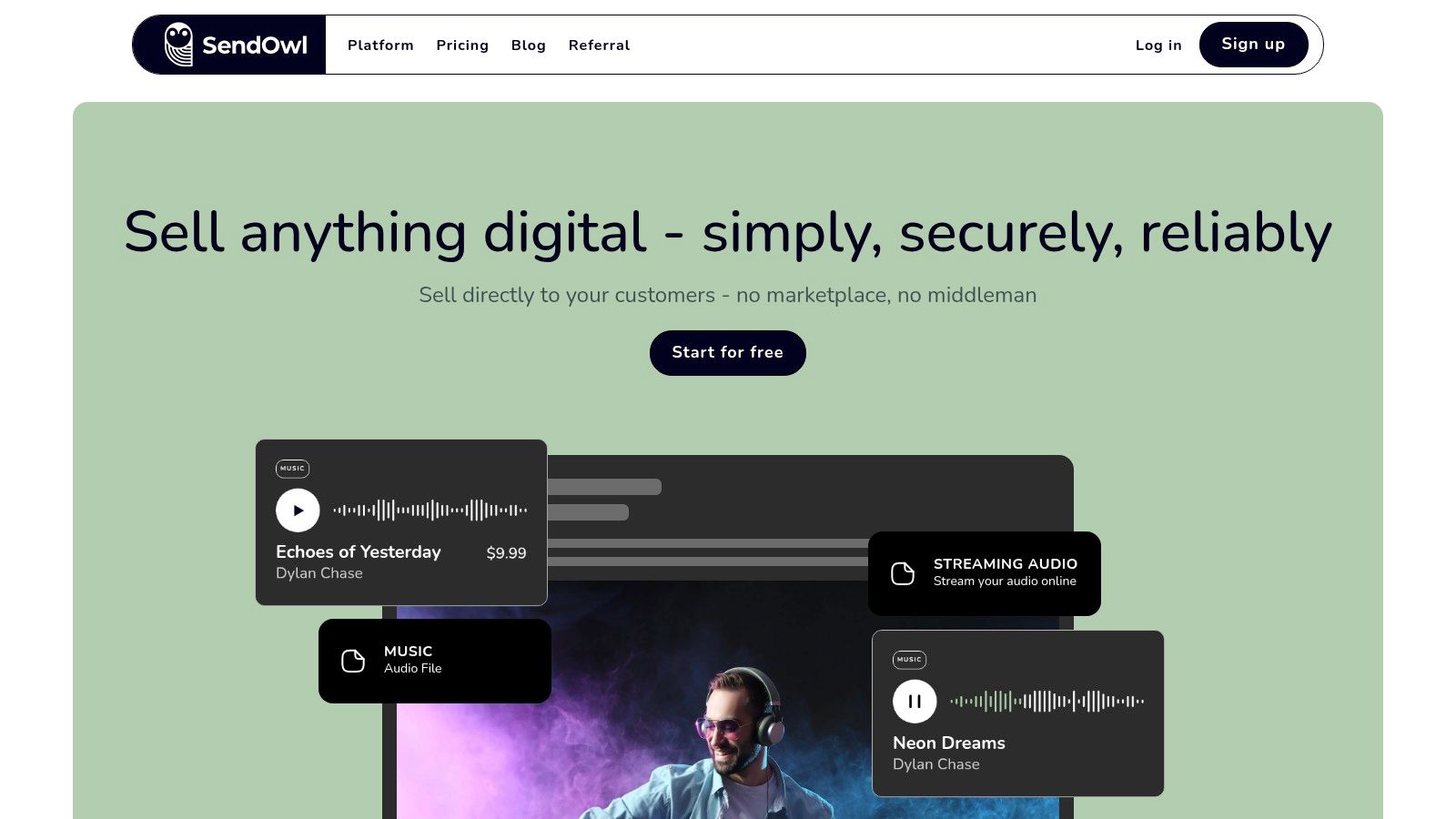
SendOwl is a streamlined and powerful tool designed specifically for selling digital goods. Rather than being an all-in-one website builder, it acts as a lightweight checkout and delivery engine that can be added to any existing website, social media profile, or even an email signature. You simply upload your product, and SendOwl provides a "Buy Now" button or link that you can place anywhere online, handling the secure payment processing and automated file delivery for you.
What makes SendOwl one of the best platforms to sell digital products is its focused simplicity and flexibility. It doesn't force you into a specific ecosystem. Instead, it gives you the core tools needed for digital sales-secure hosting, expiring download links, and a clean checkout process-that integrate seamlessly wherever your audience already is. This approach is perfect for creators who have an established website or blog and need a reliable way to start selling without a complete platform migration.
Key Features & Use Cases
SendOwl's strength is its direct approach to digital commerce. It offers robust features like PDF stamping to discourage unauthorized sharing, the ability to sell subscriptions or drip content over time, and a cart that supports upselling and discount codes. This makes it a versatile tool for selling everything from ebooks and software to memberships and online courses.
- Best For: Creators with an existing website (like WordPress or Squarespace) who need a simple, reliable checkout and delivery system without high transaction fees.
- Secure Delivery: Provides secure file hosting with expiring download links and PDF stamping to protect your intellectual property.
- Flexible Sales Models: Easily sell one-off products, create bundles, offer subscriptions, and even set up "pay what you want" pricing.
- Embeddable Anywhere: Use simple buy buttons or links to sell directly from your blog posts, landing pages, or social media bios.
Pricing and Transaction Fees
SendOwl uses a transparent monthly subscription model with plans starting from $15/month. A key benefit is that SendOwl charges zero platform transaction fees on all plans. You only pay the standard processing fees from your chosen payment gateway, like Stripe or PayPal. Pricing tiers are based on the number of products you list and the amount of storage you need, making it a cost-effective solution.
Pros and Cons
-
Pros:
- Very lightweight and easy to integrate with any existing website.
- No platform transaction fees, allowing you to keep more of your revenue.
- Predictable and affordable monthly pricing plans.
-
Cons:
- The interface and feature set are intentionally simple, lacking the all-in-one marketing tools of larger platforms.
- Not a standalone website builder; you need your own site or platform to host it on.
- The focus is purely on the sale and delivery, not on community building or course hosting.
8. Podia
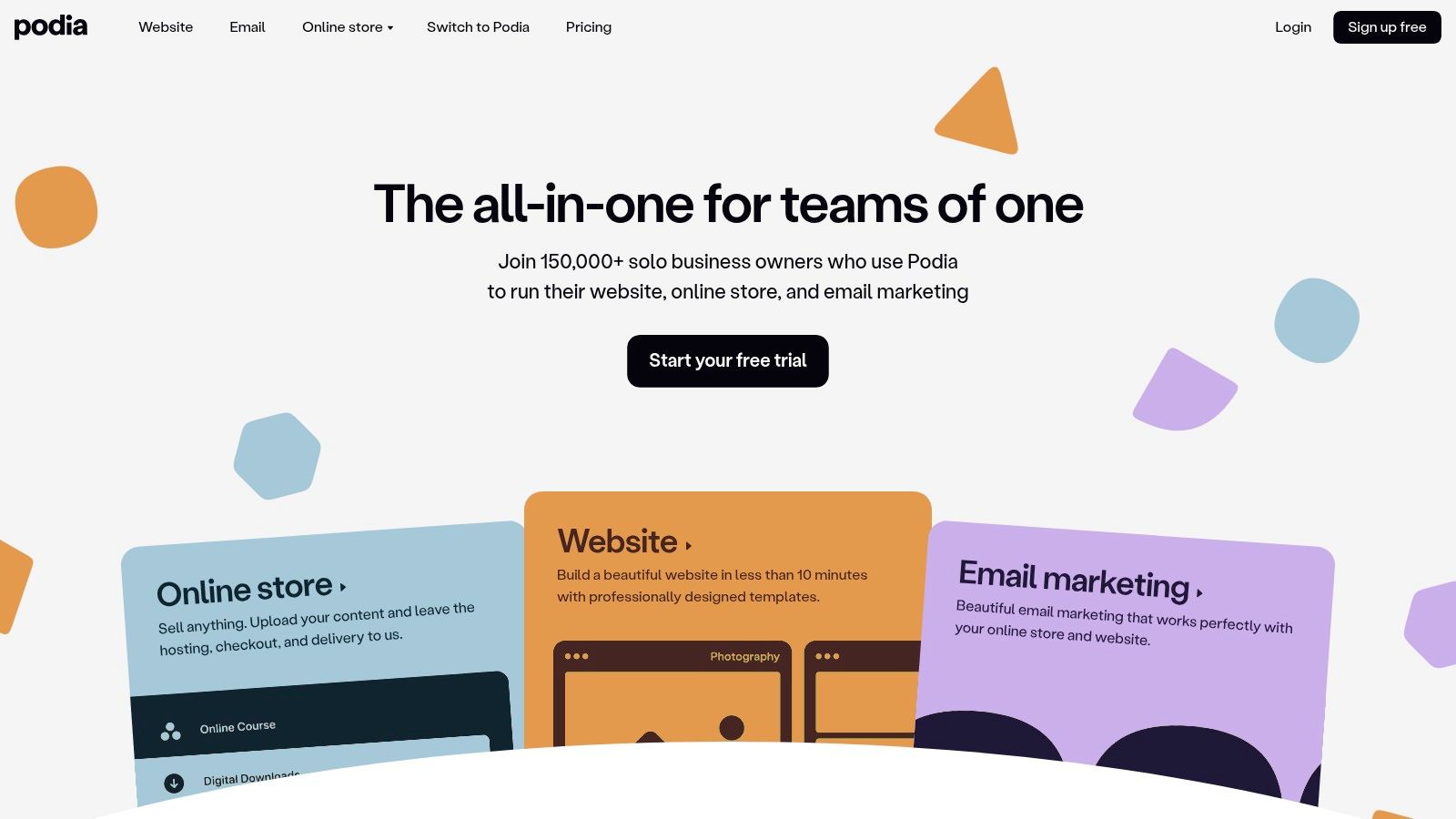
Podia positions itself as an all-in-one platform for creators who want simplicity without sacrificing power. It bundles everything needed to sell digital downloads, online courses, coaching, and community memberships into a single, cohesive dashboard. This integrated approach means you can manage your website, products, email marketing, and customer relationships from one place, making it one of the best platforms to sell digital products for solo entrepreneurs.
What sets Podia apart is its focus on a user-friendly, streamlined experience. Instead of stitching together multiple tools, you get a built-in website builder, checkout system, and email marketing suite right out of the box. This allows creators to launch quickly and manage their business efficiently without a steep learning curve or technical headaches, focusing on content rather than complex configurations.
Key Features & Use Cases
Podia’s strength is its seamless integration of different product types. You can easily bundle an ebook with a mini-course, offer a community membership as an upsell after a webinar purchase, or sell coaching sessions directly from your site. This makes it ideal for creators with a diverse portfolio of digital offerings.
- Best For: Solo creators, coaches, and educators looking for a simple, all-in-one solution to sell various digital products without needing multiple subscriptions.
- Integrated Toolset: Includes a website builder, community platform, email marketing, and affiliate management in every plan.
- Flexible Product Types: Sell downloads, online courses, webinars, coaching sessions, and product bundles.
- Creator-Friendly Onboarding: A straightforward setup process and a 30-day free trial allow you to build and test your storefront with no initial commitment.
Pricing and Transaction Fees
Podia offers several subscription tiers, including a free plan with an 8% transaction fee. Paid plans start at around $33/month (billed annually) and remove the transaction fee entirely, allowing you to keep more of your revenue. You only pay the standard processing fees from Stripe or PayPal.
Pros and Cons
-
Pros:
- Extremely user-friendly interface with a low learning curve.
- All-in-one platform eliminates the need for multiple third-party tools.
- 0% platform transaction fees on all paid plans.
-
Cons:
- Fewer advanced automations compared to more complex enterprise suites.
- Website builder has limited customization options for creators needing a highly unique design.
- The free plan’s 8% transaction fee can be high for those just starting.
9. Kajabi
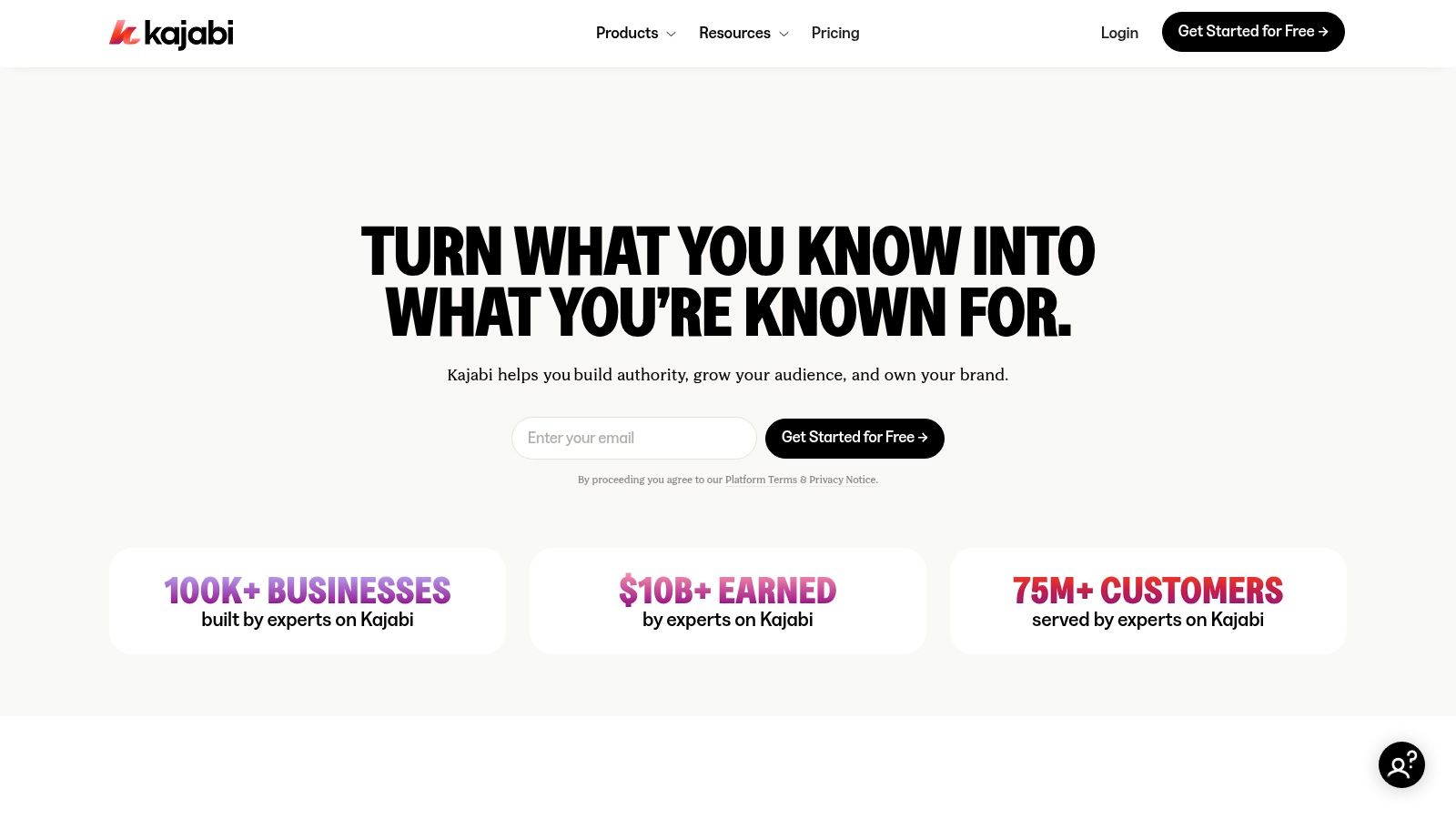
Kajabi is a premium, all-in-one platform designed for serious creators and established entrepreneurs who want to consolidate their entire digital business into a single, powerful ecosystem. It goes beyond simple product sales by integrating tools for online courses, coaching programs, membership sites, communities, and marketing funnels. This unified approach eliminates the need to stitch together multiple third-party apps, offering a seamless experience for both the creator and their customers.
What makes Kajabi one of the best platforms to sell digital products is its focus on creating and monetizing knowledge-based businesses. It provides a robust suite of built-in tools, including a website builder, email marketing automation, and advanced analytics. This allows creators to manage every aspect of their sales pipeline, from lead capture to post-purchase engagement, without ever leaving the Kajabi dashboard.
Key Features & Use Cases
Kajabi’s strength lies in its deep integration between its various components. For instance, you can automatically grant a customer access to a specific community channel upon their purchase of an online course, all handled natively. The platform's "Pipelines" feature provides pre-built marketing funnel templates to streamline lead generation and sales. You can learn more about creating and selling courses to see how these features compare.
- Best For: Established course creators, coaches, and digital entrepreneurs who need a comprehensive, integrated solution to scale their business.
- All-in-One Toolkit: Includes website and landing page builder, CRM, email marketing, analytics, and community management.
- Monetization Flexibility: Offers diverse options like one-time payments, subscriptions, installment plans, and free trials for courses and memberships.
- Advanced Automations: Trigger actions based on user behavior, such as completing a lesson or purchasing a product, to create personalized customer journeys.
Pricing and Transaction Fees
Kajabi is a premium solution with pricing that reflects its all-in-one nature. Plans start at a higher price point than many competitors, typically beginning around $149/month. The platform does not charge its own transaction fee on your sales, but standard credit card processing fees from Stripe and PayPal still apply. It's important to check their site for the most current pricing, as plans and features can change.
Pros and Cons
-
Pros:
- Truly unified platform reduces the need for multiple, costly integrations.
- Powerful built-in automation and marketing tools.
- No platform transaction fees (standard processor fees apply).
-
Cons:
- Significantly higher monthly cost, making it less accessible for beginners.
- The all-in-one model can feel restrictive if you prefer using specific best-in-class tools for certain functions.
10. Teachable
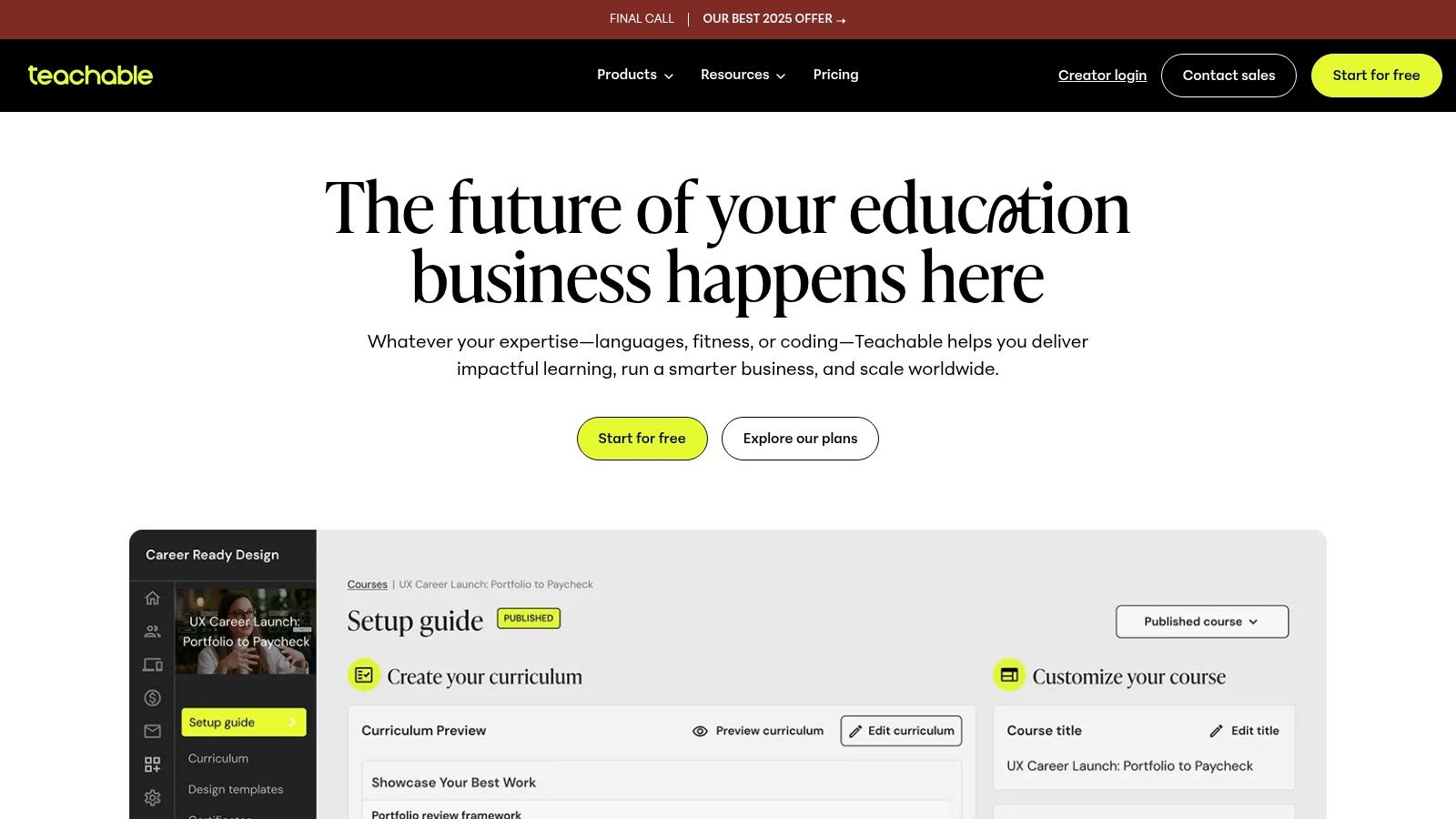
Teachable is one of the most recognized names in the online course space, offering a dedicated platform for instructors and creators to build, market, and sell educational content. It streamlines the entire process of creating an online school, from course creation and video hosting to payment processing and student management. With its user-friendly interface, creators can focus on crafting valuable content without getting bogged down by complex technical setups.
The platform is designed specifically for selling courses and coaching, which makes it one of the best platforms to sell digital products for educators. It provides all the essential tools to run an online learning business, including integrated payment gateways, affiliate marketing tools, and features to engage students like quizzes and completion certificates. This comprehensive, all-in-one approach is ideal for creators who want to offer a professional and seamless learning experience.
Key Features & Use Cases
Teachable's core value lies in its focus on the instructor and student experience. The platform includes features designed to maximize sales and student engagement. The refreshed plan structure, introduced in mid-2025, offers a clear ladder for creators to scale their business, unlocking more advanced features as they grow.
- Best For: Online instructors, coaches, and creators who prioritize a polished course delivery experience and want built-in marketing tools.
- Integrated Commerce: Comes with built-in coupons, one-click upsells, order bumps, and an affiliate program to help you boost revenue.
- Student Engagement: Offer course completion certificates, quizzes, and direct communication to foster an active learning community.
- Global Payments: Handles global payments and manages EU VAT, simplifying international sales for creators.
Pricing and Transaction Fees
Teachable uses a monthly subscription model with several tiers (Starter, Builder, Growth, Advanced). The entry-level "Starter" plan comes with a transaction fee on top of the monthly subscription, but higher-tier plans eliminate this platform fee. For example, the Starter plan might have a 5% transaction fee, while the Builder plan and above have 0%. Standard payment processor fees (e.g., from Stripe) apply to all transactions across all plans.
Pros and Cons
-
Pros:
- Extremely user-friendly interface for both instructors and students.
- Powerful built-in marketing features like affiliates and upsells.
- Clear and predictable feature access with the tiered plan ladder.
-
Cons:
- The entry-level plan includes a transaction fee, which can be a drawback for new creators.
- Can become expensive as you scale and require features from higher-priced plans.
- Less flexible for selling non-course digital products compared to other platforms.
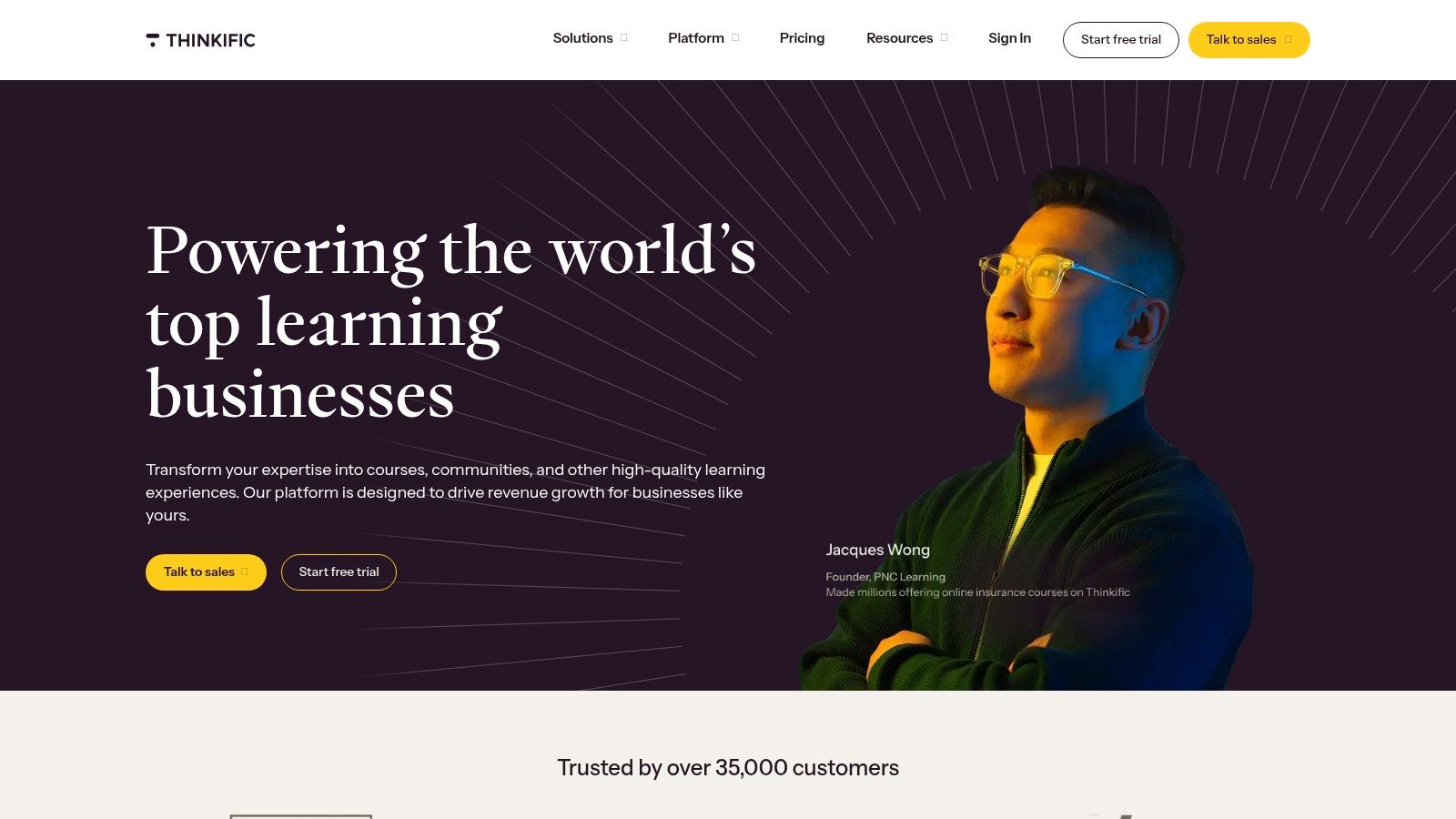
11. Thinkific
Thinkific is a leading force in the online course creation space, empowering educators and businesses to build, market, and sell their own learning experiences. While its core focus is on courses, it also supports communities, digital downloads, and memberships, making it a comprehensive platform for knowledge entrepreneurs who want to cultivate a dedicated student base and deliver high-quality educational content.
What makes Thinkific one of the best platforms to sell digital products is its dedication to the learner experience. The platform provides a clean, professional, and intuitive interface for students, complete with progress tracking, completion certificates, and engaging community spaces. This focus on student success helps creators build a loyal audience that is more likely to purchase future products and engage with the brand long-term.
Key Features & Use Cases
Thinkific's power lies in its all-in-one approach to educational commerce. It allows you to host unlimited courses on paid plans, build integrated communities alongside your lessons, and sell memberships or product bundles. Higher-tier plans unlock APIs and webhooks, enabling deeper integrations for businesses looking to scale their educational offerings.
- Best For: "Edupreneurs", small academies, and businesses focused on delivering a premium learning experience with integrated community features.
- Comprehensive Course Builder: Supports various content types, quizzes, assignments, and drip-schedules for a structured learning path.
- Integrated Communities: Build a learning community directly within your course platform, eliminating the need for separate tools.
- Advanced Commerce: Sell subscriptions, memberships, and flexible payment plans to maximize revenue opportunities.
Pricing and Transaction Fees
Thinkific offers a tiered subscription model, including a free plan to get started. Paid plans begin at around $36/month (billed annually) for the "Basic" tier. A key advantage is that Thinkific charges 0% transaction fees on all its plans, including the free one. You only pay the standard processing fees charged by your chosen payment gateway, like Stripe or PayPal.
Pros and Cons
-
Pros:
- Excellent student learning experience with strong course delivery features.
- No platform transaction fees on any plan, letting you keep more revenue.
- Scalable with advanced features like APIs available on higher tiers.
-
Cons:
- Advanced features like white-labeling and API access are reserved for more expensive plans.
- Some key commerce tools are gated behind the higher-priced "Grow" and "Plus" tiers.
- Unlike Zanfia, which is built as an integrated ecosystem, you may still need other tools for broader marketing automation.
12. Etsy
While primarily known for handmade physical goods, Etsy has carved out a significant niche as a go-to marketplace for digital products. It offers creators a massive, built-in audience actively searching for items like digital art, planners, templates, and craft patterns. By listing on Etsy, you tap into a high-traffic environment with established buyer trust, making it one of the best platforms to sell digital products if your items align with its creative, DIY-focused audience.
The platform simplifies the entire process, handling secure payment processing and instant file delivery for a seamless customer experience. Once a purchase is complete, Etsy automatically makes the files available to the buyer through their "Purchases" page and sends a download link via email for guest checkouts. This hands-off fulfillment allows sellers to focus purely on creation and marketing within the Etsy ecosystem.
Key Features & Use Cases
Etsy’s strength is its simplicity and discoverability. The platform is designed for individual listings, making it ideal for selling one-off digital files rather than complex courses or memberships. Its powerful search and recommendation algorithms can put your products in front of millions of potential customers without you needing to build a website from scratch.
- Best For: Artists, designers, and creators selling printables, digital planners, social media templates, sewing patterns, and other downloadable files.
- Instant Delivery: Files are automatically and securely delivered to customers immediately after payment confirmation, requiring no manual work.
- Built-in Marketplace: Leverage Etsy’s huge volume of daily traffic and internal search engine to find your first customers.
- Seller Tools: Access to Etsy Ads, sales analytics, and tools to manage your listings and promotions all within a unified dashboard.
Pricing and Transaction Fees
Etsy’s fee structure is layered. There is a $0.20 USD listing fee for each item, which must be renewed every four months. When an item sells, Etsy charges a 6.5% transaction fee on the total sale price (including shipping and gift wrapping). A payment processing fee also applies, which varies by country (e.g., 3% + $0.25 in the US). High-earning shops are also automatically enrolled in Offsite Ads, which carries an additional 12-15% fee on attributed sales.
Pros and Cons
-
Pros:
- Access to a large, built-in audience with high purchase intent.
- High level of trust and brand recognition among consumers.
- Extremely simple setup for listing and selling digital items.
-
Cons:
- Multiple fees (listing, transaction, payment, ads) can significantly cut into profits.
- High competition within popular digital product categories.
- You don't own the platform or customer relationships, limiting brand-building.
Top 12 Platforms to Sell Digital Products — Feature & Pricing Comparison
| Platform | Key features ✨ | Experience ★ | Price & value 💰 | Audience 👥 | USP ✨ |
|---|---|---|---|---|---|
| 🏆 Zanfia | Communities, courses, newsletters, 0% fee, automations, native video, local payments/invoicing | 5★ — All-in-one & conversion focused | 💰 Subscription-based; 0% platform commission | 👥 Creators, experts, brands (esp. Polish market) | ✨ True all-in-one with 0% fee & deep local integration |
| Shopify | Storefront + Digital Downloads app, apps ecosystem, robust checkout | 4★ — excellent checkout & multichannel | 💰 Plans from $29+/mo; app costs & processor fees | 👥 Creators to mid‑brands selling digital & physical | ✨ Massive app marketplace & strong checkout |
| WooCommerce + WooPayments | Open‑source WP plugin, ext. plugins for memberships, full data control | 4★ — flexible but self‑managed | 💰 Plugin free; hosting + WooPayments fees apply | 👥 Builders, developers, businesses needing control | ✨ Full ownership & extensibility |
| Gumroad | Instant delivery, memberships, MoR (taxes handled), marketplace option | 3★ — simple creator UX | 💰 No monthly; 10% + $0.50 fee (direct) | 👥 Solo creators wanting fast launch & compliance | ✨ Merchant‑of‑Record simplifies global tax/payouts |
| Lemon Squeezy | MoR for software/licenses, checkout, VAT handling, license keys | 4★ — focused on devs & SaaS sellers | 💰 Per‑transaction: 5% + $0.50; no monthly | 👥 Software sellers, digital subscriptions | ✨ Built‑in license management & tax automation |
| Payhip | Hosted storefront, VAT tools, affiliates, Stripe/PayPal support | 3.5★ — simple & quick | 💰 Free plan (5% txn); Plus/Pro to lower fees | 👥 Beginners & creators wanting low friction | ✨ Free‑forever option with unlimited products |
| SendOwl | Secure file delivery, expiring links, embeddable checkout, simple tiers | 3.5★ — lightweight & reliable | 💰 Low monthly plans; no platform txn fee | 👥 Sellers wanting simple embeds & predictable costs | ✨ Expiring links & PDF stamping for secure delivery |
| Podia | Courses, memberships, downloads, site builder, email tools | 4★ — easy onboarding & cohesive tools | 💰 Monthly plans; starter has txn fee | 👥 Solo creators & small teams | ✨ Fast-to-launch unified creator toolkit |
| Kajabi | Courses, funnels, memberships, native automations & analytics | 4★ — powerful marketing & stability | 💰 Premium pricing (higher monthly) | 👥 Edu‑businesses & scaling creators | ✨ Deep built‑in funnels & enterprise features |
| Teachable | Hosted courses, affiliates, coupons, certificates, mobile apps | 4★ — instructor‑friendly UX | 💰 Tiered plans (starter txn fee on low tier) | 👥 Course creators & instructors | ✨ Strong course‑centric commerce features |
| Thinkific | Courses + communities, live events, subscriptions, analytics | 4★ — strong learner experience | 💰 Free/demo tiers; paid plans for APIs & advanced features | 👥 Edupreneurs, small academies | ✨ Scales for academies with certification & APIs |
| Etsy | Marketplace listings for printables/templates with built‑in discovery | 3.5★ — buyer trust & high traffic | 💰 Listing + transaction + payment fees; ads optional | 👥 Creators of printables, templates, art | ✨ Marketplace discoverability and buyer trust |
The Final Verdict: Finding the Right Partner for Your Growth
Choosing from the vast landscape of the best platforms to sell digital products is far more than a simple tech decision; it's a foundational choice that will shape your business's future. The right platform acts as a growth partner, amplifying your efforts, while the wrong one can become a frustrating bottleneck, siphoning your profits and stealing your time. As we've explored, the market offers a diverse spectrum of solutions, each tailored to different creator needs, business stages, and strategic goals.
On one end, you have marketplaces like Etsy and Gumroad, which offer a low barrier to entry and a built-in audience. They are excellent starting points for testing ideas, but this convenience often comes with significant trade-offs: high transaction fees, intense competition, and minimal control over your branding and customer relationships. You're building your business on someone else's digital real estate, which can limit your long-term growth potential.
On the other end are powerful all-in-one platforms like Kajabi, Teachable, and Thinkific. These solutions provide robust toolkits for course creators and educators, offering everything from video hosting to marketing automation. However, their premium features often come with premium price tags and, in some cases, a percentage-based transaction fee on top of a hefty monthly subscription. For many creators, especially those scaling their revenue, these costs can become a significant drag on profitability.
Making the Strategic Choice for Your Business
Your decision should ultimately anchor on three core pillars: Control, Community, and Cost-effectiveness.
- Control: How important is it for you to build a powerful, independent brand? Platforms that offer white-labeling and custom domain support, like Zanfia or a self-hosted WooCommerce setup, allow you to create a seamless customer experience that is entirely your own. This is crucial for established experts and "Craft Masters" who need their technology to reflect their premium positioning.
- Community: Is your goal simply to transact, or is it to build a loyal, engaged audience? While many platforms let you sell a product, few are purpose-built to foster a thriving community around it. Solutions that integrate community spaces directly with your courses and content, like Zanfia does, create a powerful flywheel for engagement, retention, and long-term customer value. This unified approach is a stark contrast to patching together external tools like Discord or Facebook Groups, which fragments the user experience.
- Cost-Effectiveness: How much of your hard-earned revenue are you willing to share? A 5% or 8% transaction fee may seem small at first, but for a "Business Architect" earning PLN 50,000 a month, that amounts to thousands of zlotys lost every month. Platforms with a transparent, flat-fee SaaS model put you back in control of your margins, ensuring that as you grow, your profits grow with you, not in spite of your platform.
Your Actionable Next Steps
Before you commit, take a moment to map out your trajectory. Are you a "Potential Explorer" needing the simplest path to your first sale, or are you a "Business Architect" tired of juggling plugins and losing revenue to commissions? Your answer will guide your choice.
For creators, particularly those in the Polish market, who value brand ownership, deep community engagement, and profit maximization, the choice becomes clearer. A platform like Zanfia was built specifically to address the pain points of piecemeal solutions and expensive, commission-based international alternatives. Its revolutionary 0% platform fee model, combined with a truly all-in-one ecosystem for courses, community, and digital downloads, presents a compelling case. By automating administrative tasks and providing deep local integrations for payments and invoicing, it’s designed to be a true partner in your growth, not just another monthly expense.
Ultimately, the best platform is the one that removes friction and empowers you to focus on what you do best: creating value for your audience. Select a tool that aligns with your vision, supports your business model, and gives you the confidence to build a sustainable, profitable, and impactful digital enterprise.
Ready to stop giving away your profits and start building your digital empire on a platform that grows with you? Discover how Zanfia combines a powerful all-in-one toolkit with a game-changing 0% platform fee model, giving you the control and clarity you need to succeed. Explore Zanfia today and see why it’s one of the best platforms to sell digital products for creators who are serious about scale.