

Airtable Vs Notion: The Ultimate 2026 Comparison For Creators
When you get right down to it, the Airtable vs. Notion debate hinges on one core idea: are you building with data or with documents?
Airtable is a relational database with a friendly, spreadsheet-like face. It’s engineered for managing complex, structured information—think CRMs, product roadmaps, or inventory systems. Notion, on the other hand, is a free-form workspace built around pages and text, making it a powerhouse for knowledge management, content planning, and team wikis.
Airtable Vs Notion: Which Tool Wins For Your Business?
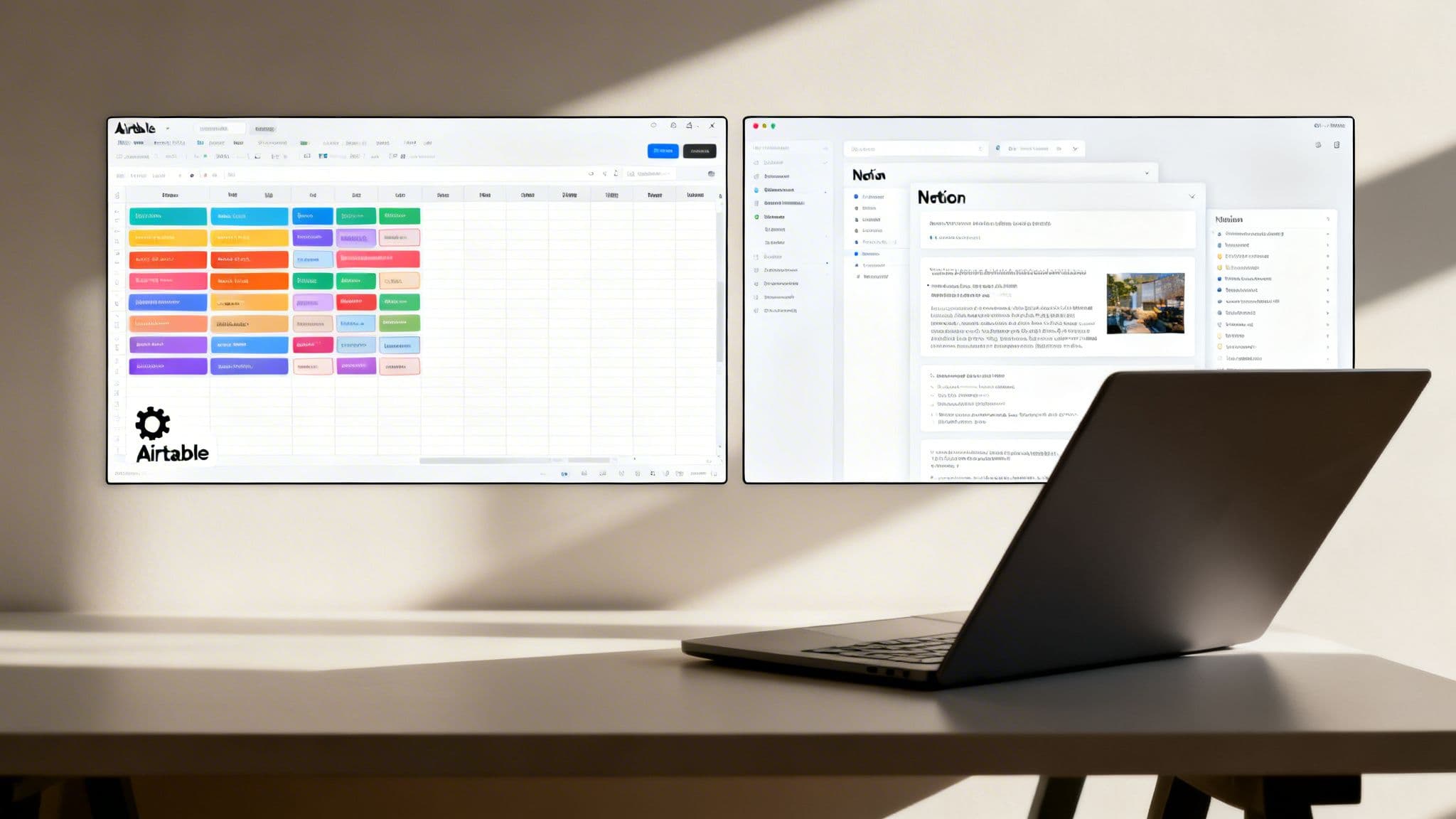
The "winner" isn't the tool with more features; it’s the one that aligns with what you’re trying to build. Picking the right one is about matching the platform’s DNA to your business goals.
Do you need to manage thousands of records that all need to talk to each other? Or do you need a flexible canvas to organize ideas, draft content, and collaborate with your team?
Airtable’s power comes from its structure. It’s like building with LEGO Technic—every gear and beam connects in a precise, logical way to create a functional system. This is why it’s the undisputed champ for anything that needs a true database backend.
Notion’s strength is its unmatched flexibility. It’s more like digital clay; you can mold it into anything from a simple task list to a sprawling company wiki. This versatility has made it a darling among creators and teams who live and breathe documentation and knowledge sharing. You can see how this fits into the broader creator ecosystem in our guide on the best platform for content creators.
To make the choice clearer, here's a quick look at how the two platforms stack up at a high level.
Airtable Vs Notion At A Glance
This table cuts through the noise and lays out the fundamental differences between Airtable and Notion. Use it to get a fast read on which tool's philosophy best matches your needs.
| Attribute | Airtable | Notion |
|---|---|---|
| Core Strength | Relational Database & Workflow Automation | All-in-One Document & Knowledge Hub |
| Best For | CRMs, Project Tracking, Inventory | Wikis, Content Calendars, Note-Taking |
| Data Structure | Highly Structured (Fields, Tables, Records) | Flexible (Blocks, Pages, Simple Databases) |
| Learning Curve | Moderate to High (for advanced features) | Low to Moderate |
| Primary Use Case | Managing and automating structured data | Organizing information and collaboration |
Airtable is well suited to building systems, while Notion tends to shine when the job is building knowledge.
Market Adoption and User Base
Their different approaches are clearly reflected in who uses them. Airtable is the operational backbone for over 500,000 organizations, cementing its place as a critical tool for data-driven teams inside businesses.
Notion, in contrast, has captured a massive audience of over 100 million users—with 20 million of them active every month. This speaks to its broad appeal as an all-in-one workspace for everyone from individual creators to large enterprises.
While often compared, Airtable and Notion solve fundamentally different problems. They both land on lists of the best tools for content creators, but they rarely compete for the same primary job in a creator's tech stack.
In the next sections, we'll dive deeper into their specific features, pricing models, and ideal use cases to help you make a truly informed decision for your workflow.
The Core Difference: Database vs. Document
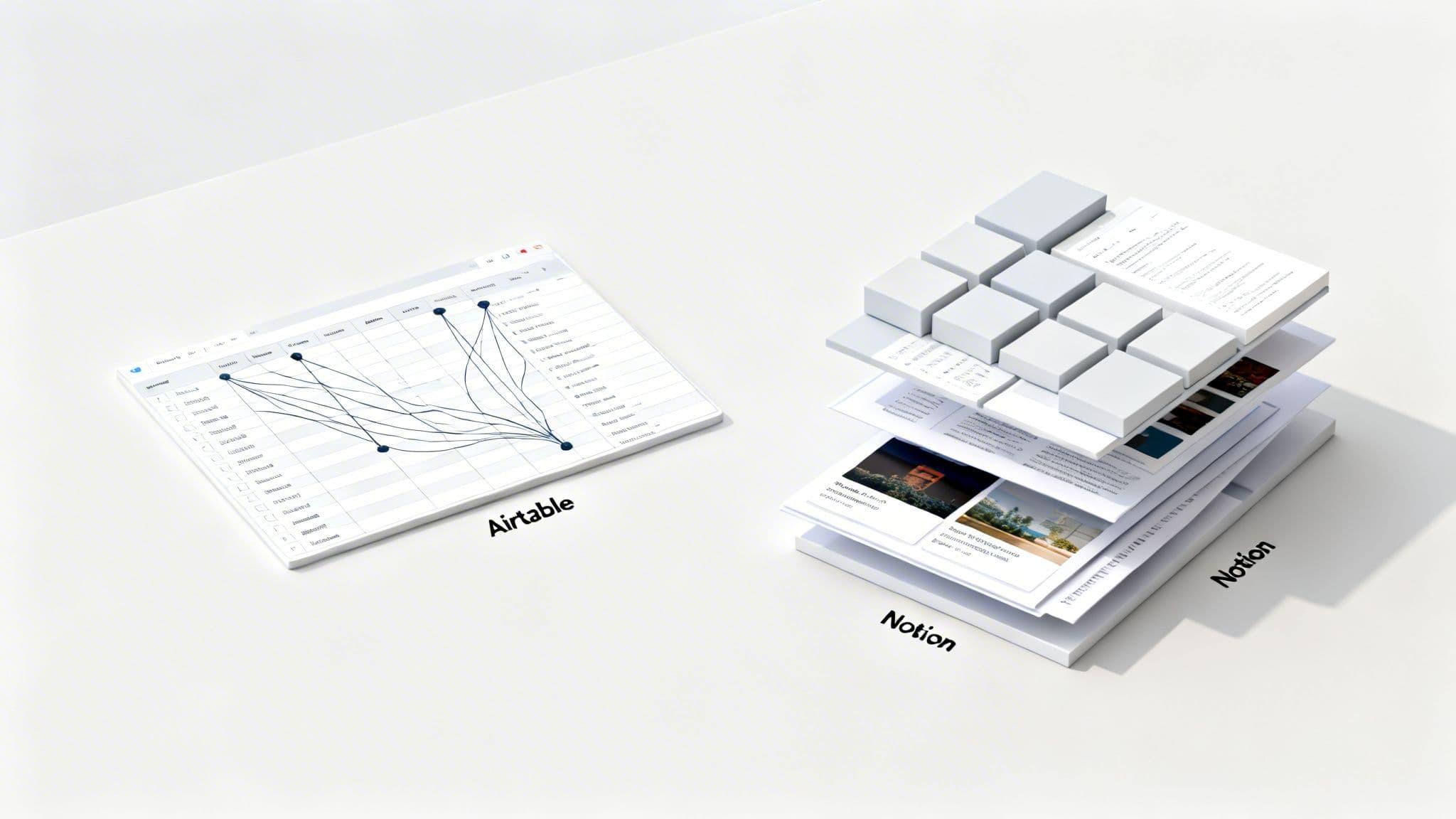
To really get to the bottom of the Airtable vs. Notion debate, you have to look past the marketing and understand how they’re fundamentally built. At its core, Airtable is a relational database that’s brilliantly disguised as a spreadsheet on steroids. Every single piece of your information is organized into a structured world of tables, records, and fields.
This structure isn't a bug; it's Airtable’s most powerful feature. It guarantees data integrity and lets you build incredibly complex, yet clean, relationships between different sets of information. It thinks in organized data, first and foremost.
Notion, on the other hand, is built on a completely different philosophy. It’s a document-based system, a universe of nested pages and content blocks. Think of it less like a spreadsheet and more like an infinite set of digital LEGOs where text, images, to-do lists, and even simple tables are all just blocks you can arrange however you want.
Airtable: The Relational Database
Let’s say you’re a creator building a simple CRM to manage your students and courses. In Airtable, the process is all about structure. You’d build out separate, dedicated tables.
- A
Studentstable: This would hold records for each student's name, email, and enrollment date. - A
Coursestable: Here you'd list every course with its price and other details. - An
Interactionstable: This is where you’d log every support ticket, email, or call.
The real power kicks in when you link them. You can connect a specific student to the exact course they purchased, and then link all of their support tickets from the Interactions table right back to their profile. This relational model gives you a perfect 360-degree view of each customer, making sure every bit of data is clean and connected. It’s built to prevent data chaos.
By enforcing a structured, relational model, Airtable becomes the single source of truth for your business operations. It’s designed to answer tough questions like, "Show me every student who bought Course X, has an open support ticket, and signed up in the last 30 days."
This database-first approach is exactly why Airtable is a strong fit for managing operational processes. You’re not just storing information; you’re building a system to run your business.
Notion: The Flexible Document Editor
Now, how would you tackle that same task in Notion? Notion prioritizes creative freedom and flexibility above everything else. Its block-based architecture means you can build pages that are part document, part database, and part visual scrapbook.
For a creator, this is fantastic for tasks that are less about rigid data and more about context and creativity. A dynamic content calendar is a perfect example. On a single Notion page, you could easily have:
- A simple database tracking your blog post ideas, with statuses like
Idea,Drafting, andPublished. - The full draft of the article embedded directly inside each entry in that database.
- Checklists for your pre-publication workflow (e.g., "Create thumbnail," "Schedule social media posts").
- A mood board with inspirational images and links related to your content themes.
This "system within a system" approach lets you build a single hub where everything for a project lives in one place. While Notion's databases have gotten much better, they still act more like super-powered tables inside a document than true, standalone relational databases. This free-form nature is also why it’s a go-to for building a team wiki or a digital knowledge base. If you’re looking to centralize information, our guide on how to create a knowledge base is a great place to start.
Ultimately, your choice in the Airtable vs. Notion showdown comes down to this core difference. Go with Airtable when you need to build a scalable, powerful system around structured data. Choose Notion when you need an all-in-one, adaptable workspace to organize ideas, documents, and projects in a much more free-form way.
A Head-To-Head Feature Showdown
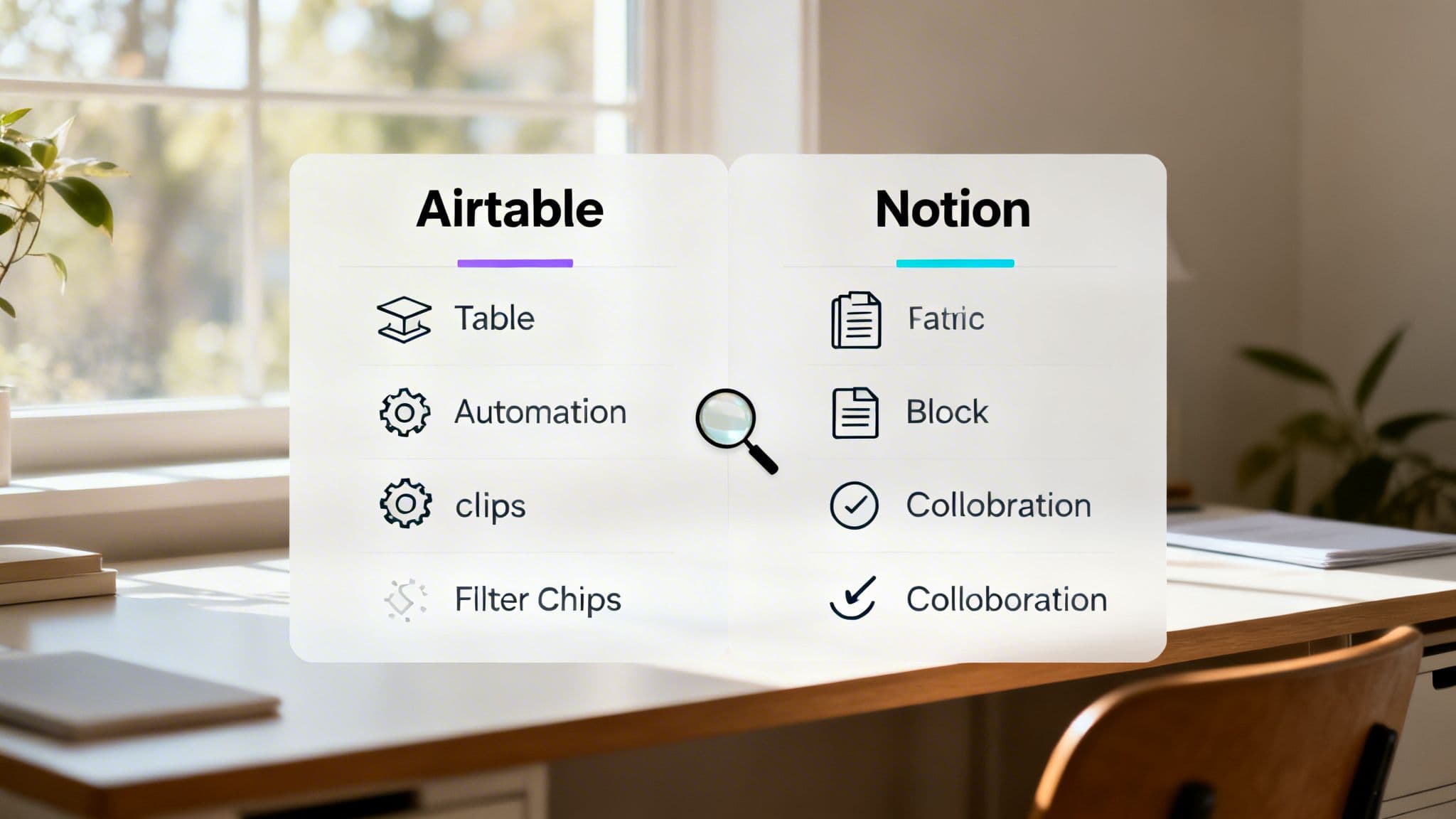
Alright, now for the main event. Understanding the philosophy behind each tool is one thing, but the real decision comes down to how they handle the features that creators and businesses depend on daily. This is where the Airtable vs. Notion debate gets interesting—it’s not just about what they do, but how they do it.
Data Management And Flexibility
Airtable’s data management is, without question, its superpower. This isn't just a spreadsheet with better colors; it's a legitimate relational database disguised in a user-friendly package. You get over 25 distinct field types, giving you incredible control—from a dedicated barcode field for inventory to complex formula fields for calculating sales commissions.
This structured power truly comes alive with Airtable’s views. You can instantly pivot the same set of data from a classic Grid view to a visual Kanban board, a shareable Form for collecting info, or a project-focused Gantt chart. It’s this ability to visualize the same data in completely different, purpose-built ways that puts Airtable in a different league than any spreadsheet.
Notion, on the other hand, treats databases as super-powered tables that live inside your documents. Its field types are simpler (text, number, date, etc.), but its real magic lies in how each database row is also a complete, independent Notion page. This means you can nest notes, to-do lists, images, and even other databases inside a single record.
- Airtable's Edge: Granular, specialized data control and powerful, purpose-built views. It’s built for operational workflows where data integrity is non-negotiable.
- Notion's Edge: Simplicity and deep contextual integration. It’s perfect when the story around the data is as critical as the data itself.
Collaboration And Sharing
When it’s time to work with a team, Notion takes the lead with its fluid, Google Docs-style experience. Multiple people can type, comment, and edit on the same page in real-time. This makes it an exceptional tool for collaborative writing, team brainstorming sessions, or building out a company wiki from scratch.
Notion also kills it with public sharing. You can turn any page into a live website with a single click. For creators, this is a massive win—you can publish a public roadmap, a simple help center, or a portfolio without needing another subscription or complex tool.
Airtable’s collaboration is more controlled and data-centric. Instead of open-ended page editing, it focuses on record-level commenting and detailed activity feeds. This is ideal for discussing a specific client in your CRM or a single task in a project plan without derailing the entire document.
Airtable is all about controlled collaboration around specific data points, using its Interfaces to build custom dashboards for different users. Notion is about open, free-form collaboration inside shared documents.
Automation And Workflows
This is where you can buy back hours of your week. Airtable comes packed with a powerful native automation engine that can build sophisticated, multi-step workflows right inside the app. For instance, you can set it up so that when a new lead is added, Airtable automatically sends a Slack alert, creates a follow-up task, and sends a personalized welcome email.
This built-in power turns Airtable into a true operational hub, handling tasks that often require dedicated small business automation tools. You can build surprisingly complex systems without ever leaving the platform.
Notion’s native automations are much simpler, mostly tied to basic database triggers like changing a status. While helpful, anything more advanced will mean connecting to third-party services like Zapier or Make. This adds another layer of potential cost and complexity, but it does open the door to a massive ecosystem of integrations.
If you already run your creator business inside Zanfia, this is where the picture shifts. Zanfia is not another database or wiki; it is an AI team that runs the business, and a platform second. The assistant knows the whole interface and performs any action available in it, by chat or by voice, so instead of mapping every workflow in a builder you can describe the outcome and let the AI team execute it against courses, communities, newsletters and 12 product types—all landing in a checkout built to sell with order bumps, installments and test mode. For creators comfortable exposing their workspace to their own agents, higher-tier plans open the MCP endpoint so external AI assistants can act on the workspace directly (availability depends on the plan, see the current Zanfia pricing).
Templates And Use Cases
Both platforms offer a huge library of templates, but they point in completely different directions. Airtable's marketplace is all about business operations and systems. You'll find plug-and-play solutions for things like:
- Bug and Issue Tracker
- Sales CRM
- Content Production Pipeline
- Event Planning
Notion’s template gallery is driven by its massive community and leans heavily into personal productivity and creative projects. It's the first place you'd look for templates like:
- Daily Journal and Habit Tracker
- Online Course and Lesson Planner
- Personal Finance Tracker
- Reading List and Book Notes
This is probably the clearest signal of who each platform is for. Airtable gives businesses the tools to build a well-oiled machine. Notion gives individuals and creative teams the canvas to organize their ideas and work.
Breaking Down The Costs And Real-World Value
Okay, let's get real about the money. Beyond the feature lists, the pricing models for Airtable and Notion tell you exactly who each platform is built for. This isn't just about a per-user fee; it’s about the total cost you'll end up paying as you grow, especially when you factor in hidden limits on records and automation.
Right out of the gate, Notion is almost always the more budget-friendly choice for team collaboration and knowledge management. Airtable knows it has advanced database power, and it prices itself as a premium, specialized tool. That difference becomes incredibly sharp as your team expands.
Comparing Costs For A Creator Team
Let’s run the numbers for a hypothetical 10-person creator team that needs a central hub for content planning, project tracking, and an internal wiki.
- Notion's Plus Plan: At $8 per user per month (billed annually), the team’s total cost comes to $960 per year . This unlocks unlimited blocks, file uploads, and a 30-day page history—more than enough for most creative workflows.
- Airtable's Business Plan: To get a similar level of functionality, like advanced automations and views, you’d need their Business plan. At $20 per user per month (billed annually), that same team is looking at $2,400 per year .
For general-purpose collaboration, the math is simple—Notion offers a huge cost saving. But if that team's core operation was a complex CRM driving an automated sales pipeline, Airtable’s higher price tag could easily be justified by the efficiency gains.
2026 Pricing Breakdown: Airtable Vs Notion
The financial gap only widens as you add more people. To make this tangible, here’s a clear breakdown of the annual costs for different team sizes on their most popular paid plans.
| Team Size | Airtable (Business Plan) | Notion (Plus Plan) | Annual Savings With Notion |
|---|---|---|---|
| 5 People | $1,200 | $480 | $720 |
| 10 People | $2,400 | $960 | $1,440 |
| 20 People | $4,800 | $1,920 | $2,880 |
| 30 People | $7,200 | $2,880 | $4,320 |
As you can see, the 2-3x cost difference is a major decision-driver for growing businesses. This isn't an accident; it reflects Airtable’s focus on the high-end data market versus Notion’s strategy to become the default workspace for everyone else.
For many creators, the real question isn't just about cost, but value. If you’re wrangling complex data that directly fuels revenue, Airtable’s premium is an investment. If you just need an affordable, all-in-one workspace for your team to think and create, Notion delivers immense value for a fraction of the price.
Understanding Hidden Costs And Limits
Beyond the sticker price, both platforms have ceilings that can feel like hidden costs if you hit them unexpectedly. Airtable, even on its paid plans, puts caps on the number of records per base and the number of automation runs per month. Hitting those limits often means a forced—and very expensive—upgrade to an Enterprise plan.
Notion’s main limitations on lower tiers revolve around the number of guests you can invite and your page history access. For most creators, these limits are far more generous and less likely to break a core workflow than Airtable’s hard data caps. Understanding how to automate your business is key to scaling, and these platform limits will directly impact which tool offers you better long-term runway.
Choosing The Right Tool For Your Use Case
Theory is one thing, but the real decider in the Airtable vs Notion showdown is how each tool actually performs in the trenches. Let's get past the feature checklists and see how a creator would really use each platform for mission-critical tasks.
These scenarios will show you how to play to each tool's strengths, helping you see exactly which one slots into your existing workflow.
Scenario 1: The Content Engine in Notion
Imagine you're a creator juggling a popular YouTube channel and a weekly newsletter. Your biggest headache is corralling a constant flood of ideas, scripts, and promotional assets. This is where Notion shines as a unified content engine.
You’d kick things off by building a master Content Calendar database. But here, each entry isn't just a row in a spreadsheet; it's an entire Notion page waiting to be filled.
Inside a single "New Video Idea" page, you could nest everything you need:
- A script draft written right inside Notion, maybe with a co-writer collaborating in real-time.
- A production checklist to track your workflow (e.g., "Film A-roll," "Record voiceover," "Design thumbnail").
- An embedded gallery of brand assets so your thumbnail designer can grab what they need.
- A linked database view showing which newsletter issue is set to promote this specific video.
This "page-as-a-record" approach keeps all the context in one place. You’re not just tracking a task—you're building the entire project inside its own self-contained workspace. You could even create a public version of your content calendar to give your audience a sneak peek at what’s coming.
Notion excels here because content creation is often a messy, non-linear process. Its free-form nature lets you blend structured planning with creative chaos, building a knowledge base that adapts to you, not the other way around.
Scenario 2: The Student CRM in Airtable
Now, let's flip the script. That same creator also runs a premium online course and needs to manage hundreds of students, track their progress, and automate key communications. This is a job for Airtable's structured database power.
Building a Student CRM in Airtable is all about creating clean, interconnected systems. You’d set up several distinct but linked tables:
- A
Studentstable with fields for name, email, and enrollment date. - A
Coursestable listing each course you offer, its price, and a link to the sales page. - A
Paymentstable that logs every transaction, linked back to both the student and the course they purchased. - An
Engagementtable to track student progress, maybe synced from your course platform via an integration.
The magic happens when you connect these tables. In just a few clicks, you can create a filtered view showing "every student who bought the advanced course but hasn't completed Module 1." From there, you can use an Airtable Automation to trigger a personalized, encouraging email. This level of structured querying and automated action is where Airtable leaves Notion in the dust. This is just one of many examples that highlight the best tools for content creators in action.
The Financial Muscle Behind The Platforms
These different use cases are directly reflected in how each company approaches the market. While Notion has built a massive community of over 100 million people with a flexible model that appeals to a broad audience, Airtable is laser-focused on high-value business operations.
Airtable’s knack for handling structured processes like CRMs and project management has attracted over 500,000 organizations and is the engine behind its projected $478M revenue in 2025. You can find more insights on their market divergence on groupos.com. This shows a clear split: Notion wins on user volume, while Airtable wins on deep, process-critical business deployments.
Ultimately, the choice boils down to your primary goal. Use Notion to build the central brain for your content and knowledge. Use Airtable to build the operational machine that runs your business with data-driven precision.
Making Your Final Decision
The whole Airtable vs. Notion debate isn't about which tool is "best"—it's about which tool is built for the job you need to do. Choosing the right one means understanding their fundamental DNA and matching it to your core workflow.
It all comes down to one question: Are you trying to manage structured data or organize flexible documents?
Choose Your Path: Data or Documents
If your business relies on clean, interconnected data to run repeatable processes, Airtable is a strong fit. It was designed from the ground up for creating powerful systems where structure is everything.
Choose Airtable if your main goal is to:
- Build a proper CRM to track customers, sales pipelines, and every interaction.
- Manage a detailed product catalog or inventory system.
- Run a project tracker with complex dependencies and trigger automated workflows.
- Operate any system where data integrity and relational links are non-negotiable.
On the other hand, if your work is more about creating, sharing, and organizing information in a free-form way, Notion is a natural pick. Think of it as a flexible digital canvas for knowledge-based work.
Choose Notion if your main goal is to:
- Build a central team wiki or an entire company knowledge base.
- Create a content calendar where you can embed drafts, notes, and mood boards.
- Collaborate on project plans and documents with your team in real time.
- Organize all your personal notes, web clippings, and research in one place.
This flowchart makes the choice crystal clear. It's a simple decision tree between a database-first tool and a document-first one.
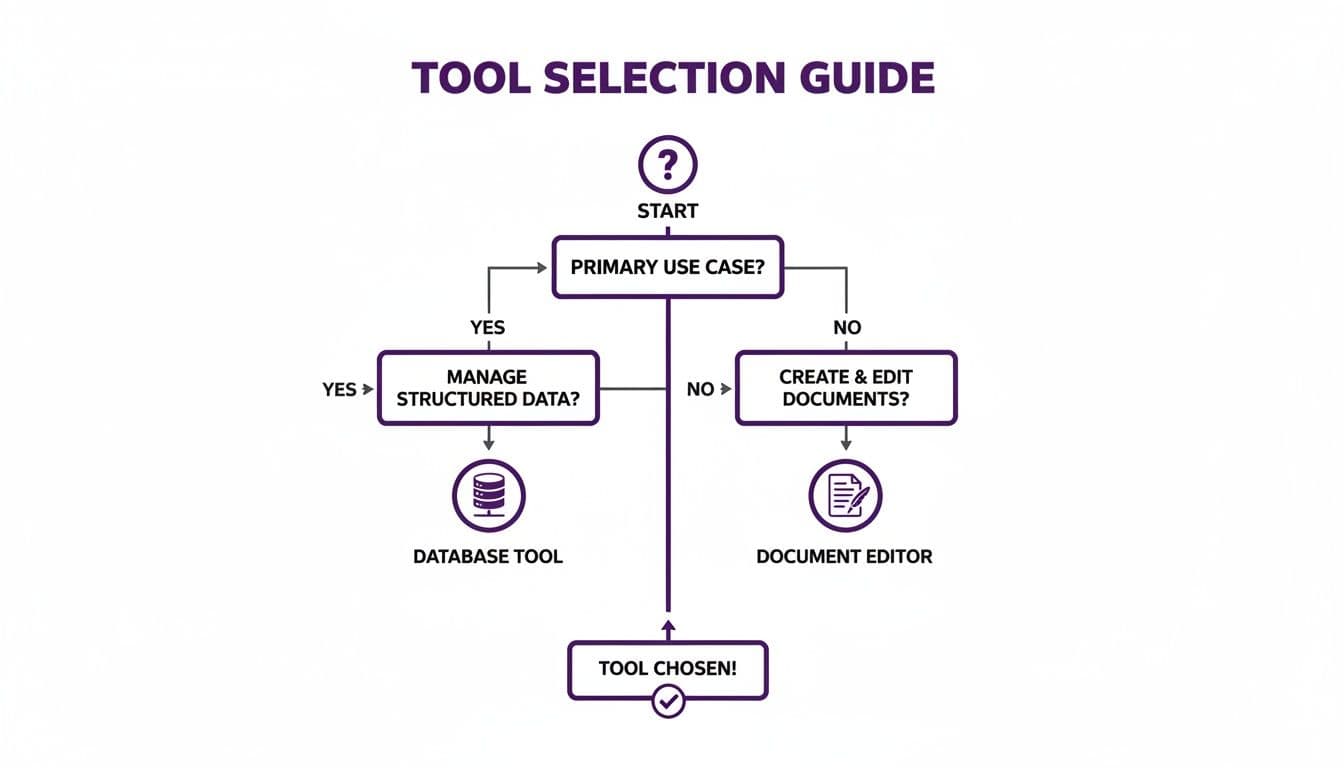
Your primary use case—managing structured data or flexible documents—is the deciding factor.
The "Better Together" Strategy
For many advanced creators and businesses, the answer isn’t "either/or." It's "both." Using Airtable and Notion together lets you play to each platform's strengths, creating an incredibly powerful, integrated system.
A common and highly effective workflow is using Notion for the "thinking" and Airtable for the "doing." Ideation, planning, and documentation live in Notion, while structured execution and data-driven automation run in Airtable.
In this setup, you could map out your entire content strategy in Notion—complete with drafts, research, and brand guidelines. Then, you'd use Airtable to manage the operational side, like tracking sponsored ad campaigns, automating affiliate payouts, or running a CRM for your course students.
This hybrid approach means you never have to compromise. You get the best of both worlds.
Frequently Asked Questions
When you're trying to choose between tools as powerful as Airtable and Notion, a few critical questions always bubble up. Let's tackle the big ones—database power, learning curves, and integrations—to give you the clarity you need.
Can Notion Really Replace Airtable As A Database?
For many creator-centric workflows, absolutely. If you’re building a content calendar, managing a simple task list, or creating a personal CRM, Notion's databases are fantastic. Their strength is in adding rich context—notes, documents, and pages—directly inside a database entry.
But when you need a true, battle-tested database, Airtable still leads the pack. For building a scalable student management system, tracking e-commerce inventory, or running complex financial models, you need Airtable's strict data validation, powerful formulas, and purpose-built views. It provides an operational integrity that Notion's flexible tables can't quite replicate yet.
Which Has A Steeper Learning Curve?
Both are famously easy to start with but can take years to truly master.
- Notion: Getting started is a breeze. If you can type in a document, you can use Notion. The real challenge comes later, when you try to build an interconnected system that doesn't collapse into a disorganized mess. The learning curve is about system design, not the tool itself.
- Airtable: It looks like a friendly spreadsheet at first glance, but its real power is in understanding relational databases, advanced formulas, and automation scripting. To master Airtable, you have to start thinking like a systems architect, which is a significant leap for many non-technical users.
How Do Their Integrations Compare?
Both connect to the world through Zapier, but they serve fundamentally different purposes in your tech stack. Airtable is built to be an operational engine. Its best integrations are with tools that fuel your business workflows—think connecting to Stripe for payments, ConvertKit for email marketing, or your course platform to automate enrollments. It’s a "doing" hub.
Notion, in contrast, excels as a destination for information. Its integrations are geared toward pulling data into your workspace, like saving critical Slack messages or syncing your Google Calendar. It’s a "knowledge" hub.
When Is It Time To Move Off These Tools?
While Airtable and Notion are incredibly powerful, creators often hit a ceiling when they try to run a fully integrated business. You start by using Notion for content, Airtable for your CRM, a separate tool for your online courses, and maybe Discord for your community. This piecemeal approach, often held together by duct tape and Zapier automations, quickly becomes a source of chaos, data silos, and a fragmented experience for your members.
This is the exact moment when moving to a unified platform stops being a "nice to have" and becomes essential for growth. It’s the point where you, as a “Business Architect” or “Craft Master,” realize your tech stack is holding you back.
You’ll know it’s time to upgrade when you spend more time fighting with automations and managing multiple subscriptions than you do creating value. The goal isn't just to manage tools—it's to run an efficient, scalable online business with confidence.
For creators who have hit this ceiling, Zanfia is a logical next step. It is an AI team that runs the business, and a platform second: the assistant knows the whole interface and performs any action available in it, by chat or by voice, so you dictate outcomes instead of configuring workflows across half a dozen tools. Underneath, the platform unifies 12 product types—online courses, communities, paid newsletters, digital products, consultations, bundles and more—under your own brand and domain, with native video hosting, currently a 0% platform commission on customer sales (only the payment processor takes its standard cut), and a checkout built to sell: order bumps, installments (split a $600 course into four payments), subscription upsells, and a test mode so you can buy your own product end-to-end before launch. For creators comfortable exposing their workspace to their own agents, higher-tier plans open the MCP endpoint so external AI assistants can act on the workspace directly (availability depends on the plan, see the current Zanfia pricing). Plans start at $39/month, or $31/month billed annually, with a 14-day free trial and no credit card required. Learn more at https://zanfia.com.