

The 12 Best Workflow Automation Tools for Creators in 2026
In the booming creator economy, success isn't just about what you create; it's about the systems you build to deliver it. Juggling content creation, community management, sales, and marketing can quickly lead to burnout. The solution is smart automation. By letting software handle repetitive administrative tasks, you can reclaim 5, 10, or even more hours per month to focus on what truly matters: creating value for your audience. To truly appreciate the power and accessibility of these solutions, it's essential to first grasp what workflow automation is and how it can directly impact your daily operations.
This guide cuts through the noise to showcase the 12 best workflow automation tools, from versatile connectors like Zapier to integrated all-in-one platforms like Zanfia. We go beyond generic feature lists to provide a comprehensive resource for creators and small business owners. For each tool, you will find:
- Honest Assessments: We break down core strengths and practical limitations.
- Ideal Use Cases: Learn who each platform is built for, from solopreneurs to scaling teams.
- Actionable Insights: Discover setup tips and recommended automation templates to get you started quickly.
- Clear Comparisons: See screenshots and direct links to help you evaluate your options efficiently.
Our goal is to help you find the right tool to build a more efficient, scalable, and profitable online business. Whether you need to automatically grant course access, sync customer data between apps, or manage a community without manual effort, the right automation stack is waiting. Let's dive in and find the perfect fit for your specific needs.
1. Zanfia
Best For: Creators who want an AI team running their business end to end, from checkout to community, under their own brand.
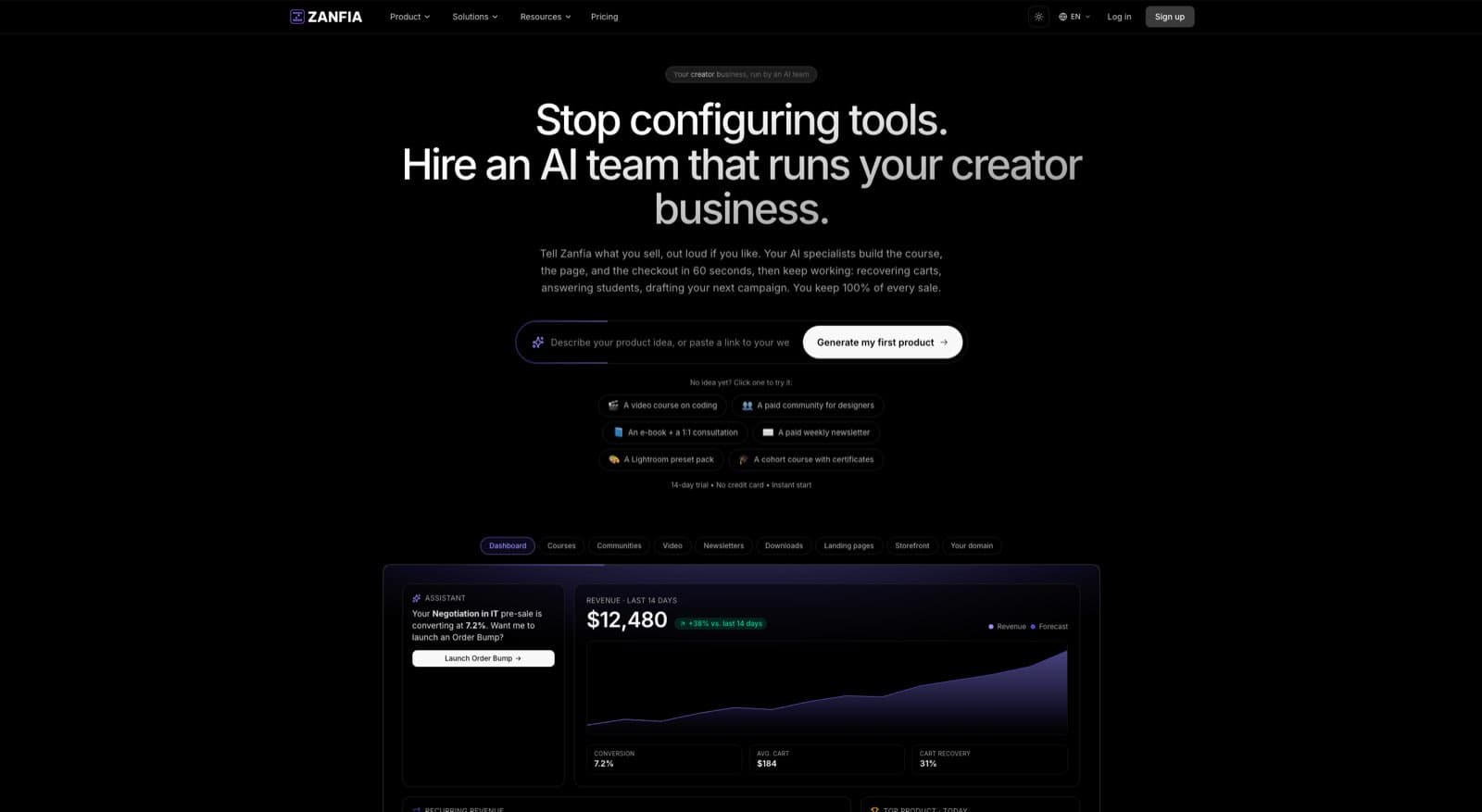
Zanfia is an AI-first, agent-first platform for creators, experts, and brands who want to scale under their own domain. Instead of configuring another dashboard, the creator tells the assistant what to do, by chat or by voice, and the assistant performs anything available in the interface. Courses, communities, paid newsletters, knowledge libraries, and downloadable products all live inside the same workspace where that AI team does the work. An MCP endpoint lets you connect outside AI assistants and let them act on the workspace directly (available on higher plans, see the current Zanfia pricing).
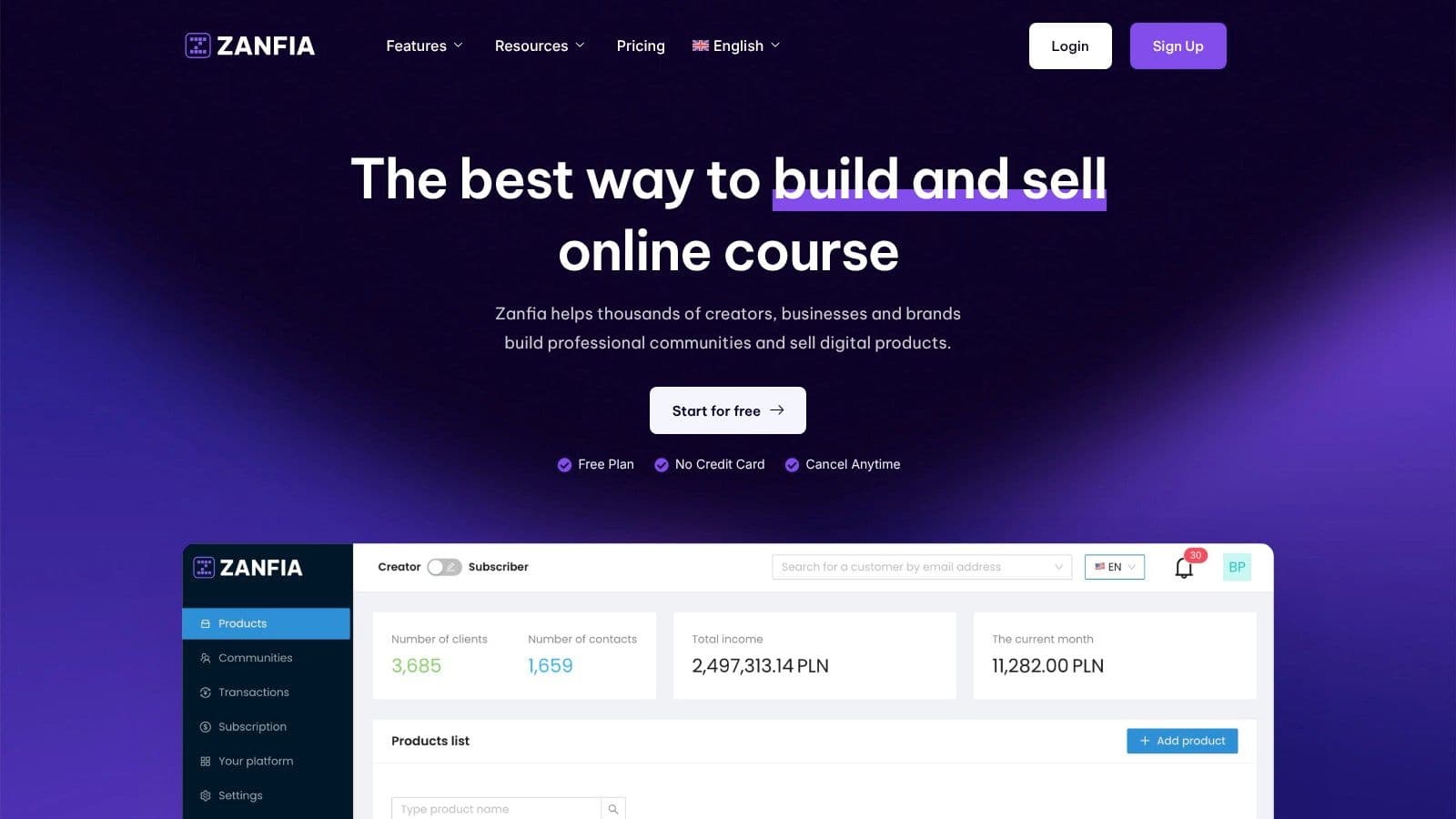
The automations address core creator pain points: instantly granting course access after payment, adding buyers to the right community channels, triggering welcome sequences in your email tool, or revoking access at the end of a plan. Everything stays unified under the creator's brand, which boosts engagement and retention. For those looking to dive deeper, you can explore their guides on how to automate your business.
Zanfia is also built to sell. The checkout supports order bumps, subscription upsells, and installments (split a $600 course into four payments), and a test mode lets you buy your own product before launch so you can verify checkout and tracking end to end. Twelve product types live under one brand, so a course, a community, a consultation, and a bundle can all share the same storefront. As of publication, Zanfia charges 0% platform commission on customer sales; you keep the revenue and only pay the standard processor fee (roughly 2.9% + $0.30 in the US on Stripe).
Key Strengths & Use Cases
- AI team on tap: Voice-ready assistant that performs anything available in the interface, so the creator dictates instead of configuring.
- Seamless Customer Onboarding: Automatically grant course access and add new buyers to the right community channels upon purchase.
- Subscription Management: Automate recurring payments, handle renewals, and automatically revoke access if a plan ends, securing your paid content.
- Built-to-sell checkout: Order bumps, installments, subscription upsells, and a test mode for buying your own product before launch.
- True All-in-One Ecosystem: Twelve product types under one brand, native video hosting, an advanced community, and e-commerce checkout, all on your own custom domain.
- Developer surface: Public REST API, webhooks, and an MCP endpoint so outside AI assistants can act on your workspace (available on higher plans, see the current Zanfia pricing ).
Zanfia is a strong fit for creators who want an integrated stack with a real AI team behind it and a 0% commission model on customer sales. Every plan includes a 14-day free trial with no credit card required.
Website: https://zanfia.com
2. Zapier
Zapier is one of the most recognized and widely adopted names in the world of workflow automation, and for good reason. It functions as a digital translator, enabling over 8,000 different web applications to communicate with each other without needing any code. This makes it an exceptionally powerful asset for small businesses, creators, and teams that need to automate repetitive tasks quickly and get back to their core work.
The platform's core strength lies in its simplicity and immense app ecosystem. Creating an automation, or a "Zap," is as straightforward as selecting a trigger (e.g., "New sale in Zanfia") and an action (e.g., "Add customer to a Mailchimp list"). Recent additions like Zapier Tables and Forms provide built-in tools for data storage and collection, reducing the need for external spreadsheets in many simple workflows.
Key Features and Use Cases
- Best For : Non-technical users, rapid prototyping of automations, and connecting a vast range of common SaaS tools.
- Standout Features : The platform includes multi-step Zaps with conditional logic (Paths), which allow for more specific automations (e.g., "if customer buys product A, send email X; if they buy product B, send email Y"). The new AI Copilot helps users build and troubleshoot automations using natural language.
- Pricing : Zapier offers a free tier with limited tasks. Paid plans (Starter, Professional, Team) are billed based on the number of "tasks" you run per month. This can become expensive for high-volume automations.
- Ideal Use Case : Automatically adding a new lead from a Facebook Lead Ad into your CRM, creating a Google Calendar event from a new Trello card, or posting new YouTube videos to your Twitter feed. For those just starting out, reviewing a list of popular small business automation tools can provide excellent ideas.
Pros and Cons
Pros:
- Unmatched library of app integrations.
- Extremely user-friendly for beginners.
- Reliable performance for standard SaaS-to-SaaS connections.
Cons:
- Task-based pricing can lead to high costs at scale.
- Complex data manipulation often requires higher-tier plans or a different tool.
Website: https://zapier.com
3. Make (formerly Integromat)
Make (formerly known as Integromat) takes a distinctly visual approach to workflow automation, setting it apart as one of the best workflow automation tools for users who think in flowcharts. Instead of linear trigger-and-action lists, Make uses a powerful drag-and-drop canvas where you connect app "modules" to build complex "scenarios." This visual-first method gives you granular control over how data moves and what happens at each step.
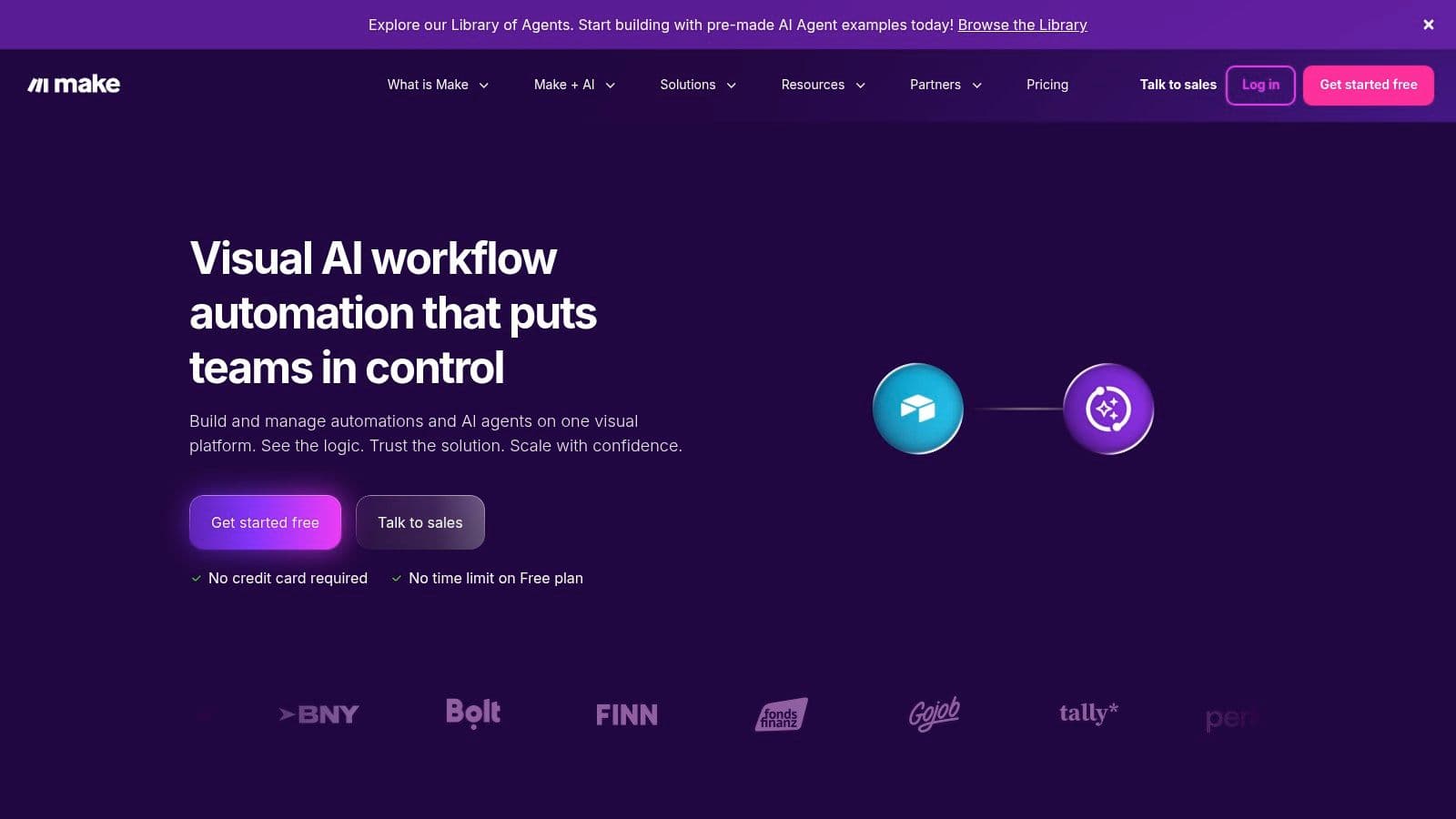
The platform's strength is its flexibility. You can easily add routers to create multiple branches, iterate over data sets, and handle errors with specific fallback paths, all within a single graphical interface. This makes it a favorite among marketing and operations teams who need to manage intricate data manipulation that would be difficult in simpler, step-by-step tools. Zanfia users, for instance, can connect their account via webhooks to build advanced automations that go beyond the platform's native capabilities.
Key Features and Use Cases
- Best For : Visually-minded users, complex multi-step workflows with branching logic, and scenarios requiring detailed data manipulation.
- Standout Features : The visual scenario builder provides a clear overview of your entire automation. Built-in "Routers" allow a single trigger to initiate multiple, distinct action paths. The platform also offers the "Make Code" app, letting you run custom JavaScript or Python scripts inside a workflow for truly advanced customization.
- Pricing : Make uses a credit-based system billed on "operations" rather than tasks. A free tier is available. Paid plans scale based on the number of operations per month, which can be cost-effective for workflows that are complex but do not run at extremely high volumes.
- Ideal Use Case : A new Zanfia sale could trigger a scenario that simultaneously adds the customer to a specific CRM pipeline, sends them a personalized welcome email sequence (you can learn more about what is email automation and its benefits), and creates a task for a team member in a project management tool.
Pros and Cons
Pros:
- Very flexible data mapping and branching logic.
- Competitive entry-level pricing for moderate usage.
- Visual builder makes complex workflows easier to understand.
Cons:
- The learning curve can be steeper for non-technical users.
- Credit-based billing requires careful monitoring to avoid overage costs.
Website: https://www.make.com
4. n8n
For developers and technical users seeking maximum control over their automations, n8n presents a powerful, open-source alternative. It offers a visual, node-based editor that can be self-hosted for complete data sovereignty and cost savings at scale. This "fair-code" model provides a robust platform for building complex workflows that go beyond simple app-to-app connections, making it one of the best workflow automation tools for custom solutions.
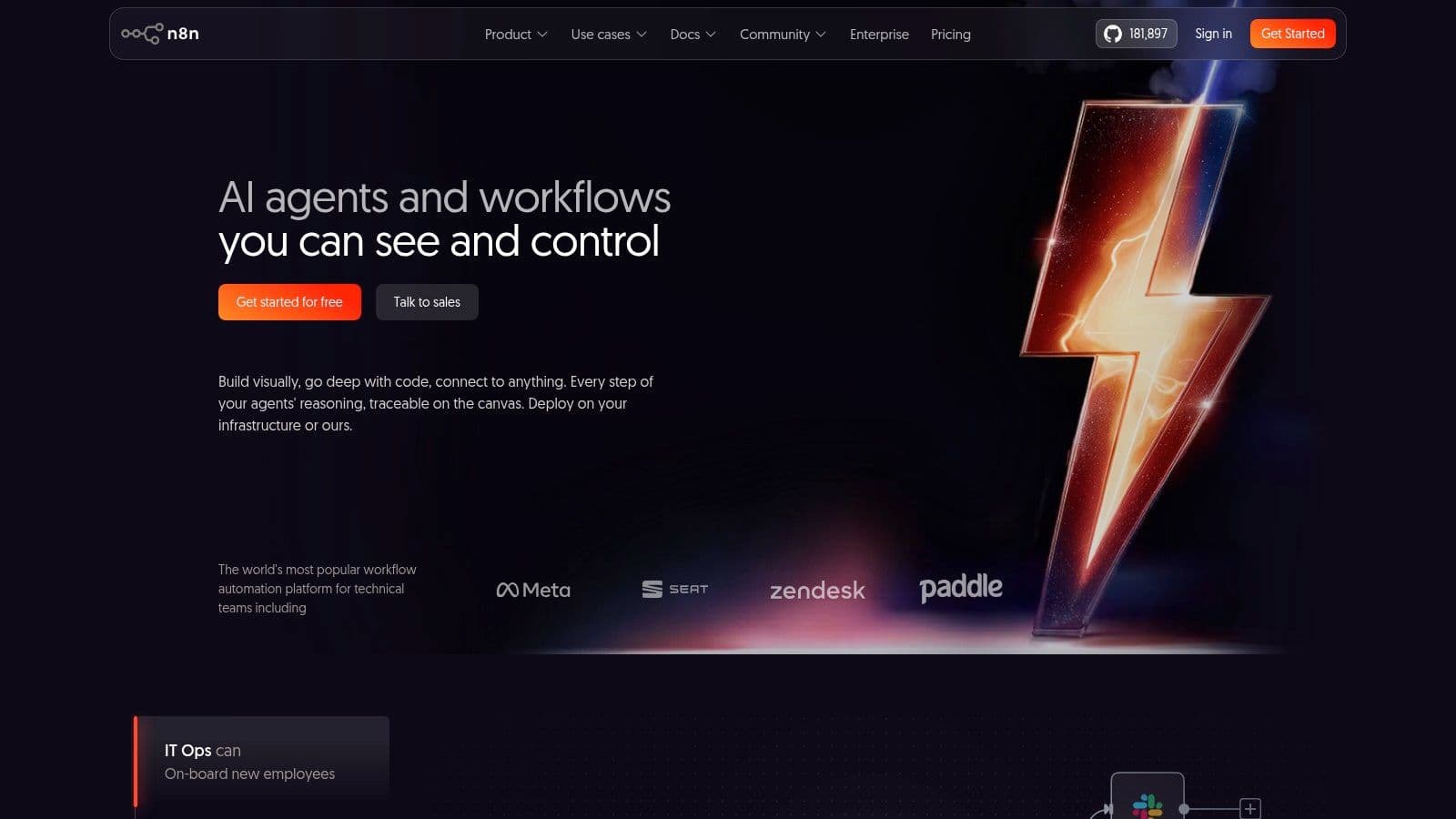
Unlike many SaaS-only tools, n8n’s strength is its extensibility. The visual editor is augmented with nodes for running custom JavaScript/Python code, making HTTP/GraphQL requests, and using a CLI/API for DevOps integration. While a cloud-hosted version is available, the ability to run n8n on your own servers is a significant differentiator for teams with strict compliance needs or those looking to avoid per-task pricing on high-volume workflows.
Key Features and Use Cases
- Best For : Technical users, developers, and businesses needing to self-host for compliance, control, or cost-efficiency at high volumes.
- Standout Features : The self-hosting option is the main draw, granting unlimited users and workflows. Its code nodes (JS/Python) and HTTP Request node allow for deep customization and connection to virtually any API, making it more of a developer's toolkit than a simple connector.
- Pricing : A free, self-hosted version is available under a fair-code license. Cloud plans are priced based on workflow executions, which can be complex to estimate initially. Paid tiers add features like environments, versioning, and detailed execution logs.
- Ideal Use Case : Creating a custom data pipeline that pulls from multiple APIs, transforms data with Python, and loads it into a database. Or, building an internal tool to automate a DevOps process controlled via its API.
Pros and Cons
Pros:
- Self-hosting enables low cost at scale and full data control.
- Strong for technical users needing custom logic and extensibility.
- More powerful for data manipulation than many no-code alternatives.
Cons:
- Self-hosting requires maintenance and prompt patching for security.
- Cloud pricing and execution counting can feel complex for newcomers.
Website: https://n8n.io
5. Microsoft Power Automate
For businesses deeply embedded in the Microsoft ecosystem, Power Automate stands out as one of the best workflow automation tools available. It is engineered to create seamless connections between Microsoft 365, Dynamics 365, Azure, and a growing list of third-party applications. This platform is more than a simple app connector; it offers a full suite of automation capabilities, including cloud-based flows, desktop automation (RPA), and even process mining to discover optimization opportunities.
Power Automate's primary advantage is its native integration with products like SharePoint, Teams, and Excel, which many organizations already use daily. It empowers business users to build automations directly within the applications they know, all governed by enterprise-grade security and compliance policies managed through the Power Platform Admin Center. The inclusion of AI Builder also allows for the creation of more intelligent workflows that can process forms or predict outcomes.
Key Features and Use Cases
- Best For : Organizations heavily invested in the Microsoft stack needing strong governance, security, and both cloud and desktop automation.
- Standout Features : The combination of cloud flows for API-based tasks and desktop flows for automating legacy systems is a major plus. The platform's governance tools give IT departments full control over data policies and connector usage across the entire tenant.
- Pricing : Licensing can be complex, with options for per-user plans and pay-as-you-go billing based on flow runs. Premium connectors and RPA functionalities typically require separate licenses, which can increase the overall cost.
- Ideal Use Case : Automatically saving email attachments from Outlook to a specific SharePoint folder, triggering an approval process in Teams when a new document is uploaded, or using a desktop flow to extract data from an old desktop application and enter it into a modern web-based CRM.
Pros and Cons
Pros:
- Unbeatable integration with Microsoft 365, Teams, and SharePoint.
- Strong enterprise security, compliance, and governance features.
- Flexible licensing, including a pay-as-you-go model for trying out automations.
Cons:
- Licensing rules are nuanced and can become costly with premium features.
- Connecting with non-Microsoft apps can be less straightforward than with specialist tools.
Website: https://powerautomate.microsoft.com
6. Workato
For businesses that have outgrown simpler automation tools and require enterprise-level power, Workato stands out as one of the best workflow automation tools available. It's an iPaaS (Integration Platform as a Service) designed for robust governance, complex process automation, and deep connectivity across an organization. Workato positions itself as the automation engine for mid-market and enterprise teams needing to manage workflows across departments like IT, HR, and finance with precision and control.
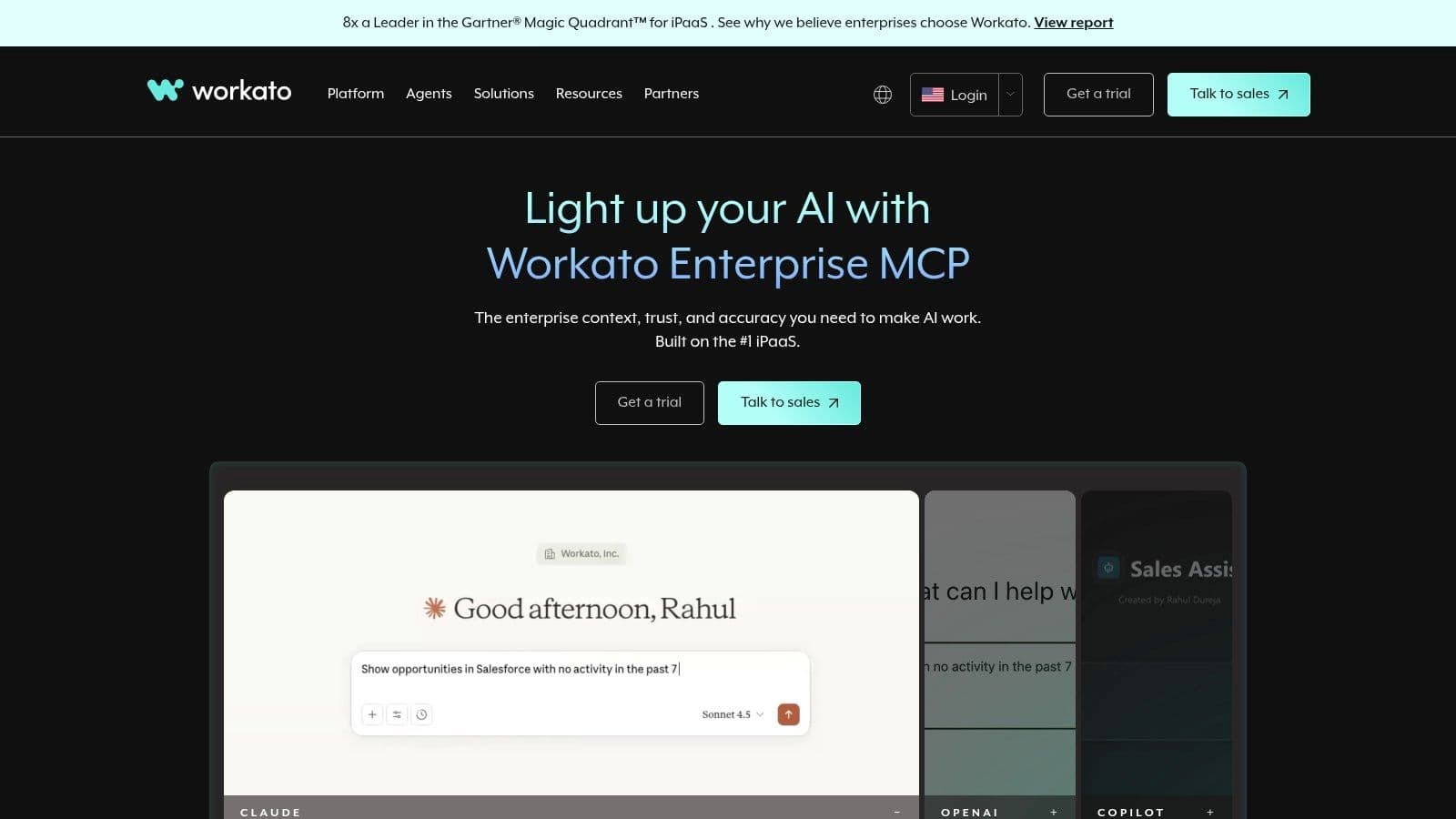
The platform is built around "recipes," which are its version of automations. However, these recipes can handle far more complexity than the triggers and actions of entry-level tools. Workato's strength lies in its advanced capabilities, such as its Workbot for Slack/Teams, API management, and powerful connectors that go deeper into enterprise applications than most competitors. This makes it ideal for building mission-critical automations that require high security and reliability.
Key Features and Use Cases
- Best For : IT departments, mid-market to enterprise companies, and teams needing strong governance, security, and lifecycle management for automations.
- Standout Features : The platform includes recipe lifecycle management tools for development, testing, and deployment. Its Workbot feature allows users to run automations and get information directly from chat apps like Slack or Microsoft Teams.
- Pricing : Workato uses custom, quote-based pricing. It typically involves a base platform fee plus usage costs tied to the volume of recipes run. This model is premium and reflects its enterprise focus.
- Ideal Use Case : Automating the entire employee onboarding process, from creating an account in an HR system to provisioning access to specific apps, all with audit logs. Another example is creating a real-time sales-to-finance pipeline that syncs complex order data between a CRM like Salesforce and an ERP like NetSuite.
Pros and Cons
Pros:
- Deep, enterprise-grade connectors and security features.
- Scales effectively for complex, multi-departmental programs.
- Strong admin, governance, and DevOps workflows.
Cons:
- Pricing is premium and often too high for small businesses.
- Can be overkill and overly complex for simple SaaS-to-SaaS automations.
- Requires a significant learning curve to master advanced features.
Website: https://www.workato.com
7. Tray.io
Tray.io positions itself as an enterprise-grade, low-code platform for complex automation and integration challenges. It is built for orchestrating sophisticated, event-driven workflows across an entire organization, making it a powerful tool for IT, marketing, and revenue operations teams that need to connect a wide array of systems, including those without pre-built connectors.
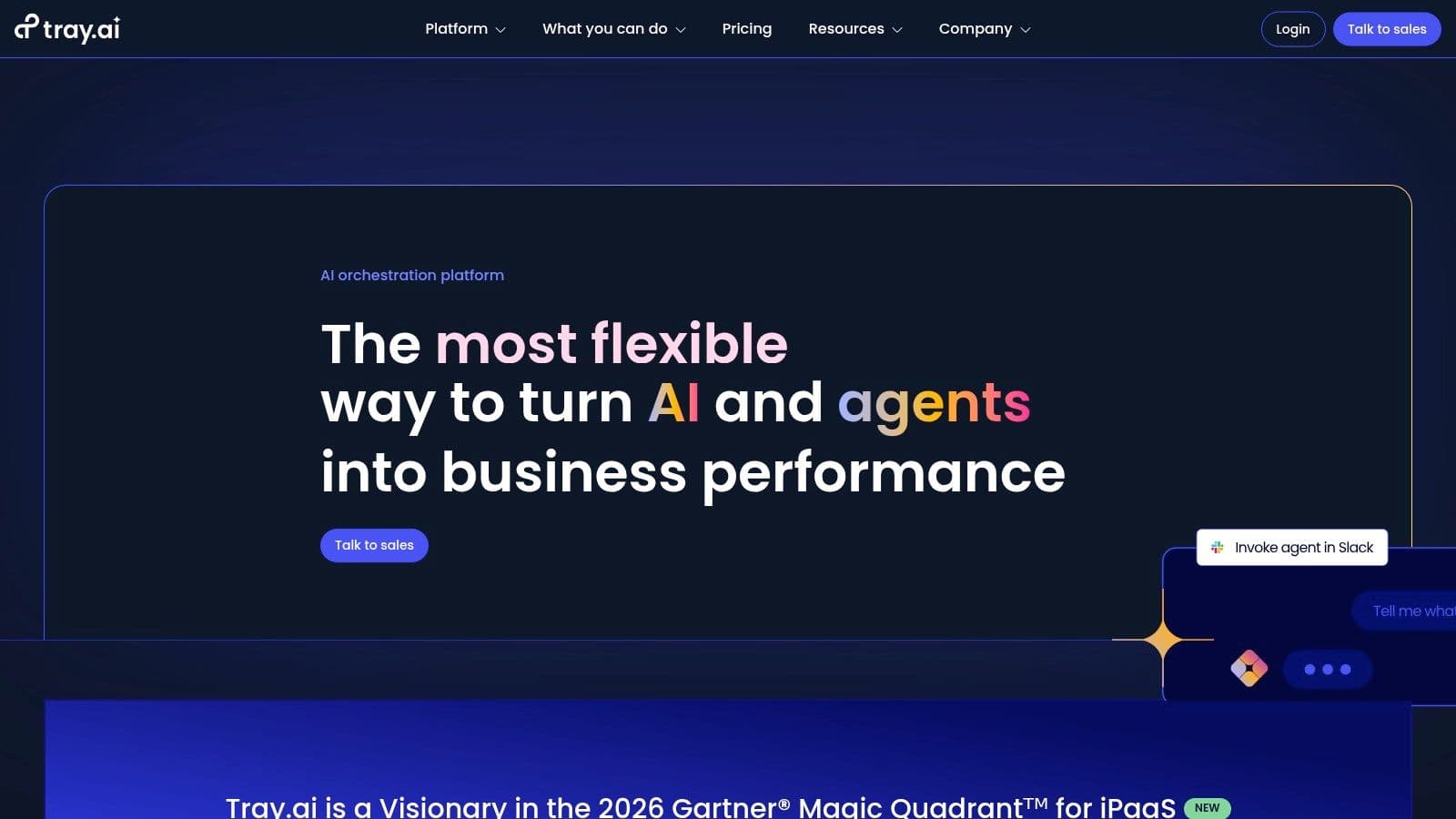
The platform’s strength is its flexibility and depth. While it offers a visual, drag-and-drop builder, it also provides advanced capabilities like event streaming and its standout Universal Connector. This feature allows technical users to build their own integrations for any REST, SOAP, or GraphQL API, significantly reducing dependency on a vendor's existing app library. It’s a robust solution for businesses dealing with custom software or niche applications.
Key Features and Use Cases
- Best For : Technical teams (IT, RevOps) in mid-market to enterprise companies needing to manage complex, high-volume data flows and build custom integrations.
- Standout Features : The Universal Connector is a key differentiator, offering freedom to connect to any API. Tray Embedded also allows SaaS companies to build and ship native integrations directly within their own products, a unique offering in this space.
- Pricing : Tray.io does not offer publicly listed pricing tiers for its primary platform. Access is typically arranged through a custom quote and sales process tailored to enterprise needs, making it less accessible for small businesses.
- Ideal Use Case : A revenue operations team could use Tray.io to build a real-time lead enrichment and scoring engine that pulls data from multiple sources, processes it with conditional logic, and syncs the final record across a CRM like Salesforce and a marketing platform like Marketo.
Pros and Cons
Pros:
- Extremely powerful for building custom integrations with any API.
- Handles complex, real-time event streams and large data volumes well.
- Offers an embedded solution for SaaS vendors to build their own integration marketplaces.
Cons:
- Pricing is geared toward enterprise budgets and is not transparent.
- Can be overly complex for simple point-to-point automations needed by small businesses or individual creators.
Website: https://tray.io
8. Pipedream
Pipedream carves out a specific and powerful niche in the world of workflow automation, targeting developers and technical teams. It's a serverless, event-driven platform designed for creating complex, API-first integrations using code. This makes it one of the best workflow automation tools for those who want the power of a custom back-end without the headache of managing servers.
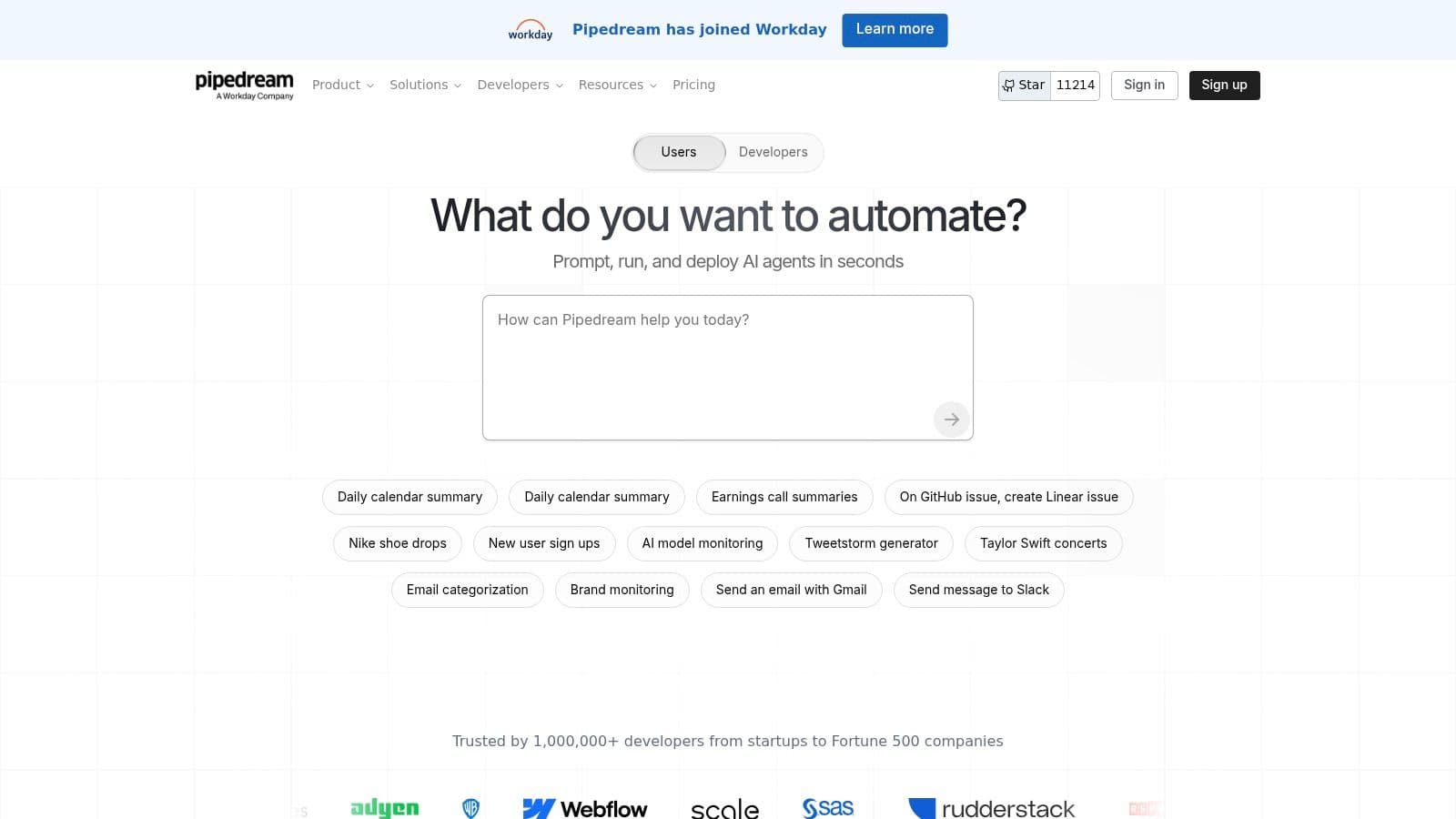
The platform bridges the gap between no-code tools like Zapier and building a full-stack integration from scratch. You can build workflows visually, but each step can be a custom script in JavaScript or Python, offering immense flexibility. Its source-available component registry lets developers quickly use or adapt pre-built triggers and actions, saving significant time on boilerplate code.
Key Features and Use Cases
- Best For : Developers, engineers, and technical teams needing to build custom API integrations, data pipelines, or event-driven tasks.
- Standout Features : The serverless runtime allows for instant deployment of code snippets triggered by HTTP requests, schedules, or events from over 1,000 integrated apps. The documentation and platform status are geared towards an engineering audience, providing the clarity they need.
- Pricing : Pipedream operates on a "credit-for-compute" model. It offers a very generous free tier perfect for development and prototyping. Paid plans are based on usage, which is often more cost-effective for high-volume, short-execution tasks compared to task-based models.
- Ideal Use Case : Processing webhook data with custom logic, building a custom API endpoint to connect two otherwise incompatible services, or running a scheduled script to sync data between a database and a SaaS tool.
Pros and Cons
Pros:
- Extremely flexible for custom code and complex API interactions.
- Generous free tier is great for prototyping and low-volume workflows.
- Bridges no-code and full-code without needing to manage infrastructure.
Cons:
- Steep learning curve for non-developers who may prefer GUI-heavy tools.
- Daily credit limits on the free tier can be a constraint for active testing.
Website: https://pipedream.com
9. Airtable Automations
For teams and creators who live inside Airtable, its built-in automation features offer a powerful way to streamline workflows without ever leaving the platform. Airtable Automations acts as a native control center, allowing you to trigger actions based on changes within your data. This is ideal for anyone who already uses Airtable as a central hub for content calendars, project management, or customer data.
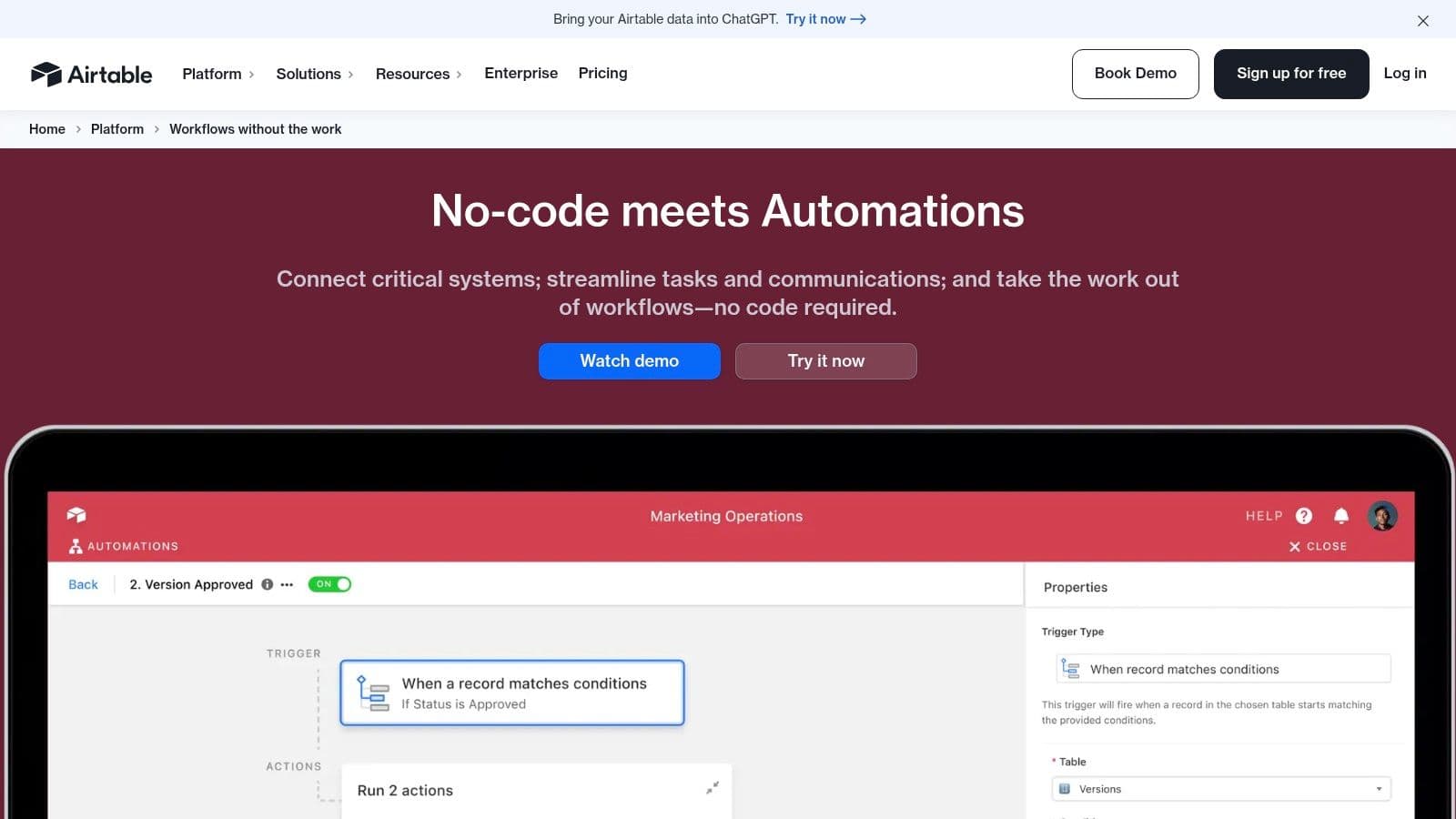
The primary advantage is its direct, real-time access to your Airtable bases. Automations are constructed using a simple trigger-and-action model. For example, a new record in a "Leads" table can automatically send a Slack notification or create a task in another table. The logic is kept close to the data it manages, which reduces complexity and potential points of failure compared to relying solely on external tools.
Key Features and Use Cases
- Best For : Teams and individuals who use Airtable as their primary data store or single source of truth for operations.
- Standout Features : The ability to create conditional automation groups allows for more refined logic (e.g., "when record status changes to 'Approved' AND 'Budget' is over $500, send an email to the finance team"). It also integrates with third-party apps like Slack, Google Workspace, and Microsoft Teams directly from your base.
- Pricing : A limited number of automation runs are included in the Free and Plus plans. The Pro and Enterprise plans offer significantly higher run limits, which is necessary for scaling operations.
- Ideal Use Case : Automatically updating a project status when all sub-tasks are marked "Complete," sending a weekly summary of key metrics to a Slack channel, or creating a new Google Calendar event when a date is added to a content publishing schedule.
Pros and Cons
Pros:
- Native to your data store, ensuring instant and reliable triggers.
- Fewer moving parts and a simpler setup for in-base tasks.
- Pairs well with external iPaaS tools for more complex, hybrid architectures.
Cons:
- Automation and API limits vary significantly by plan and can be restrictive for scaling teams.
- Per-plan run limits can be quickly exhausted with high-volume tasks.
Website: https://airtable.com/automations
10. Parabola
Parabola carves out a specific niche within the world of workflow automation, focusing on the often-tedious work of data preparation and reporting. It's a no-code/low-code tool designed for eCommerce and operations teams who need to regularly import, clean, merge, and sync data between different sources like storefronts, spreadsheets, and SaaS applications without writing complex scripts.
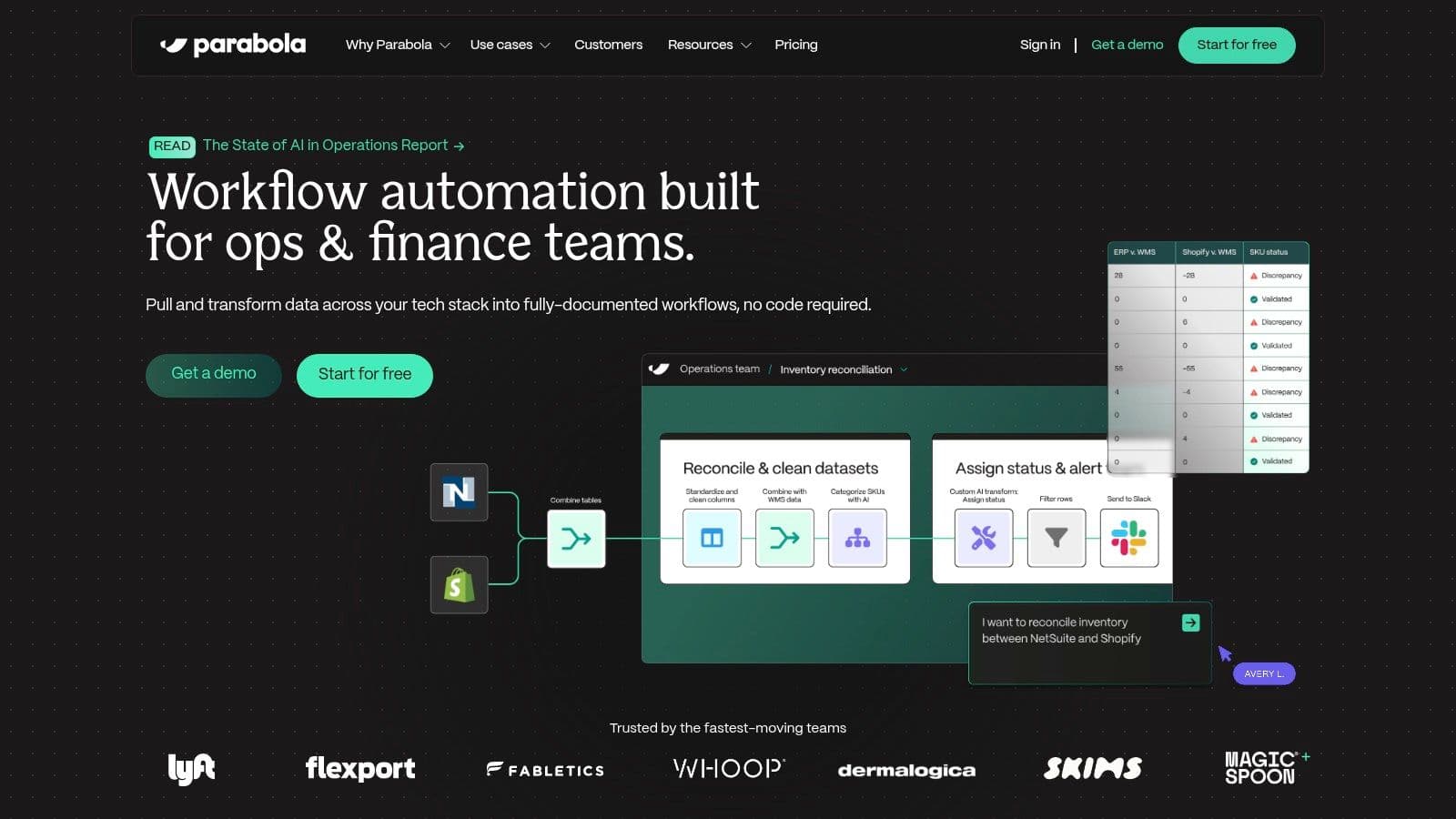
Its strength is its visual, drag-and-drop interface for building "flows." You can pull data from an API, a Shopify store, or a Google Sheet, run it through a series of transformation steps (like filtering rows, combining columns, or normalizing text), and then export the clean data to its final destination. This makes it one of the best workflow automation tools for anyone whose job involves repetitive data wrangling.
Key Features and Use Cases
- Best For : Operations, marketing, and eCommerce teams that manage repetitive data tasks for reporting and inventory.
- Standout Features : The platform's visual flow builder is its main draw, making complex data transformations understandable. It offers scheduling for automated runs, and higher tiers include AI-assisted steps for tasks like data categorization. The process is much more accessible than writing traditional ETL scripts.
- Pricing : Parabola uses a credit-based system. A free plan is available for small-scale use. Paid plans are priced based on the number of credits used for flow runs, with costs scaling with the complexity and frequency of your automations.
- Ideal Use Case : Automatically generating a daily sales report by pulling data from Shopify and Google Analytics, combining it, and sending it to a Google Sheet. It's also great for syncing inventory levels between a supplier's CSV file and your eCommerce platform, a task that often requires comparing data structures, which you can read more about in discussions of tools like Airtable vs. Notion .
Pros and Cons
Pros:
- Excellent for repetitive data preparation and reporting.
- Visually intuitive interface simplifies complex data logic.
- Practical for common storefront and marketing data tasks.
Cons:
- Credit-based pricing can become costly for high-volume or frequent flows.
- Collaboration features and support for larger teams are locked behind higher-priced tiers.
Website: https://parabola.io
11. Kissflow
Kissflow shifts the focus from simple task automation to full-scale process management. It is a low-code/no-code platform designed for teams that need to build, manage, and optimize structured internal workflows, complete with approvals, service-level agreements (SLAs), and clear governance. Where other tools act as a bridge between separate apps, Kissflow helps you build the entire process from the ground up inside its own environment.
This approach makes it one of the best workflow automation tools for formal business operations like employee onboarding, procurement requests, or IT support tickets. Instead of just connecting triggers and actions, you design the entire journey with a visual builder, assigning steps to different roles and setting conditions for how the process moves forward. This is ideal for businesses that have outgrown simple automations and need more control and visibility over their core operations.
Key Features and Use Cases
- Best For : Medium to large businesses needing to formalize and automate complex internal processes with strong governance and compliance requirements.
- Standout Features : The platform's visual workflow builder is a core component, allowing users to map out multi-stage processes with conditional logic and role-based access. It also includes features for creating custom forms, reports, and dashboards to track process performance.
- Pricing : Kissflow’s pricing is sales-led and customized based on user count and feature needs. It is generally positioned higher than simpler iPaaS tools, reflecting its focus on enterprise-grade process management.
- Ideal Use Case : Automating a multi-step purchase order approval process where requests are routed to different managers based on the total amount, tracking SLAs for each step and notifying stakeholders of delays.
Pros and Cons
Pros:
- Excellent for end-to-end process automation beyond basic tasks.
- Strong governance features for teams needing structure and compliance.
- Visual builder makes complex process design accessible.
Cons:
- Pricing is less transparent and typically higher than other tools on this list.
- Overkill for simple, ad-hoc automations between common SaaS apps.
Website: https://kissflow.com
12. HubSpot Workflows (Marketing/Operations Hub)
For businesses already operating within the HubSpot ecosystem, its native Workflows feature is a powerful and logical choice for automation. Instead of acting as a middleman between apps, HubSpot embeds automation directly into its CRM, connecting marketing, sales, and service activities. This tight integration allows for deeply personalized and data-rich workflows that are difficult to replicate with external tools.
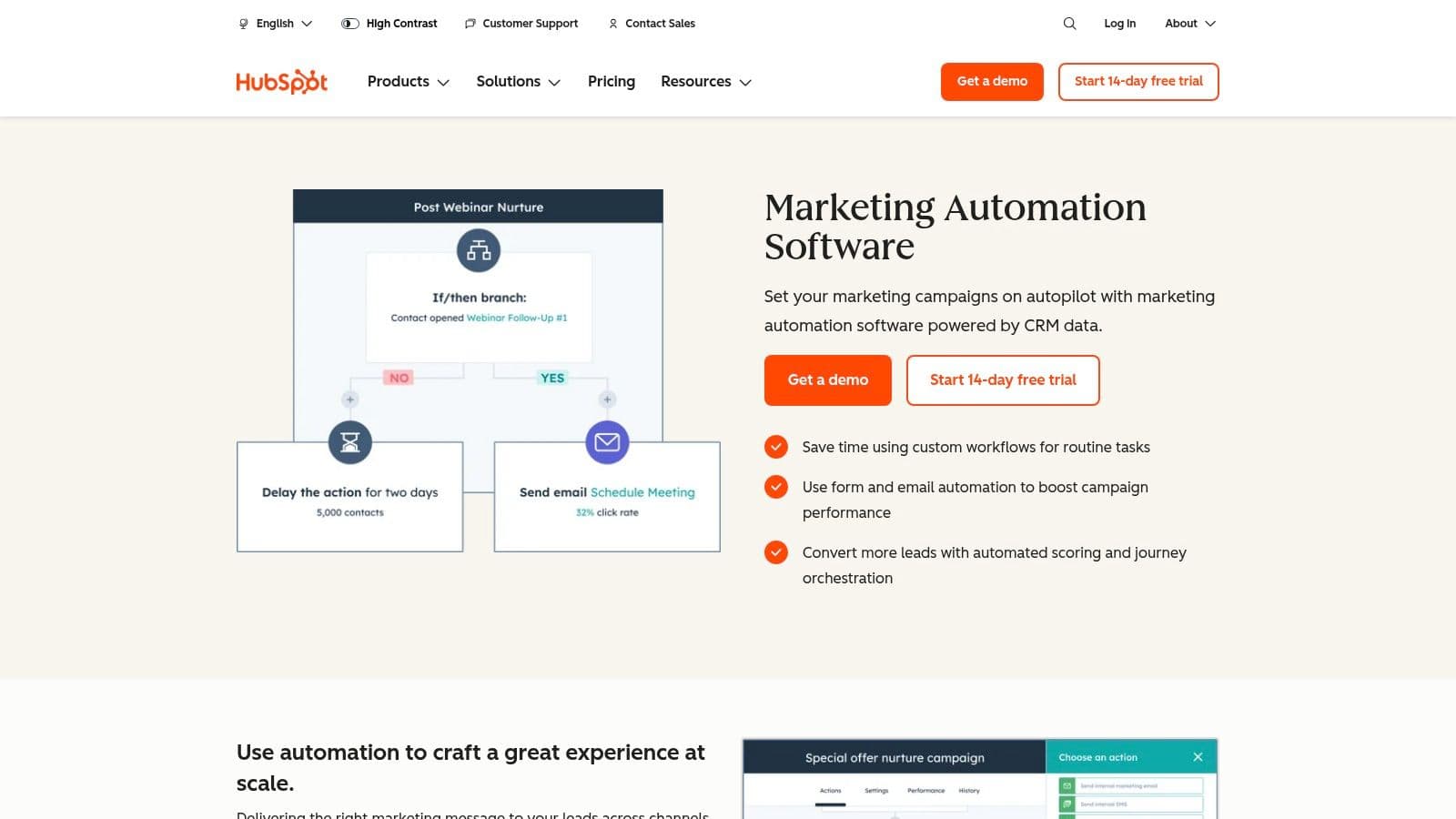
The platform is designed around a visual, drag-and-drop builder, making it accessible to marketers and operations teams without coding skills. Automations are triggered by specific CRM data, like a contact's property change, form submission, or a deal stage update. This CRM-centric approach makes it one of the best workflow automation tools for executing complex lead nurturing sequences and internal sales processes.
Key Features and Use Cases
- Best For : Businesses deeply invested in the HubSpot CRM for marketing, sales, and customer service.
- Standout Features : The ability to use any CRM data point as a trigger for a workflow, enabling hyper-specific personalization. It also offers programmable automation (custom code actions) and cross-hub orchestration, ensuring smooth data flow between the Marketing, Sales, and Service Hubs.
- Pricing : Basic automation is available on lower tiers, but the full-featured 'Workflows' tool is typically included starting with the Professional plans, which represent a significant cost increase. Pricing is also influenced by the number of contacts and user seats.
- Ideal Use Case : Creating a lead nurturing sequence that sends targeted emails based on which pages a lead visited, automatically creating and assigning tasks to sales reps when a lead becomes qualified, or cleaning and standardizing CRM data. For more ideas, you can explore various marketing automation workflow examples to see what's possible.
Pros and Cons
Pros:
- Native to the CRM, providing excellent personalization and attribution.
- Reduces the need for third-party integrations if you're already a HubSpot user.
- Powerful for both marketing and internal operational workflows.
Cons:
- Can be very expensive, as full access requires Professional tier plans.
- Total cost scales with the number of contacts and seats required.
Website: https://www.hubspot.com/products/marketing/marketing-automation
Top 12 Workflow Automation Tools — Feature Comparison
| Product | Core features | Quality ★ | Pricing / Value 💰 | Target audience 👥 | Unique selling points ✨ |
|---|---|---|---|---|---|
| Zanfia 🏆 | AI assistant, voice dictation, MCP endpoint, communities, courses, paid newsletters, checkout with order bumps and installments, test mode, analytics | ★★★★★ | 💰 $39/mo (or $31/mo billed annually) → $249/mo; 14-day free trial; 0% platform fees | 👥 Creators, educators, SMBs, brands | ✨ AI team that runs the business + built-to-sell checkout under your own brand |
| Zapier | No‑code multi‑app automations, paths, webhooks, Tables & Forms | ★★★★☆ | 💰 Task‑based; easy start, costly at scale | 👥 SMBs, creators, non‑technical teams | ✨ Largest app ecosystem; fastest to first automation |
| Make (Integromat) | Visual scenario builder, routers, filters, code steps | ★★★★ | 💰 Credit billing; good entry price | 👥 Marketers, ops, technical non‑devs | ✨ Granular mapping & per‑second code execution |
| n8n | Visual editor, self‑host option, JS/Python nodes, webhooks | ★★★★ | 💰 Self‑host low cost; cloud exec pricing | 👥 Developers, DevOps, privacy‑conscious teams | ✨ Open‑source, full control & extensibility |
| Microsoft Power Automate | Cloud flows, desktop RPA, process mining, AI Builder | ★★★★ | 💰 PAYG or per‑user; licensing nuanced | 👥 Enterprises on Microsoft 365/Azure | ✨ Deep M365/Dynamics governance & compliance |
| Workato | Enterprise iPaaS, recipe lifecycle, custom connectors | ★★★★☆ | 💰 Premium, custom pricing | 👥 Mid‑market & enterprise IT/ops | ✨ Enterprise governance, API management & security |
| Tray.io | Low‑code integrations, event streaming, Universal Connector | ★★★★ | 💰 Enterprise pricing (custom) | 👥 Revenue ops, IT, SaaS vendors | ✨ Universal connector + embedded integration product |
| Pipedream | Serverless workflows, JS/Python, event runtime | ★★★★ | 💰 Credit compute; generous free tier | 👥 Engineers, API‑first teams | ✨ Serverless dev experience + source‑available components |
| Airtable Automations | In‑base triggers/actions, third‑party integrations | ★★★ | 💰 Included by Airtable plan; run limits apply | 👥 Creators, small teams centralizing data | ✨ Native access to base data; great for hybrid designs |
| Parabola | Visual data ETL, scheduling, AI steps, exports | ★★★ | 💰 Credit‑based; scales with volume | 👥 eCommerce & ops teams | ✨ No‑code data prep for storefronts & reports |
| Kissflow | Low‑code process apps, approvals, SLAs, governance | ★★★ | 💰 Sales‑led / higher cost | 👥 Process‑led teams, compliance use cases | ✨ Structured end‑to‑end process automation |
| HubSpot Workflows | CRM‑embedded workflows, personalization, code actions | ★★★★ | 💰 Starts at Professional; costs grow with contacts | 👥 Marketing & sales teams using HubSpot | ✨ Native CRM tie‑ins for attribution & personalization |
Choosing Your Automation Engine: Integrated Platform vs. Specialized Tool
You've explored a dozen of the best workflow automation tools, from dedicated integration platforms like Zapier and Make to specialized solutions like Airtable Automations. The core lesson is that there isn't one single "best" tool for everyone. The right choice depends entirely on your business model, technical comfort, and, most importantly, where your biggest time sinks are. The goal is to reclaim your most valuable asset: your time.
The central decision often boils down to a key strategic choice: do you need an all-in-one platform with built-in automation, or a specialized connector tool (iPaaS) to bridge gaps between your existing software?
The Case for an Integrated Platform
For content creators, online educators, and small business owners focused on selling digital products, an integrated platform like Zanfia is a strong fit. The automations are not generic; they are designed around the core operations of a digital business, and an AI assistant (voice-ready, and reachable by outside agents through an MCP endpoint on higher plans) can drive them for you.
Consider these built-in functions:
- Instant Access Granting: A customer buys your course, and they are immediately enrolled. No manual emails, no waiting.
- Community Onboarding: A new member joins your subscription, and they are automatically added to the correct private community channels based on their purchase.
- Built-to-sell checkout: A single transaction can carry an order bump, split a $600 course into four installments, and trigger a subscription upsell, all without extra tooling.
- Access Management: A subscriber's plan ends, and their access to premium content is automatically revoked without any awkward follow-ups.
These are not just conveniences; they are foundational workflows that, when automated, save an average of 5-10 hours every single month. For "Business Architects" who have outgrown a messy stack of WordPress plugins or "Potential Explorers" paralyzed by tech complexity, this built-in approach removes the entire burden of having to design, build, and maintain automations. As of publication, Zanfia charges 0% platform commission on customer sales, so as you grow you keep 100% of your revenue and only pay the standard payment processor fee.
When to Choose a Specialized Tool
Specialized workflow automation tools like Zapier, Make, and n8n shine when your business processes span a wide array of disconnected applications. If your daily operations involve moving data between a custom CRM, a project management tool, a separate email marketing service, and a social media scheduler, then a dedicated connector is essential. These tools act as the universal glue for your tech stack, offering immense flexibility with thousands of app connectors.
The trade-off is complexity and cost. You become the architect, responsible for designing, testing, and troubleshooting each "Zap" or "Scenario." As you add more steps and run more tasks, the monthly costs for these platforms can increase significantly. This is a perfect solution for businesses with unique, cross-departmental workflows but can be overkill for a creator whose primary needs center on sales and content delivery.
Your Next Steps
To make a clear decision, start by auditing your own time.
- List Your Repetitive Tasks: For one week, write down every manual, repetitive task you perform. Is it adding customers to an email list? Sending invoices? Granting access to a Google Drive folder?
- Identify the Core Problem: Look at your list. Are most of your pains related to the sales and management of your digital products (courses, communities, newsletters)? Or are they scattered across a dozen different marketing, sales, and admin tools?
- Match the Solution to the Problem:
- If your list is full of tasks related to product sales, customer onboarding, and community management, an integrated platform like Zanfia is likely your most efficient and cost-effective solution.
- If your list involves complex data transfers between multiple, unrelated software systems, start exploring a tool like Make or Zapier.
While our focus leans towards broader workflow solutions, those specifically interested in marketing automation may find value in exploring the current landscape of the best SaaS marketing automation tools to find more specialized options for lead nurturing and campaign management.
Ultimately, adopting workflow automation is an investment in your own focus and a commitment to scaling your business intelligently. Start small, automate one process, and experience the relief of getting time back. From there, you can build momentum, creating a smooth, efficient engine that works for you, so you can get back to the creative work that matters most.
FAQ
Which Zanfia plan unlocks the MCP endpoint for connecting outside AI assistants?
The MCP endpoint is available on higher plans (plan-dependent), so if you want to let external AI assistants act on your workspace, check the tier requirements before subscribing. See the current details at zanfia.com/pricing.
How does Zapier's task-based pricing differ from Make's operations-based pricing?
Zapier bills based on the number of tasks you run per month, which can become expensive at high volumes. Make uses a credit-based system billed on operations, which can be more cost-effective for complex workflows that don't run at extremely high volumes but requires careful monitoring to avoid overage costs.
When should I choose n8n over a SaaS-only tool like Zapier or Make?
Choose n8n if you're a technical user or developer who needs self-hosting for compliance, data sovereignty, or cost-efficiency at high volumes. Its code nodes for JavaScript and Python plus the HTTP Request node let you connect to virtually any API, but self-hosting requires ongoing maintenance and security patching.
Is Microsoft Power Automate worth it if I'm not already using Microsoft 365?
Power Automate's biggest advantage is native integration with Microsoft 365, Teams, SharePoint, and Dynamics 365, so its value drops significantly outside that ecosystem. Licensing is also nuanced, with premium connectors and RPA functionality typically requiring separate licenses that can drive up costs.
What's the difference between an all-in-one creator platform and a general-purpose automation connector?
An all-in-one platform handles core creator workflows natively, like granting course access after payment or adding buyers to community channels, without needing to wire up separate apps. A general-purpose connector like Zapier or Make sits between existing tools to sync data across them, which is more flexible but adds another billing line and another point of failure.
Ready to stop wrestling with tech and focus on your content? Zanfia gives you an AI team that runs the business: dictate the work by chat or voice, sell through a checkout built for order bumps and installments, and keep 100% of your revenue thanks to 0% platform fees. Start free for 14 days at Zanfia.