
New
Clients pick a consultation time in a calendar
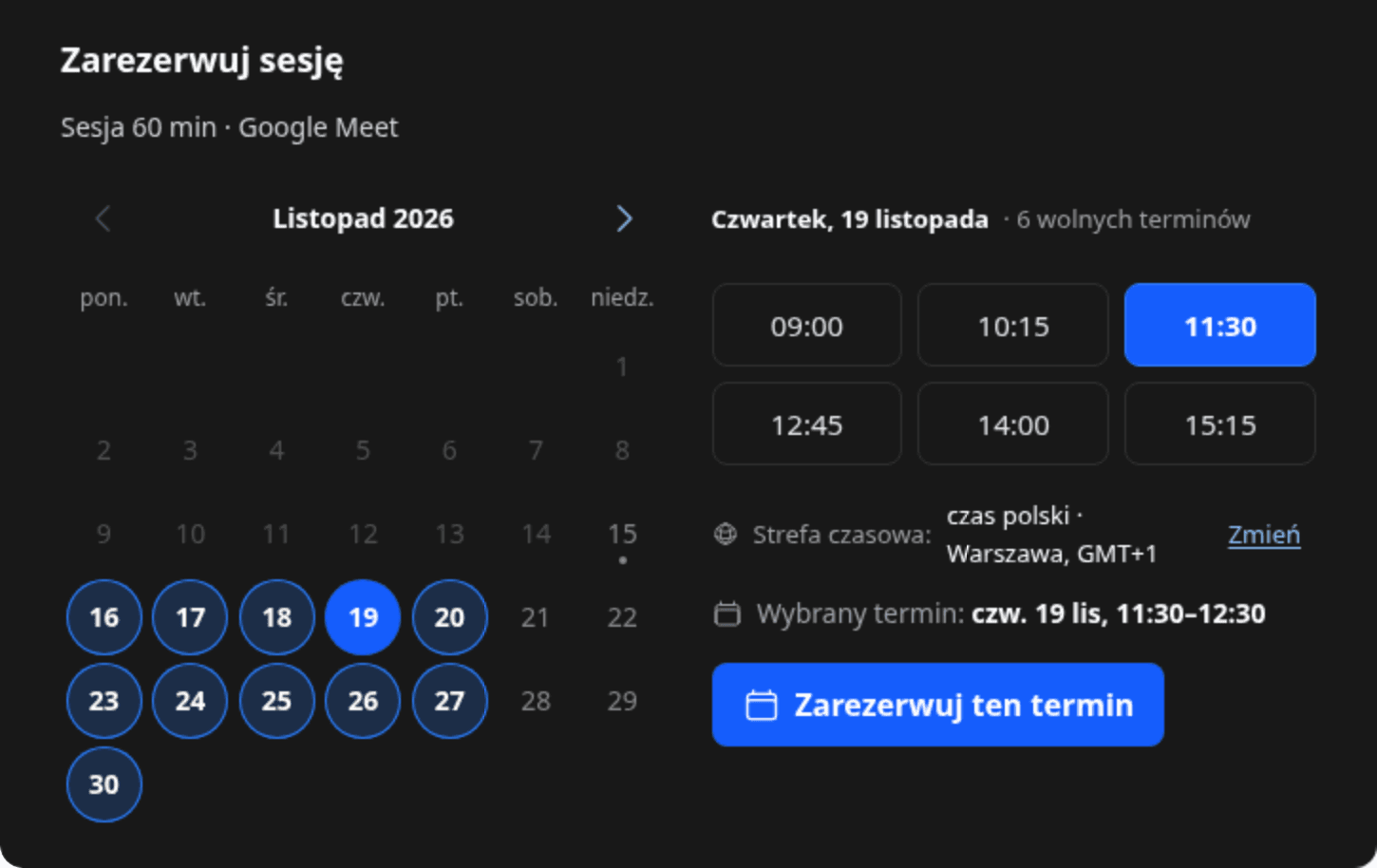
Show clients a whole month like a calendar. Free days stand out, and the times show next to the chosen day.
- New A calendar in the time picker. When clients book through the Zanfia calendar, the consultation editor has a Time picker layout section with List with arrows and Calendar. With the calendar, clients see the whole month: free days stand out, the arrows switch months, and clicking a day shows its free times next to it (below the calendar on a phone). Your choice saves on its own, and the What your client sees preview shows the new layout right away. Consultations you don't change keep the list with arrows. Learn more